वोकल प्रिसेट्स और टेम्प्लेट्स
अपने सेटअप के लिए अनुकूलित वोकल प्रीसेट ब्राउज़ करने के लिए नीचे अपना DAW चुनें।
सबसे लोकप्रिय बिक्री आइटम
हमारे तैयार-से-उपयोग रिकॉर्डिंग टेम्पलेट और स्टॉक वोकल प्रीसेट्स के साथ अपने कार्यप्रवाह को सरल बनाएं।
प्रकार: रिकॉर्डिंग टेम्पलेट
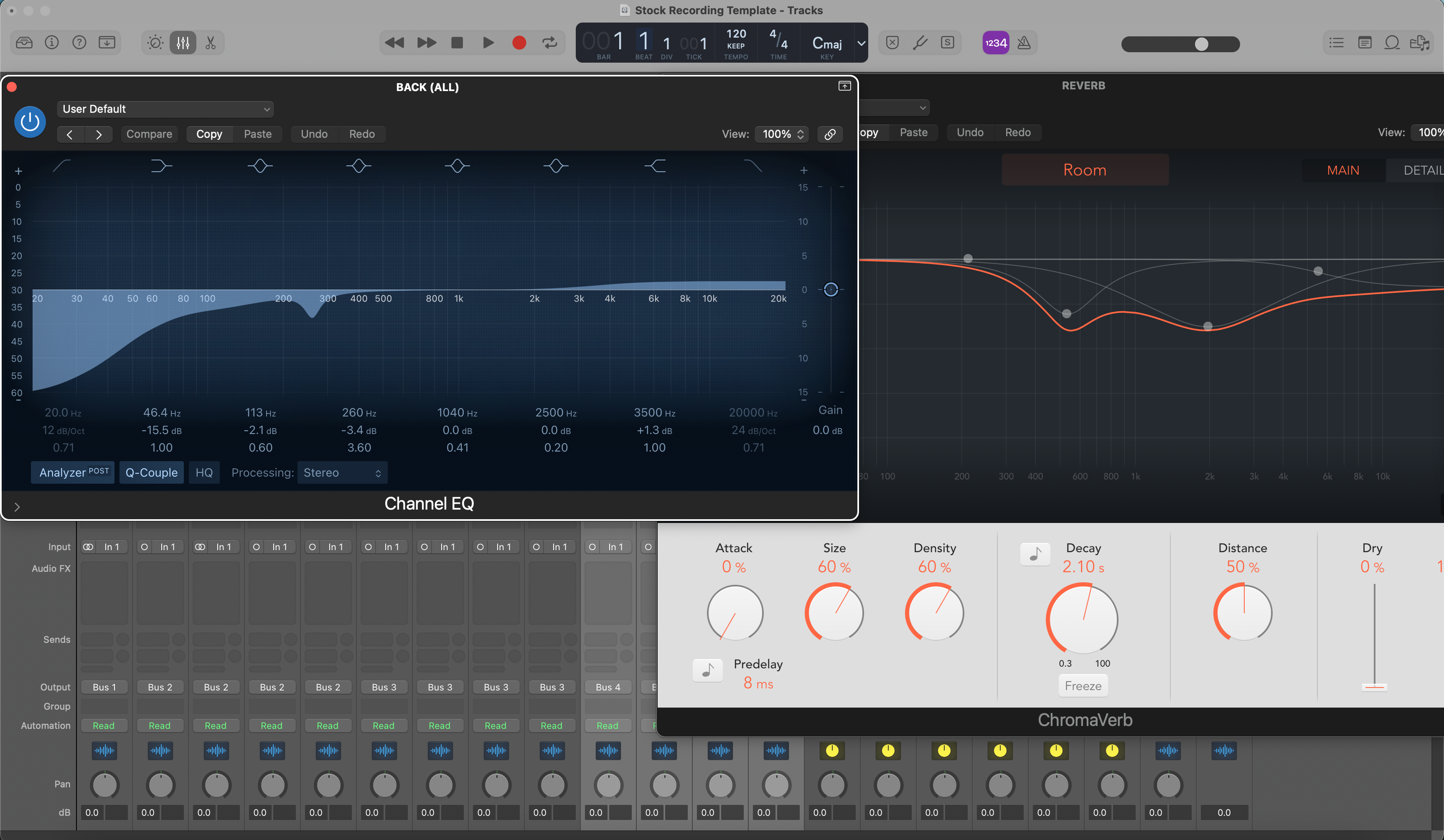
लॉजिक प्रो रिकॉर्डिंग टेम्पलेट (स्टॉक प्लगइन्स)
प्रकार: रिकॉर्डिंग टेम्पलेट
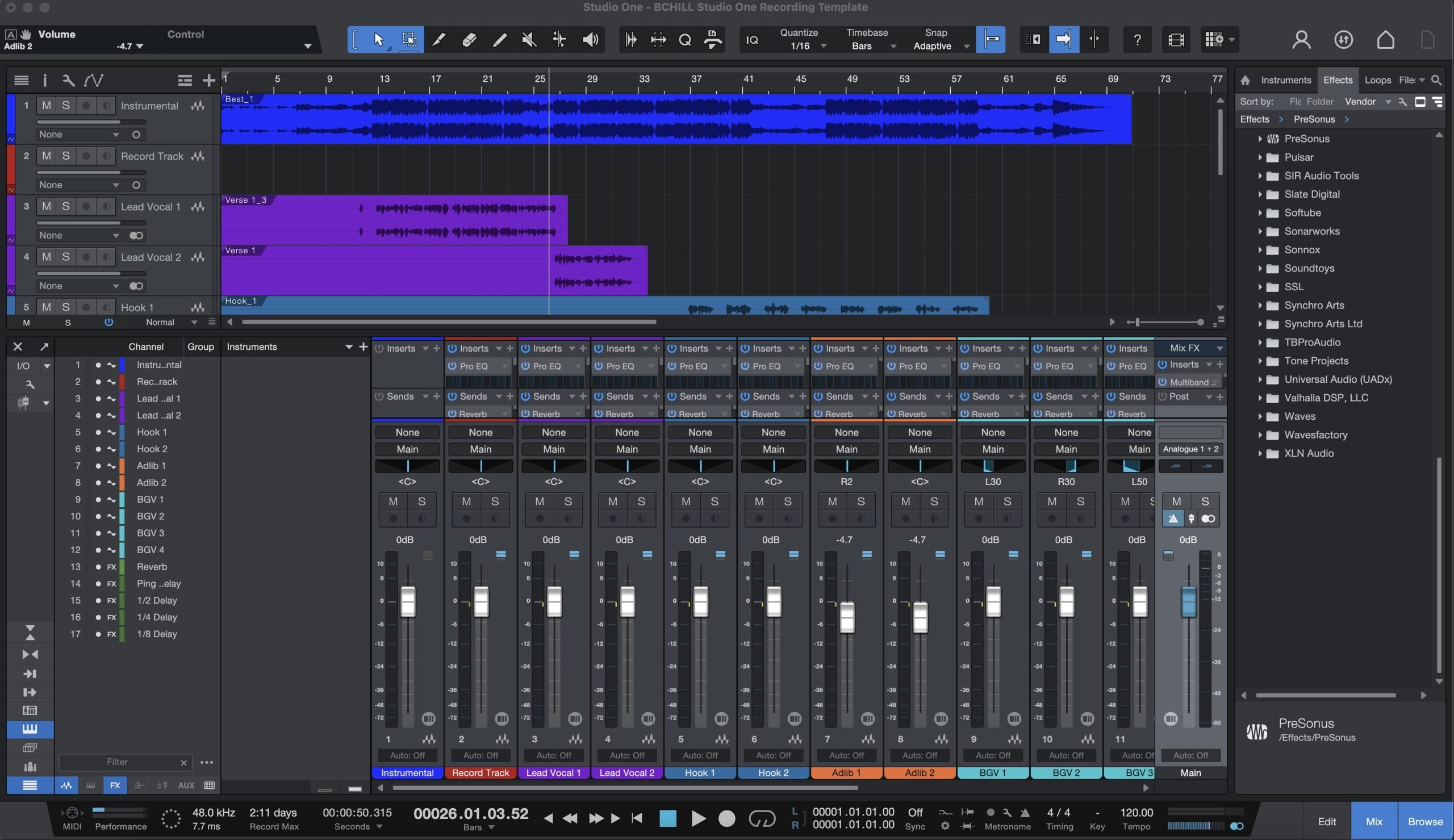
स्टूडियो वन रिकॉर्डिंग टेम्पलेट (स्टॉक प्लगइन्स)
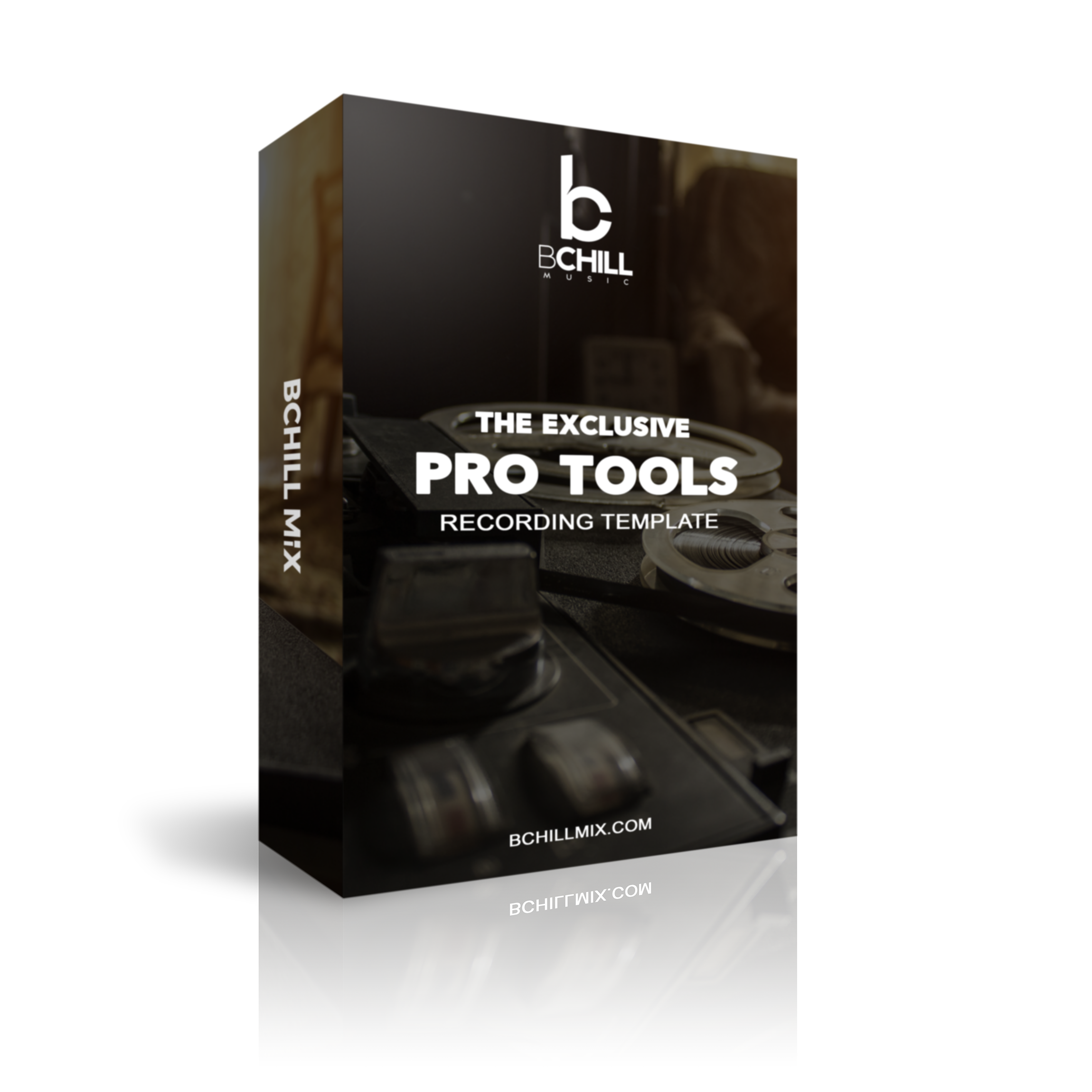
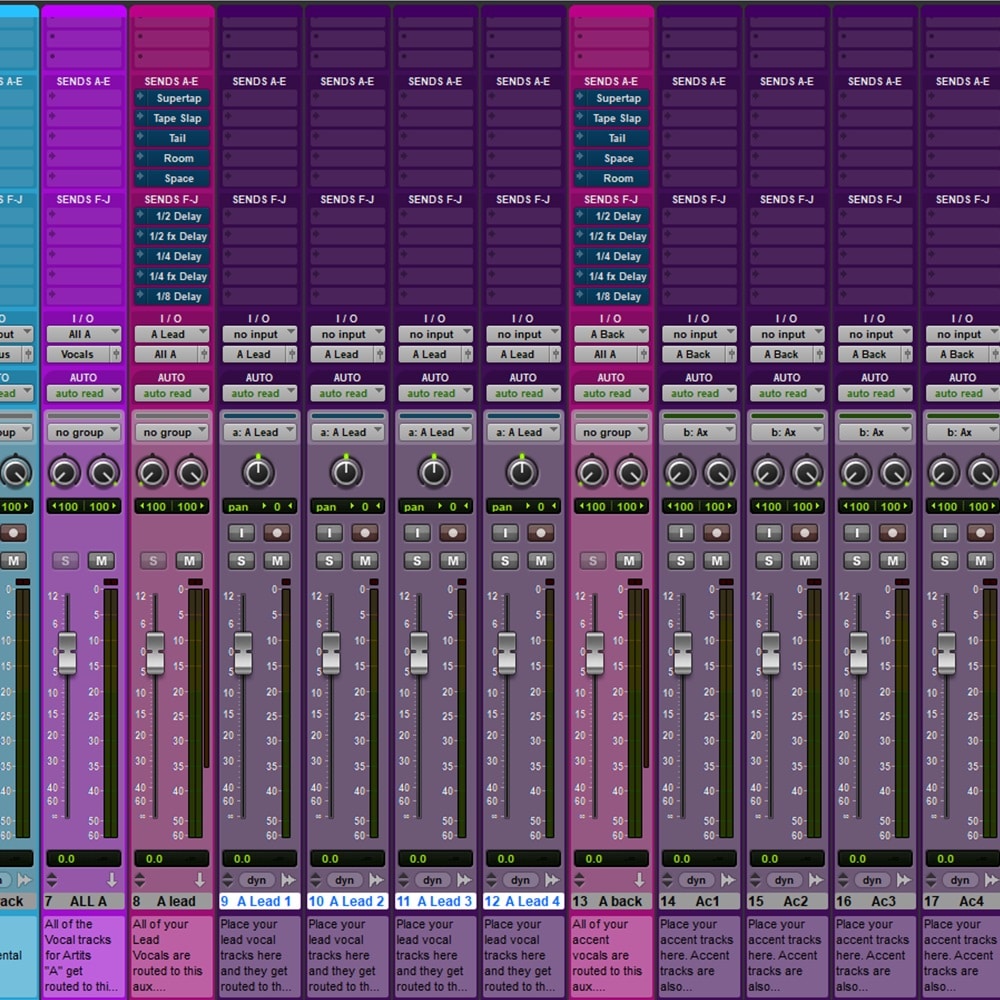
प्रकार: रिकॉर्डिंग टेम्पलेट
द एक्सक्लूसिव प्रो टूल्स रिकॉर्डिंग टेम्पलेट (स्टॉक प्लगइन्स)
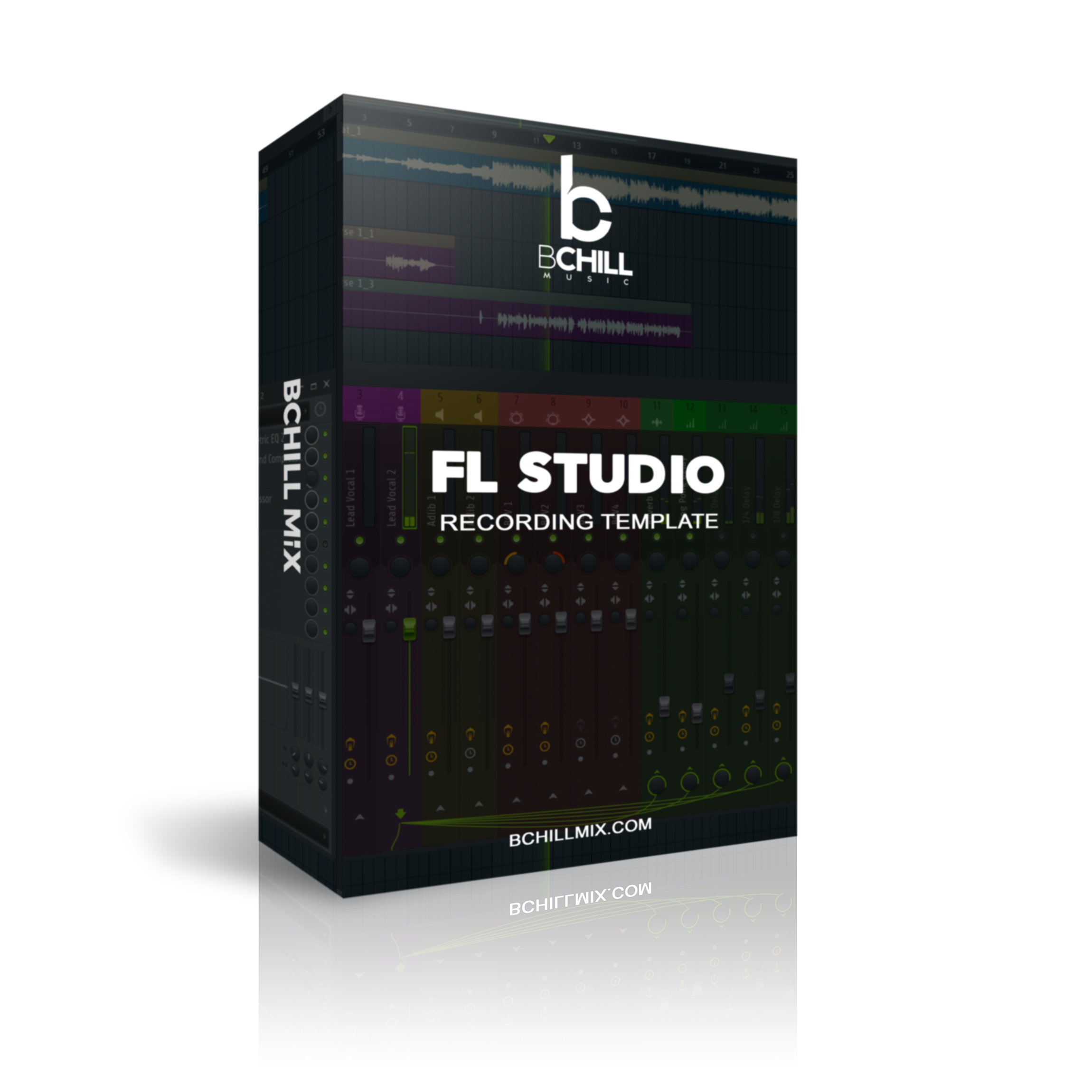
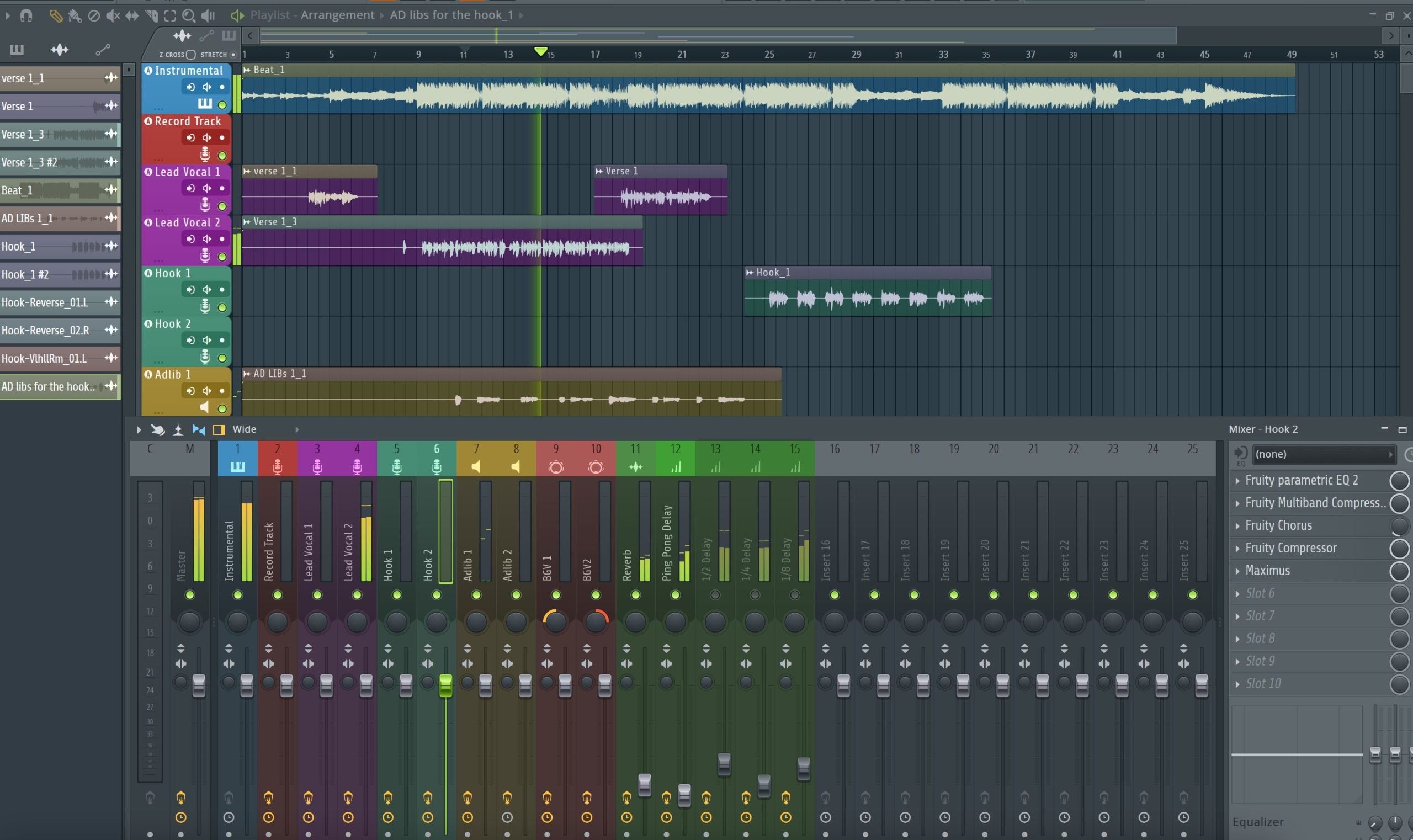
प्रकार: रिकॉर्डिंग टेम्पलेट
FL स्टूडियो रिकॉर्डिंग टेम्पलेट (स्टॉक प्लगइन्स)
प्रकार: रिकॉर्डिंग टेम्पलेट
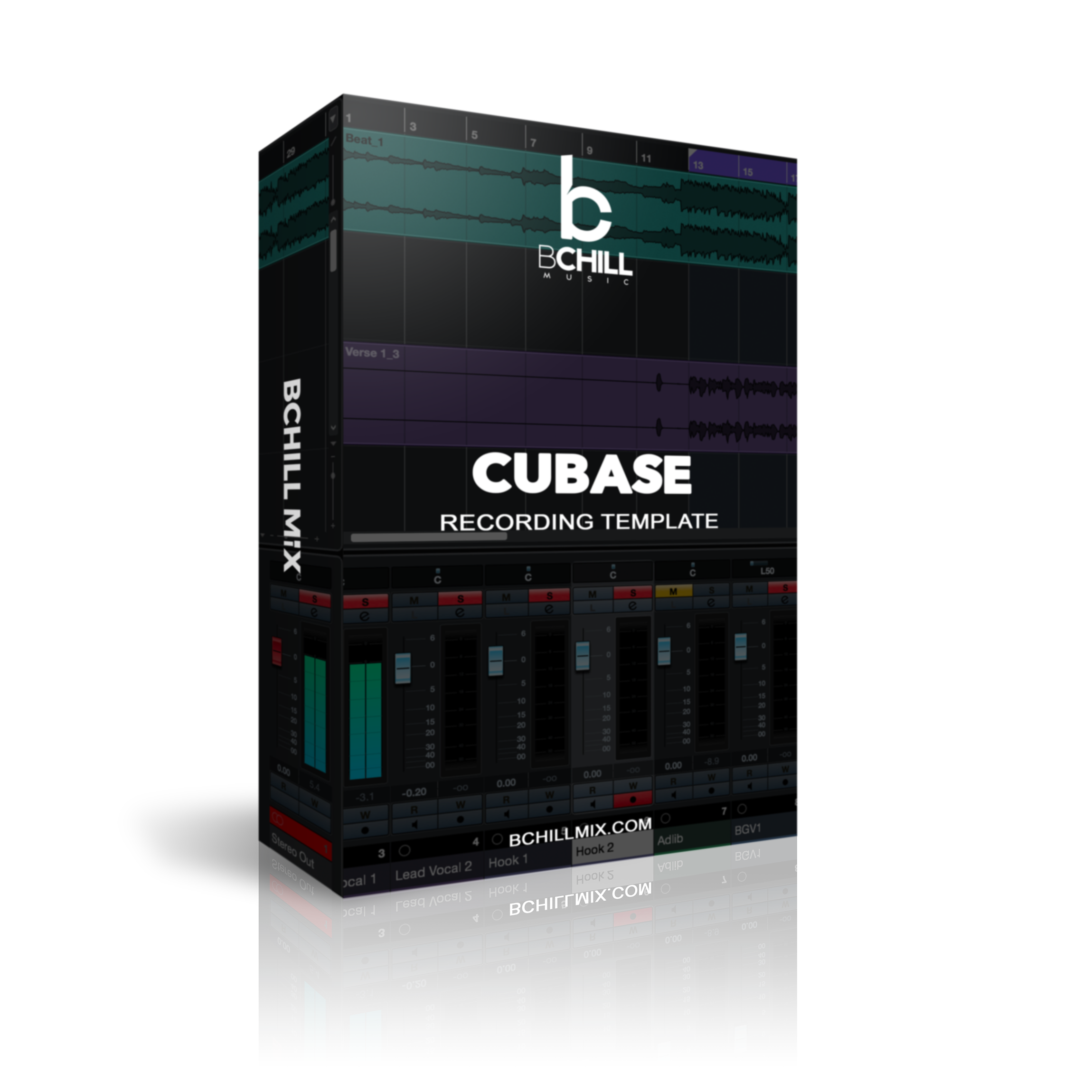
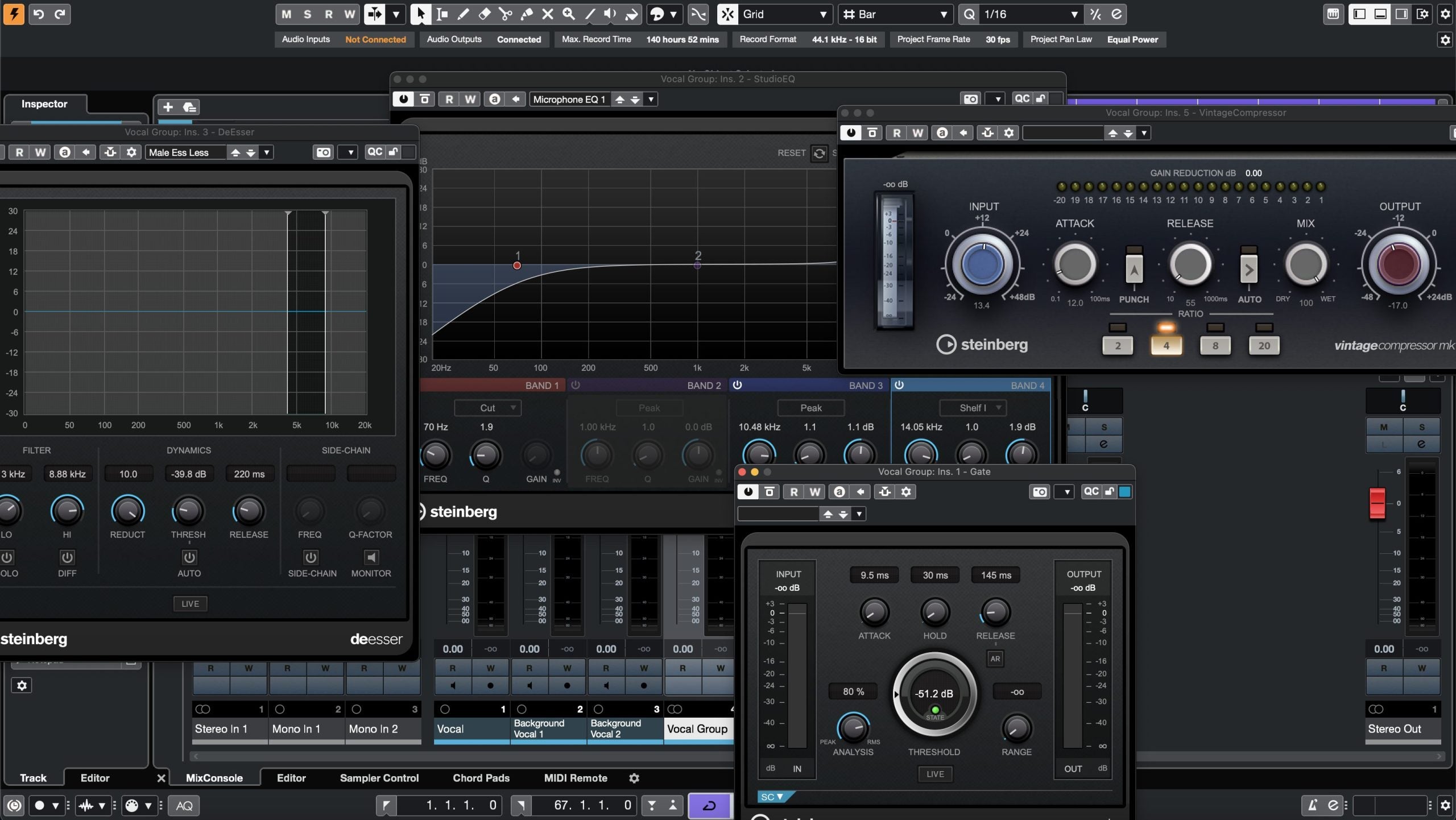
क्यूबेस रिकॉर्डिंग टेम्पलेट (स्टॉक प्लगइन्स)
प्रकार: रिकॉर्डिंग टेम्पलेट
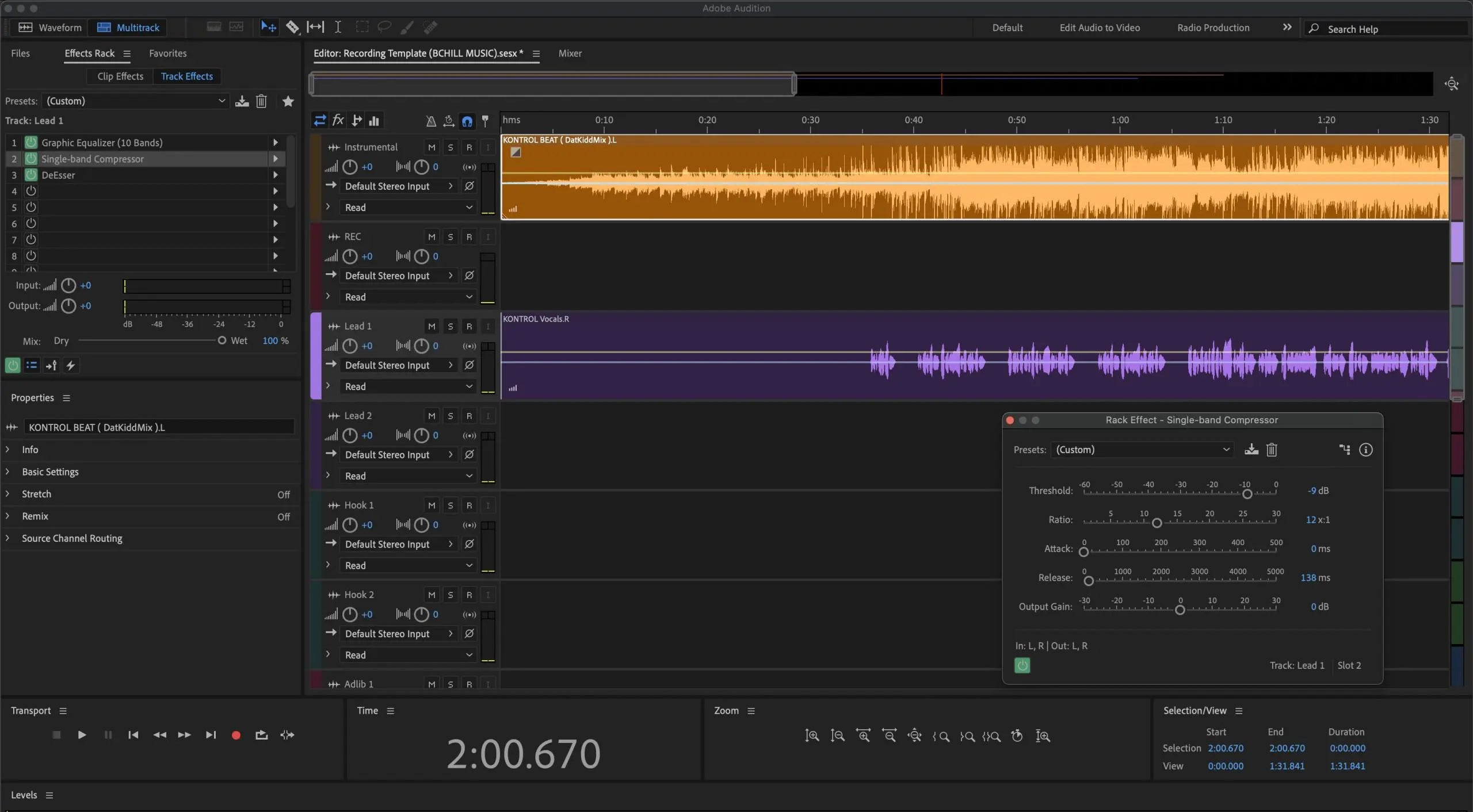
Adobe Audition रिकॉर्डिंग टेम्पलेट (स्टॉक प्लगइन्स)
प्रकार: रिकॉर्डिंग टेम्पलेट
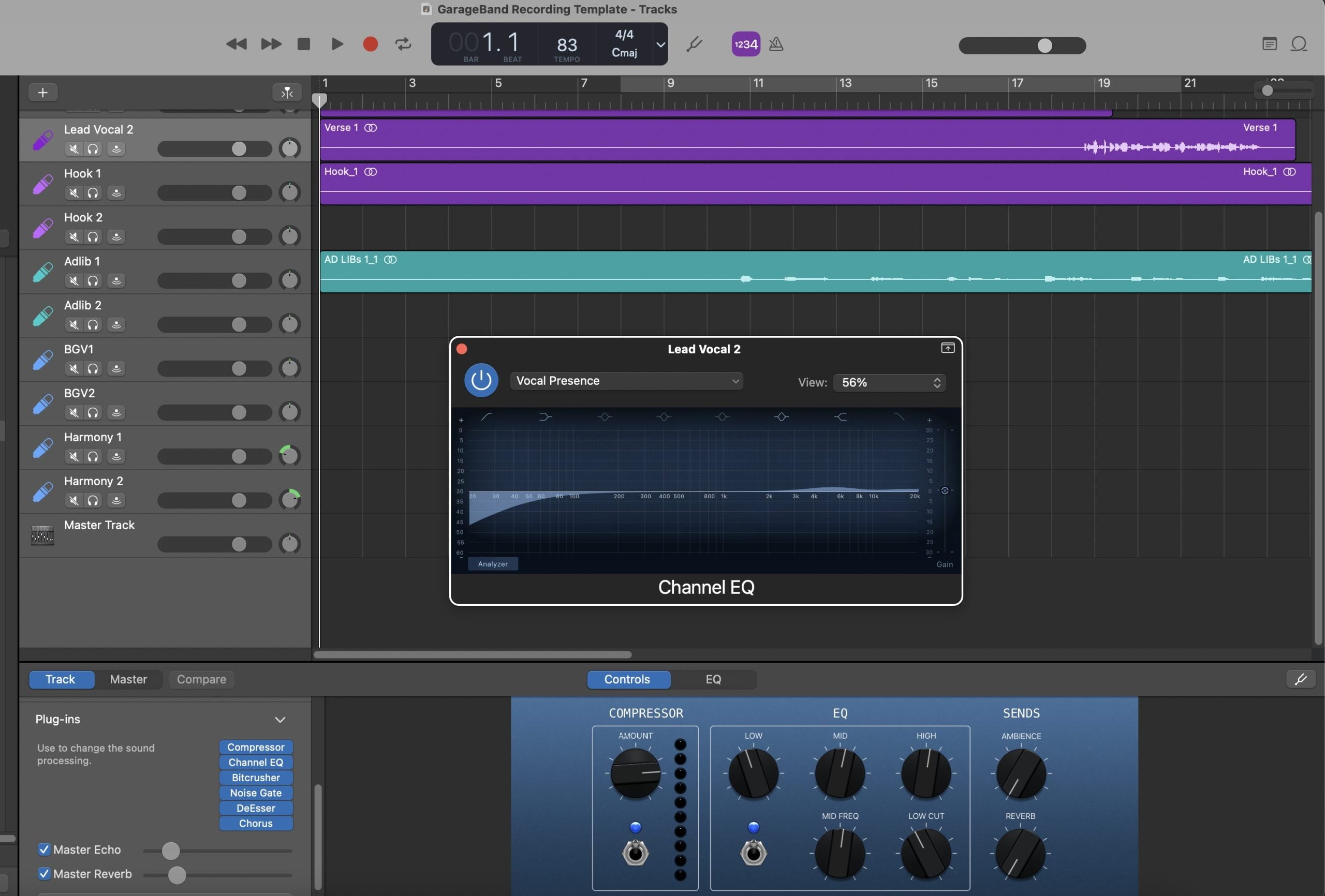
गैराजबैंड रिकॉर्डिंग टेम्पलेट (स्टॉक प्लगइन्स)
प्रकार: रिकॉर्डिंग टेम्पलेट
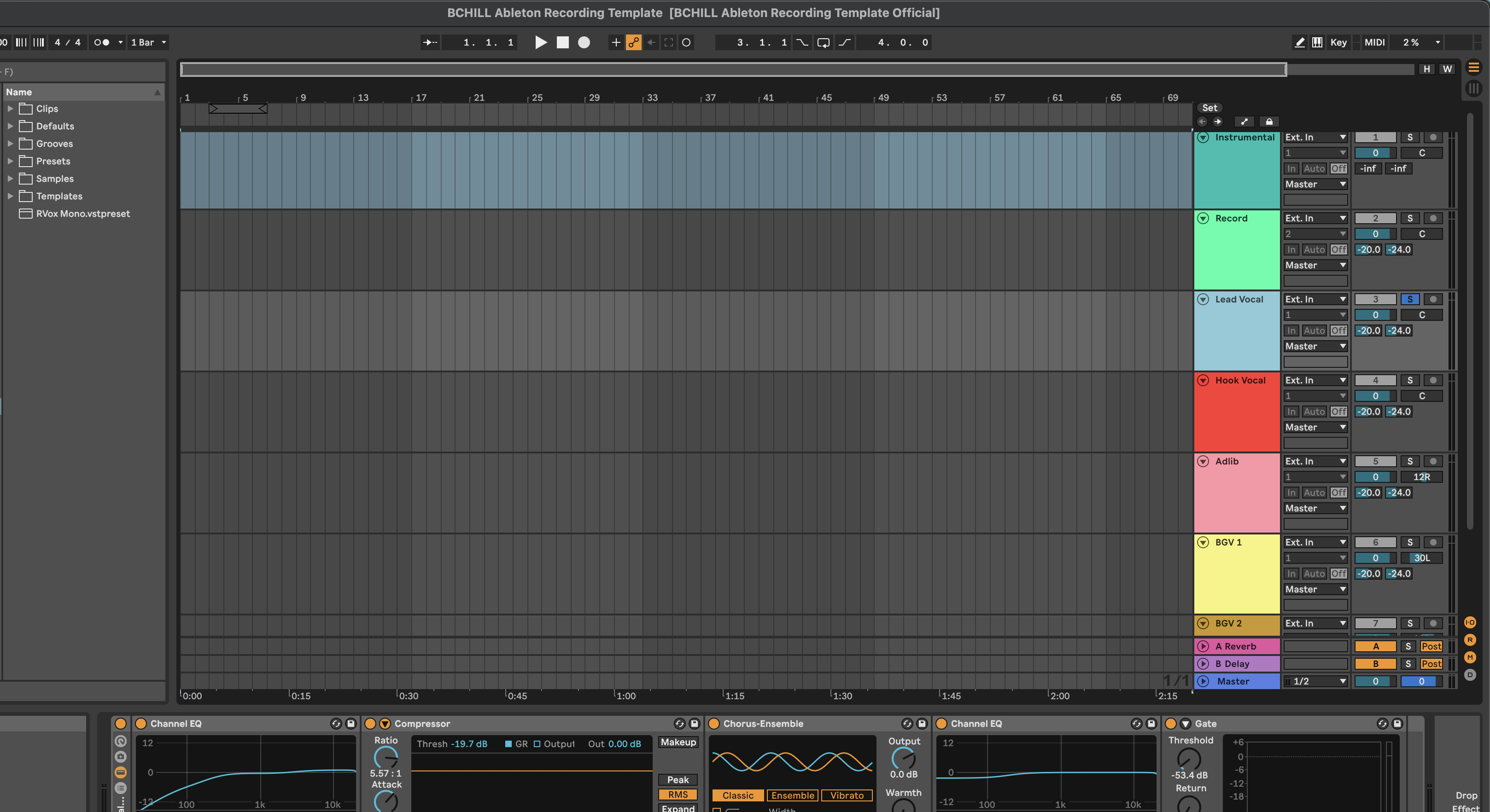
एबलटन लाइव रिकॉर्डिंग टेम्पलेट (स्टॉक प्लगइन्स)
अक्सर पूछे जाने वाले प्रश्न
वोकल प्रीसेट्स क्या हैं?
वोकल प्रीसेट्स क्या हैं?
वोकल प्रीसेट्स तैयार वोकल चेन होते हैं जो आपको टोन, नियंत्रण, और स्पेस के लिए तेज़ शुरुआत प्रदान करते हैं, बिना हर सत्र में एक ही सेटिंग्स को दोबारा बनाने के।
BCHILL MIX में, इसका मतलब आमतौर पर EQ, कंप्रेशन, डी-एसिंग, माहौल, और वोकल पॉलिश के लिए एक व्यावहारिक चेन होता है जो एक विशिष्ट DAW से मेल खाता है।
BCHILL MIX वोकल प्रीसेट्स किन DAWs को सपोर्ट करते हैं?
BCHILL MIX वोकल प्रीसेट्स किन DAWs को सपोर्ट करते हैं?
यह स्टोर प्रमुख वर्कफ़्लो को कवर करता है जिनमें FL Studio, Ableton, Logic Pro, Pro Tools, GarageBand, Cubase, Studio One, BandLab, और Adobe Audition शामिल हैं, साथ ही Ozone के लिए मास्टरिंग विकल्प भी उपलब्ध हैं।
खरीदारी करने का सबसे सुरक्षित तरीका है कि आप उस DAW के लिए बनाई गई कलेक्शन में जाएं जिसे आप वास्तव में उपयोग करते हैं।
BCHILL MIX से वोकल प्रीसेट खरीदने के बाद मुझे क्या मिलता है?
BCHILL MIX से वोकल प्रीसेट खरीदने के बाद मुझे क्या मिलता है?
आपको उत्पाद पृष्ठ पर सूचीबद्ध प्रीसेट या सेशन फ़ाइल प्रारूप प्राप्त होता है, साथ ही इसे सही ढंग से लोड करने के लिए आवश्यक किसी भी शामिल इंस्टॉल चरण या उपयोग नोट्स के साथ।
कुछ उत्पाद सरल एकल-ट्रैक चेन होते हैं, जबकि अन्य में पूर्ण टेम्पलेट-शैली सेशन समर्थन शामिल होता है।
खरीदारी के बाद मुझे फाइलें कितनी जल्दी मिलती हैं?
खरीदारी के बाद मुझे फाइलें कितनी जल्दी मिलती हैं?
ये डिजिटल उत्पाद हैं, इसलिए चेकआउट के बाद डिलीवरी आमतौर पर तुरंत होती है।
अधिकांश खरीदारों को आदेश पुष्टि और डिलीवरी ईमेल के माध्यम से फाइलें तुरंत उपलब्ध होने की उम्मीद करनी चाहिए।
क्या मुझे ये वोकल प्रीसेट्स इस्तेमाल करने के लिए किसी थर्ड-पार्टी प्लगइन्स की जरूरत है?
क्या मुझे ये वोकल प्रीसेट्स इस्तेमाल करने के लिए किसी थर्ड-पार्टी प्लगइन्स की जरूरत है?
हमेशा नहीं। स्टॉक उत्पाद अंतर्निर्मित DAW उपकरणों के साथ काम करने के लिए डिज़ाइन किए गए हैं, जबकि प्रीमियम उत्पाद अतिरिक्त टोनल शेपिंग या प्रभावों के लिए बाहरी प्लगइन्स पर निर्भर हो सकते हैं।
जब बाहरी प्लगइन्स की आवश्यकता होती है, तो उत्पाद पृष्ठ को खरीदने से पहले इसे स्पष्ट रूप से बताना चाहिए।
मैं अपने DAW में वोकल प्रीसेट्स कैसे इंस्टॉल करूं?
मैं अपने DAW में वोकल प्रीसेट्स कैसे इंस्टॉल करूं?
सटीक प्रक्रिया DAW पर निर्भर करती है, लेकिन आमतौर पर इसका मतलब होता है प्रीसेट फ़ाइल को DAW के प्रीसेट, रैक, FX चेन, या सेशन-टेम्पलेट वर्कफ़्लो में लोड करना।
यदि आप सुनिश्चित नहीं हैं कि कौन सी सेटअप प्रक्रिया आपके DAW पर लागू होती है, तो सबसे अच्छा कदम है उस DAW के संग्रह पृष्ठ पर जाना और वहां मेल खाने वाले फ़ाइल फॉर्मेट को चुनना।
क्या BCHILL MIX वोकल प्रीसेट्स शुरुआती लोगों के लिए उपयुक्त हैं?
क्या BCHILL MIX वोकल प्रीसेट्स शुरुआती लोगों के लिए उपयुक्त हैं?
हाँ। इन्हें उन कलाकारों के लिए बनाया गया है जो बिना घंटों एक चेन को फिर से बनाने में लगाए, बेहतर वोकल साउंड चाहते हैं ताकि उनकी सीखने की प्रक्रिया तेज हो सके।
ये अनुभवी उपयोगकर्ताओं के लिए भी उपयोगी हैं जो कई सत्रों में स्थिरता और गति चाहते हैं।
क्या मैं अपनी आवाज़, माइक्रोफोन, और कमरे के अनुसार प्रीसेट को बेहतर ढंग से समायोजित कर सकता हूँ?
क्या मैं अपनी आवाज़, माइक्रोफोन, और कमरे के अनुसार प्रीसेट को बेहतर ढंग से समायोजित कर सकता हूँ?
हाँ। एक प्रीसेट को एक मजबूत शुरुआती बिंदु के रूप में माना जाना चाहिए, न कि एक अंतिम तय उत्तर के रूप में।
आप थ्रेशोल्ड, ईक्यू, रिवर्ब की मात्रा, डिले स्तर, सैचुरेशन, या गेन स्टेजिंग को समायोजित कर सकते हैं ताकि चेन आपकी अपनी वोकल टोन, माइक्रोफोन, और रिकॉर्डिंग स्पेस के अनुसार फिट हो जाए।
क्या ये वोकल प्रीसेट्स लीड वोकल्स, डबल्स, एड-लिब्स, बैकग्राउंड वोकल्स, रैप, गायन, और मेलोडिक वोकल्स के लिए काम करते हैं?
क्या ये वोकल प्रीसेट्स लीड वोकल्स, डबल्स, एड-लिब्स, बैकग्राउंड वोकल्स, रैप, गायन, और मेलोडिक वोकल्स के लिए काम करते हैं?
हाँ, लेकिन सबसे अच्छा परिणाम तब मिलता है जब आप एक ऐसा प्रीसेट चुनते हैं जो वोकल की भूमिका और रिकॉर्ड की शैली से मेल खाता हो।
कुछ चेन रैप लीड्स के लिए अधिक सघन और आगे होती हैं, जबकि अन्य हुक्स, डबल्स, हार्मोनियाँ, और मेलोडिक काम के लिए अधिक स्मूथ, चौड़ी, या अधिक वातावरणपूर्ण होती हैं।
क्या मुझे वोकल प्रीसेट खरीदना चाहिए या रिकॉर्डिंग टेम्पलेट?
क्या मुझे वोकल प्रीसेट खरीदना चाहिए या रिकॉर्डिंग टेम्पलेट?
यदि आपको मुख्य रूप से एक वोकल चैनल के लिए प्रोसेसिंग की जरूरत है और आप पहले से जानते हैं कि आप सेशन के बाकी हिस्से को कैसे बनाना चाहते हैं, तो एक वोकल प्रीसेट खरीदें।
यदि आप रिकॉर्डिंग शुरू करने से पहले पूरी सेशन लेआउट को बस, रिटर्न, वोकल लेन और रूटिंग के साथ व्यवस्थित चाहते हैं, तो एक रिकॉर्डिंग टेम्पलेट खरीदें।
अपनी खुद की टोकरी बनाएं
अपने सत्र को सेकंडों में बदलें
हमारे तैयार रिकॉर्डिंग टेम्पलेट्स और वोकल प्रीसेट्स के साथ तुरंत सत्र सेटअप करें।


उद्योग क्रेडिट्स

वेस्टसाइड बूगी

शोंटेल

जारन बेंटन

डीजे ट्यूनज़

वोरी

कैस्के

रिट्ज़

निया रिले

यूगी

क्यू पार्कर
हमारे काम को सुनें
आर एंड बी
पहले
के बाद
रैप
पहले
के बाद
पॉप
पहले
के बाद
आत्मा
पहले
के बाद
रॉक
पहले
के बाद
लैटिन
पहले
के बाद
वोकल प्रीसेट्स: व्यावहारिक मार्गदर्शिका
वोकल प्रेसैट्स का परिचय
आधुनिक रिलीज़ गति और संगति पर आधारित होते हैं। हर सत्र के लिए पूरी चेन को फिर से बनाने के बजाय, क्रिएटर एक प्रेसैट लोड करते हैं ताकि वोकल पहले टेक से ही स्पष्ट, नियंत्रित, और मिक्स-तैयार महसूस हो। यही यहाँ का मूल विचार है: एक विश्वसनीय प्रारंभिक बिंदु जिसे आप अपनी आवाज़, माइक्रोफोन, और गीत के लिए समायोजित कर सकते हैं—चाहे आप घर पर, स्टूडियो में, या यात्रा पर ट्रैक करें।
इस पृष्ठ पर आपको हर प्रमुख DAW के लिए विकल्प मिलेंगे, साथ ही पूरक रिकॉर्डिंग टेम्पलेट्स जो सत्रों को व्यवस्थित रखते हैं। लक्ष्य सरल है: सेटअप समय कम करना, प्रोजेक्ट्स में टोन को सुसंगत रखना, और प्रदर्शन तथा अरेंजमेंट पर ध्यान केंद्रित करना बजाय तकनीकी सेटअप के।
वोकल प्रेसैट क्या है?
एक प्रेसैट एक सहेजी गई इफेक्ट चेन होती है जो एक विशिष्ट क्रम में लागू की जाती है ताकि आपका सिग्नल पाथ पूर्वानुमानित हो। एक संतुलित चेन आमतौर पर शामिल होती है:
- टोन शेपिंग: रंबल हटाने और कठोरता को कम करने के लिए एक सौम्य हाई-पास और छोटे सर्जिकल EQ मूव्स।
- डायनामिक नियंत्रण: पंपिंग के बिना वाक्यांशों को स्तरित करने के लिए एक या दो कंप्रेसर।
- सिबिलेंस नियंत्रण: अंतिम ब्राइटनिंग से पहले एक डी-एसर ताकि व्यंजन स्मूद रहें।
- चरित्र और स्थान: उपस्थिति के लिए वैकल्पिक सैचुरेशन या एक्साइटर, और टेम्पो-मिलान डिले या गहराई के लिए एक छोटा प्लेट/रूम भेजना।
अच्छी तरह से बनाए गए चेन गेन स्टेजिंग को भी मानकीकृत करते हैं ताकि आपके रफ्स हेडफ़ोन, मॉनिटर, और फोन पर सही अनुवादित हों। अधिकांश पैक लीड्स, डबल्स, हार्मनीज़, और एड-लिब्स के लिए विविधताएँ शामिल करते हैं, साथ ही एक वोकल बस लेआउट भी यदि आप ग्रुप प्रोसेसिंग पसंद करते हैं।
प्रीसेट्स क्यों उपयोग करें (लाभ और कब मदद करते हैं)
- गति: दोहराए जाने वाले सेटअप को छोड़ें और प्रेरणा ताज़ा होने पर विचार कैप्चर करें। यह होम स्टूडियो और कंटेंट वर्कफ़्लो के लिए महत्वपूर्ण है जहाँ आप जल्दी से प्रोजेक्ट्स के बीच कूदते हैं।
- संगति: एक कैलिब्रेटेड चेन सिंगल्स और EPs में टोन को संरेखित रखती है, जिससे रिलीज़ एकजुट महसूस होते हैं।
- फोकस: तकनीकी मार्ग होने के कारण, आप प्रदर्शन, डबल्स/एड-लिब्स, और रचनात्मक निर्णयों पर अधिक समय बिता सकते हैं।
- अनुवाद: चेन इस तरह डिज़ाइन की गई हैं कि वे छोटे स्पीकरों के साथ-साथ फुल-रेंज सिस्टम पर भी समझने योग्य रहें, जिससे फीडबैक चक्र कम हो जाते हैं।
- पोर्टेबिलिटी: स्टॉक-प्लगइन विकल्प सुनिश्चित करते हैं कि आपकी सेटअप किसी भी संगत कंप्यूटर पर बिना टूल्स के गायब हुए साफ़ खुल जाए।
जहाँ ये चमकते हैं: तेज़ लेखन सत्र, दूरस्थ सहयोग, क्रिएटर सामग्री (शॉर्ट्स/रील्स), रिलीज़ की एक श्रृंखला में स्थिर टोन बनाए रखना, और कोई भी वर्कफ़्लो जहाँ आप मिनटों में विचार से टेक तक जाना चाहते हैं।
प्रेसैट के प्रकार (DAW द्वारा, शैली और टूलिंग)
DAW द्वारा: पैक उन उपकरणों और रूटिंग के लिए डिज़ाइन किए गए हैं जो प्रत्येक प्लेटफ़ॉर्म के अंदर होते हैं ताकि मीटर, नाम, और व्यवहार ट्रैकिंग और मिक्सिंग के दौरान आप जो देखते हैं उससे मेल खाएं। केंद्रित विकल्पों का अन्वेषण करें
एबलटन वोकल प्रीसेट्स और
FL स्टूडियो वोकल प्रीसेट्स, या ऊपर मेनू से अन्य DAW ब्राउज़ करें।
शैली के अनुसार: चेन विभिन्न संतुलनों पर जोर देते हैं:
- रैप / ट्रैप: तंग डायनेमिक्स के साथ मौजूद ऊपरी-मिड स्पष्टता; अक्सर ऊर्जा जोड़ने के लिए एक छोटा स्लैप या छोटा प्लेट बिना वॉश के।
- R&B / सोल: स्मूद टॉप एंड, नरम कंप्रेशन, गहराई और चौड़ाई के लिए व्यापक माहौल।
- पॉप: चमकीला लेकिन नियंत्रित उच्च अंत, ग्रूव का समर्थन करने के लिए टेम्पो-लॉक्ड डिले के साथ स्पेस।
- स्पष्ट वोकल / बात करना: हुक्स, पॉडकास्ट, या वॉइसओवर के लिए तटस्थ टोन और स्थिर स्तर।
स्टॉक बनाम प्रीमियम: स्टॉक चेन आपके DAW के बिल्ट-इन डिवाइसेस पर निर्भर करते हैं ताकि अधिकतम संगतता और कोई अतिरिक्त लाइसेंस न हो। प्रीमियम चेन लोकप्रिय थर्ड-पार्टी टूल्स को शामिल कर सकते हैं बेहतर टोन शेपिंग या विशिष्ट “कलर” के लिए। कई कलाकार दोनों रखते हैं: पोर्टेबिलिटी के लिए स्टॉक और परिचित रिग पर अंतिम पॉलिश के लिए प्रीमियम।
इंस्टॉल और त्वरित शुरुआत (क्रॉस-DAW)
- डाउनलोड और अनज़िप करें। प्रीसेट फाइलों और किसी भी सेशन टेम्पलेट को अपने DAW के लिए स्पष्ट रूप से लेबल किए गए फ़ोल्डर में एक साथ रखें।
- चेन लोड करें। फाइल को अपने DAW के ब्राउज़र में या वोकल ट्रैक पर ड्रैग करें, या यदि आपका DAW उस प्रवाह का समर्थन करता है तो इसे अपने प्रीसेट मैनेजर से चुनें।
- स्वस्थ इनपुट सेट करें। एक छोटा टेस्ट वाक्य रिकॉर्ड करें और पीक लगभग −10 से −6 dBFS के आसपास रखें। इंटरफ़ेस पर क्लिपिंग से बचें—एक बार क्लिप हो जाने पर इसे बाद में ठीक नहीं किया जा सकता।
- थ्रेशोल्ड्स और डी-एस सेट करें। कंप्रेसर थ्रेशोल्ड्स को तब तक कम करें जब तक कि तेज लाइनों की मात्रा कुछ dB कम न हो जाए बिना सुनाई देने वाले पंपिंग के। डी-एससर को इस तरह समायोजित करें कि “s” और “t” स्मूद रहें, न कि सुस्त।
- सेंड्स के साथ स्पेस जोड़ें। ट्रैकिंग के दौरान स्पष्टता और कम विलंबता के लिए इंसर्ट्स को ज्यादातर ड्राई रखें, और छोटे सेंड मात्रा के साथ एक छोटा प्लेट या टेम्पो-मैच्ड डिले मिलाएं।
- अपना संस्करण सहेजें। जब यह आपके माइक्रोफोन और आवाज़ के लिए सही लगे, तो एक व्यक्तिगत संस्करण सहेजें ताकि हर नया प्रोजेक्ट एक ही बेसलाइन के साथ खुले।
त्वरित गेन-स्टेजिंग नोट्स: यदि मेकअप गेन स्तर बहुत अधिक बढ़ाता है, तो अगले डिवाइस से पहले क्लिप गेन या इफेक्ट आउटपुट से ट्रिम करें; रफ्स पर एक समझदार मास्टर पीक का लक्ष्य रखें (लगभग −6 से −3 dBFS) ताकि रिकॉर्डिंग के दौरान लाउडनेस का पीछा न करना पड़े; हेडरूम और साफ़ नॉइज़ फ्लोर के लिए 24-बिट पर ट्रैक करें।
व्यावहारिक मिक्स रेसिपी (तेजी से काम करने वाले ट्वीक)
रैप लीड: दो हल्के कंप्रेसर श्रृंखला में अक्सर एक भारी पास से साफ़ सुनाई देते हैं। 2–5 kHz रेंज में प्रेजेंस पर ध्यान दें, ऊर्जा के लिए एक छोटा स्लैप या छोटा प्लेट रखें, और हुक्स पर लिफ्ट के लिए डिले सेंड्स को थोड़ा स्वचालित करें।
मेलोडिक रैप / ट्रैप: टॉप एंड को चमकदार लेकिन स्मूथ रखें। यदि आप एक्साइटर जोड़ते हैं, तो उसके बाद डी-एस्स लगाएं ताकि व्यंजन नियंत्रित रहें। एड-लिब्स को थोड़ा ऊंचे हाई-पास और थोड़ा अधिक डी-एस्स के साथ लेयर करें ताकि स्टैक्स साफ़ रहें।
R&B / सोल: कंप्रेशन पर नरम अटैक/रिलीज़ चुनें, एक सॉफ्ट एयर शेल्फ जोड़ें, और व्यापक एम्बियंस का उपयोग करें। लंबा प्री-डिले गहराई दे सकता है बिना लिरिक को छिपाए। बैकग्राउंड्स के लिए, थोड़ा ऊंचा हाई-पास करें और सूक्ष्म, टेम्पो-सिंक्ड डिले रिटर्न्स के साथ चौड़ा करें।
पॉप: टॉप को पॉलिश करें जबकि सिबिलेंस को नियंत्रित रखें। भारी रिवर्ब के बजाय स्पेस के लिए रिदमिक डिले का उपयोग करें; एक छोटा रूम घने अरेंजमेंट्स में वोकल को “ग्लू” कर सकता है। हमेशा निर्णयों की तुलना समान लाउडनेस पर करें।
स्पष्ट वोकल / पॉडकास्ट: समझने में आसानी और शोर नियंत्रण को प्राथमिकता दें। पारदर्शी कंप्रेशन, मध्यम डी-एस्स, और यदि ड्राई अस्वाभाविक लगे तो बहुत सूक्ष्म रूम का उपयोग करें। तकनीक प्रोसेसिंग से बेहतर है: स्थिर माइक्रोफोन दूरी, पॉप फिल्टर, और शांत कमरा भारी इफेक्ट्स से बेहतर प्रदर्शन करते हैं।
तेजी से सुधार:
- कठोर टॉप? हाई शेल्फ को 1–2 dB कम करें और डी-एस्स थ्रेशोल्ड को आराम दें।
- छुपा हुआ लीड? वोकल प्रेजेंस क्षेत्र में 1–2 dB बढ़ाएं और रिवर्ब सेंड को कम करें।
- मटमैली स्टैक्स? डबल्स/हार्मोनिज़ को लीड से ऊपर हाई-पास करें और थोड़ा अधिक डी-एस्स जोड़ें।
- बहुत जगह है? सेंड्स को कम से शुरू करें और केवल हुक्स और एड-लिब्स के लिए ऑटोमेट करें।
प्रीसेट्स बनाम रिकॉर्डिंग टेम्प्लेट्स (वर्कफ़्लो)
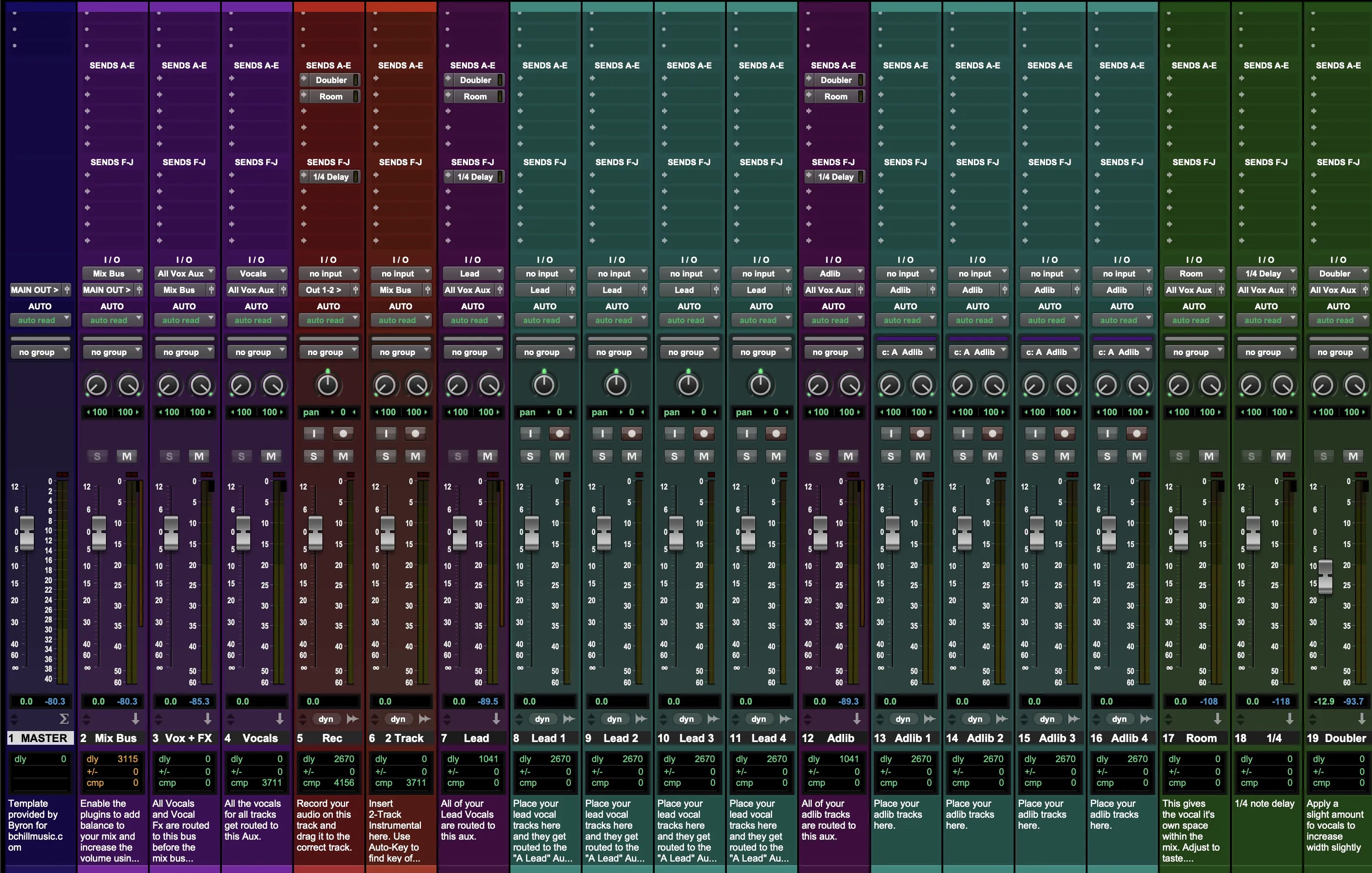
प्रीसेट्स ट्रैक या वोकल बस पर टोन और डायनेमिक्स को आकार देते हैं; रिकॉर्डिंग टेम्प्लेट्स पूरे सेशन लेआउट प्रदान करते हैं—पूर्व-नामित ट्रैक्स (लीड, डबल्स, हार्मोनिज़, एड-लिब्स), रंग कोडिंग, रूटिंग, क्यू बेसिक्स, और तैयार सेंड्स—ताकि आप न्यूनतम सेटअप के साथ विचार से टैक तक जा सकें और बड़े प्रोजेक्ट्स को व्यवस्थित रख सकें। कई कलाकार दोनों पर निर्भर करते हैं:
- कहीं भी ट्रैकिंग के लिए एक सटीक, सुसंगत चेन।
- एक पुन: उपयोग योग्य सेशन टेम्प्लेट ताकि हर प्रोजेक्ट संरचना और हेडरूम के साथ खुले।
यदि आप एक दोहराने योग्य प्रक्रिया बना रहे हैं, तो इस संग्रह को हमारे क्रॉस-DAW सेटअप के साथ जोड़ने पर विचार करें: रिकॉर्डिंग टेम्प्लेट्स (स्टॉक प्लगइन्स). DAW-विशिष्ट चेन के लिए, एबलटन वोकल प्रीसेट्स या FL स्टूडियो वोकल प्रीसेट्स जैसे केंद्रित विकल्पों से शुरू करें, फिर अपनी “ब्राइट / न्यूट्रल / सॉफ्ट” विविधताएँ सेव करें ताकि हर नया गाना लक्ष्य ध्वनि के करीब शुरू हो सके। हमारे मुफ्त संगीत उपकरण कलाकारों, इंजीनियरों और प्रोड्यूसरों के लिए भी उपलब्ध हैं।
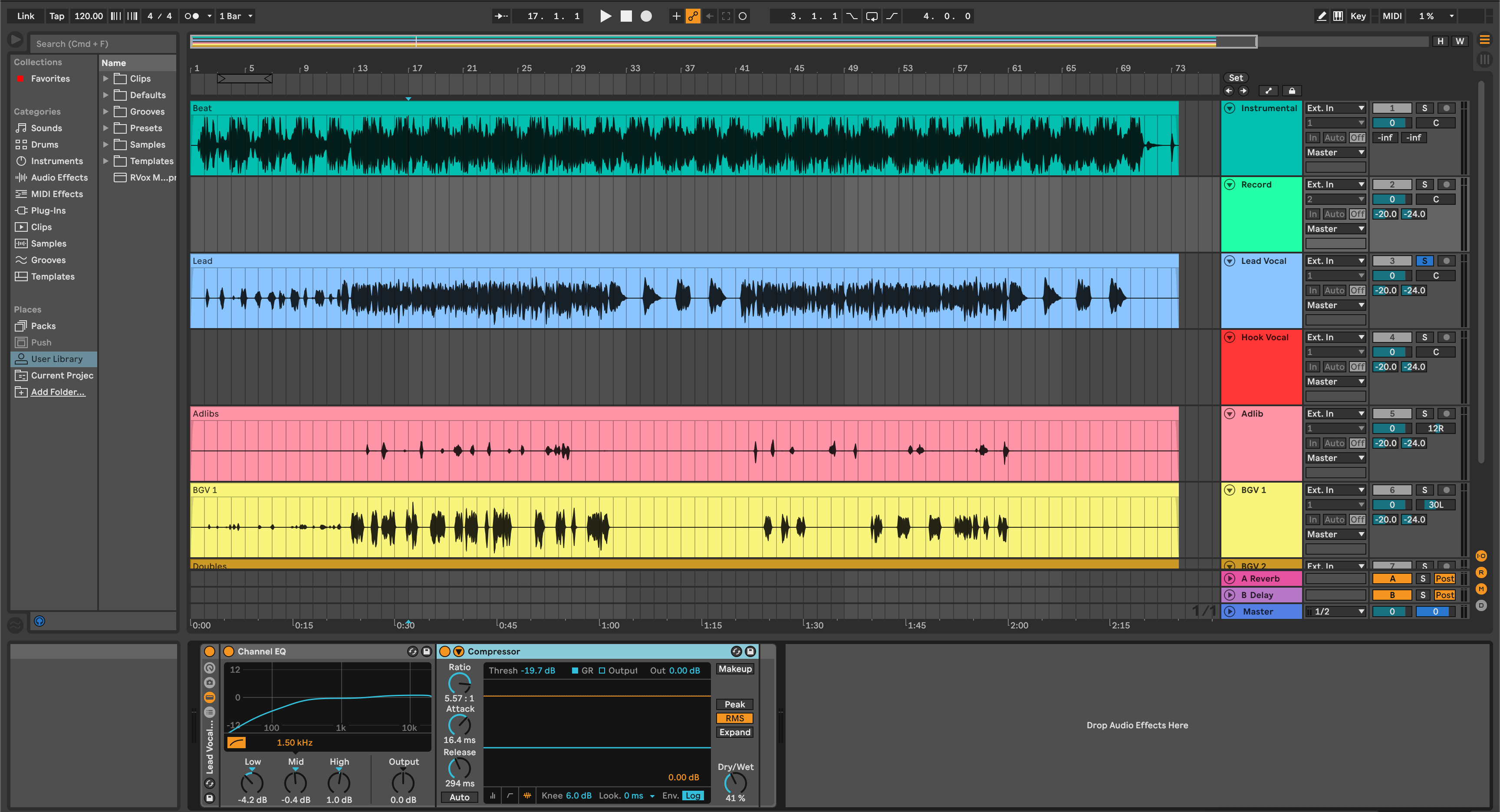
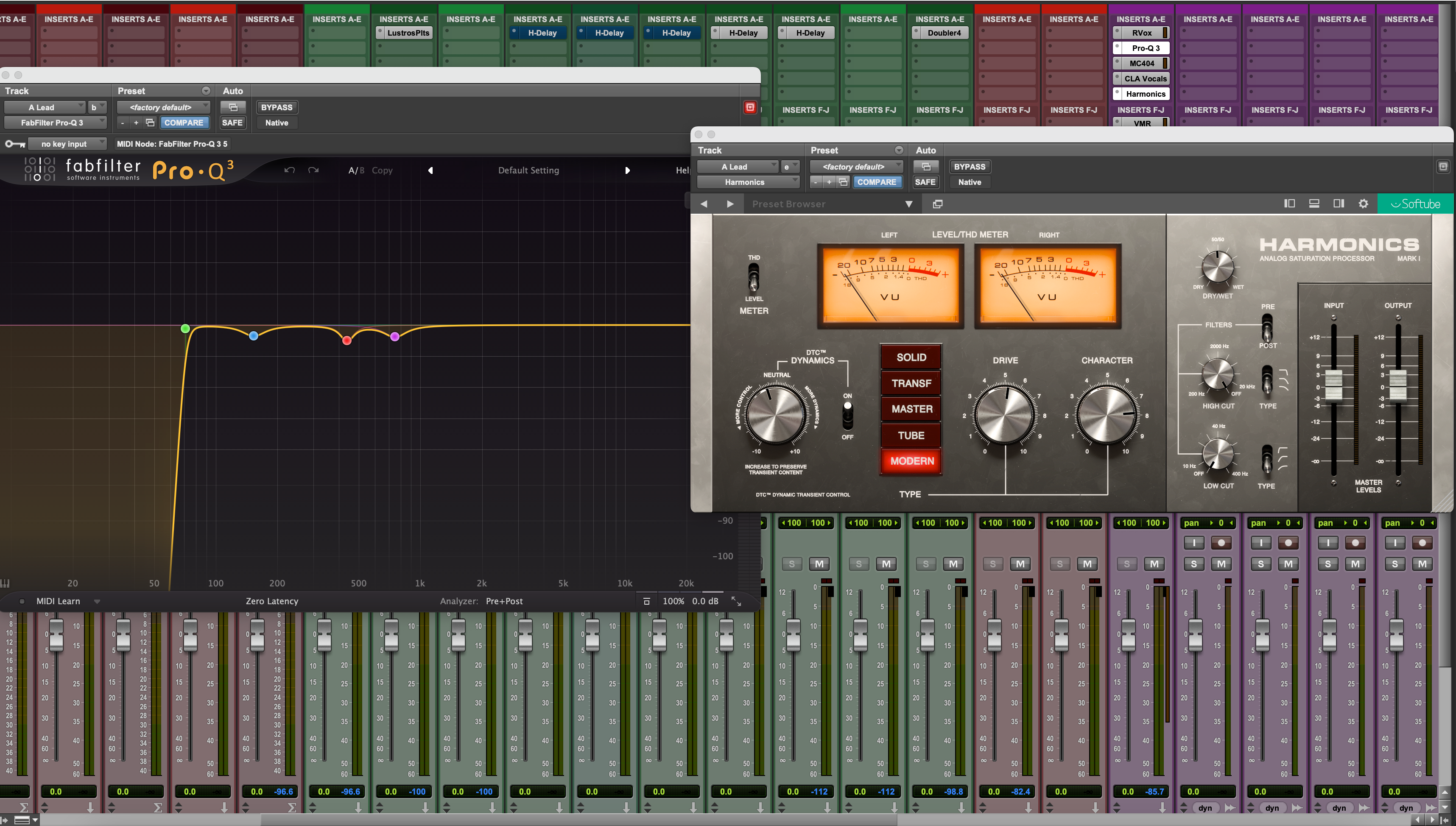
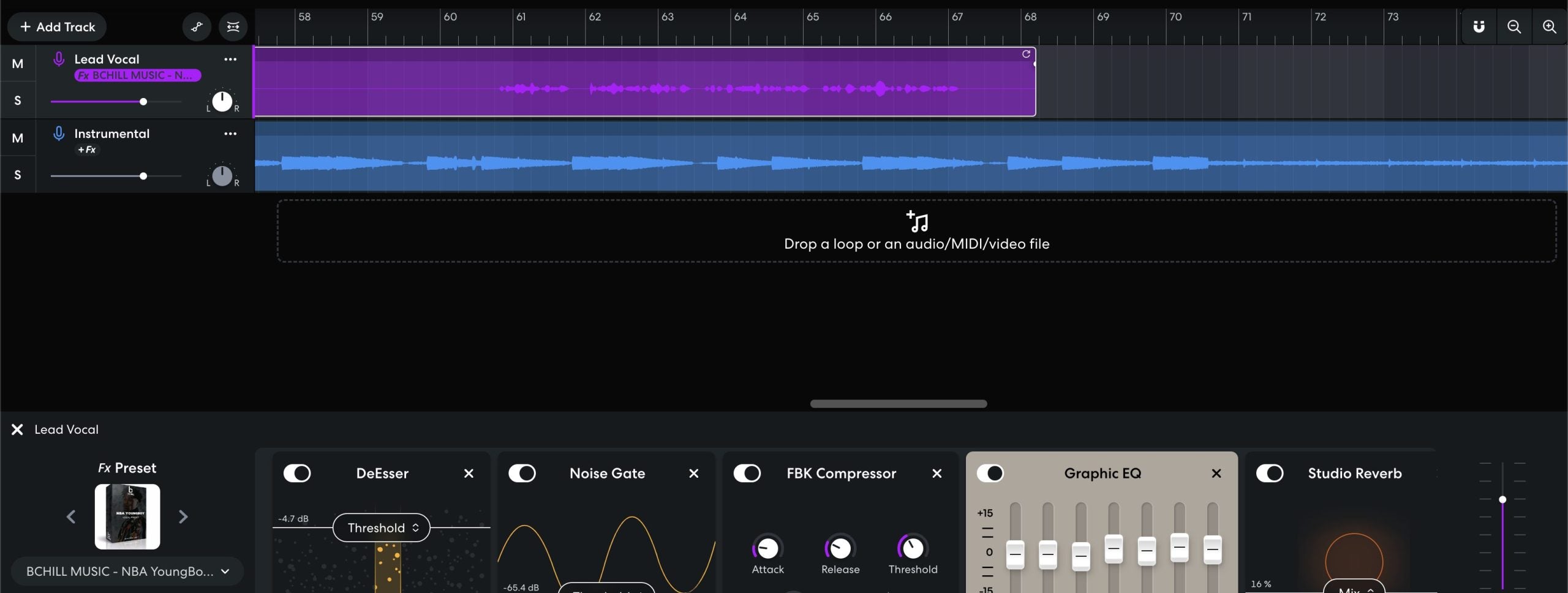
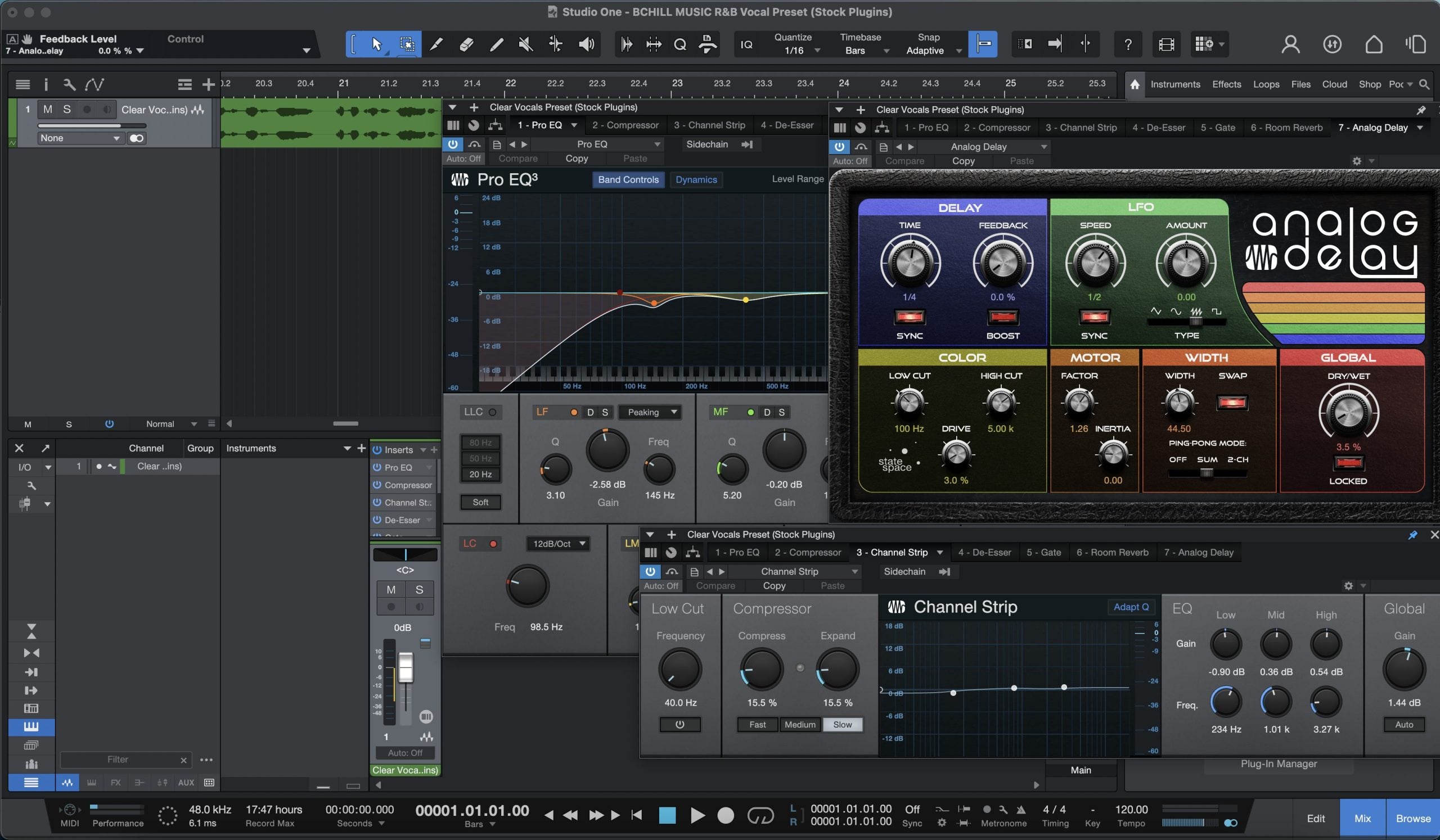
DAW के अंदर: वोकल सेशन स्क्रीनशॉट्स
वोकल-केंद्रित सत्रों का एक सरल परिचय—ट्रैक लेआउट, रंग-कोडिंग, बस, और मिक्सर दृश्य। ये चित्र उदाहरणात्मक और प्लेटफ़ॉर्म-स्वतंत्र हैं; ये समग्र कार्यप्रवाह और टेम्पलेट सेटअप दिखाते हैं।