BandLab Presets
Streamline your workflow with our ready-to-use Vocal Presets.
Type: Vocal Preset
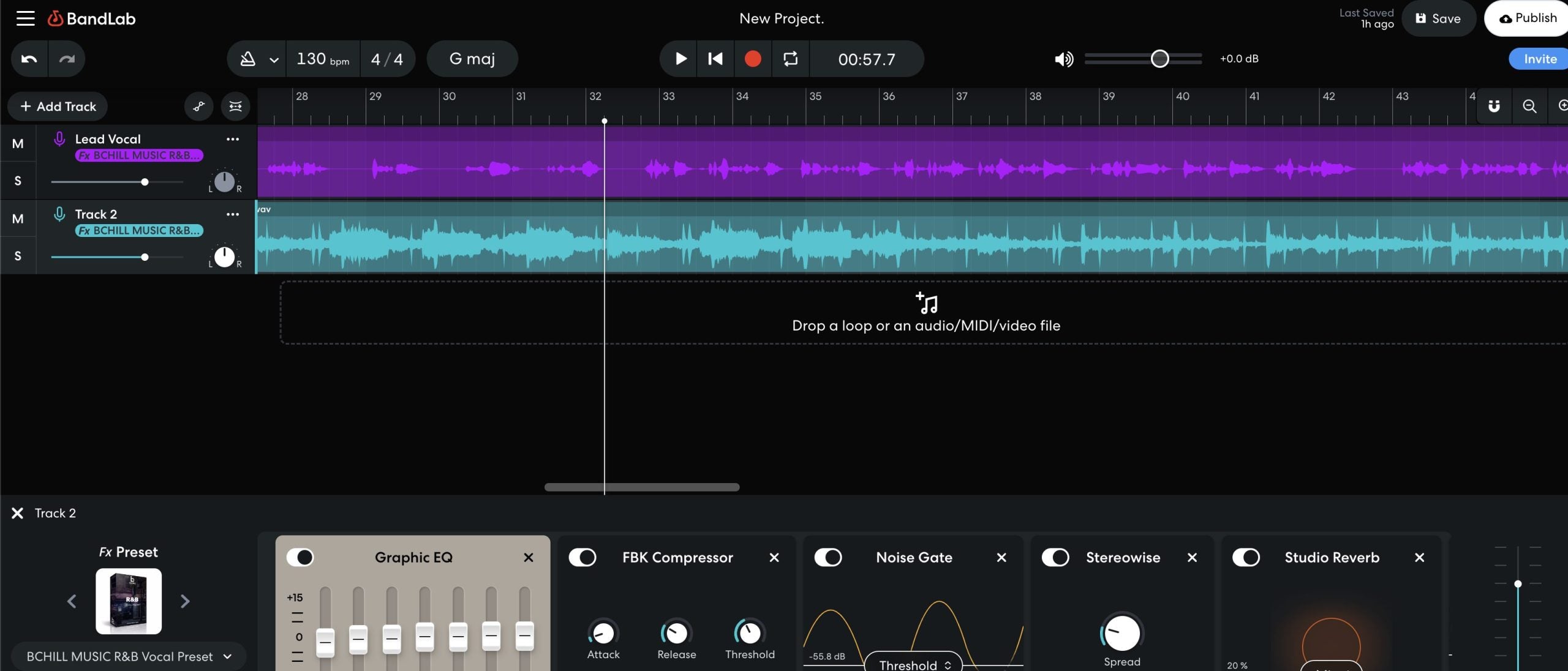
R&B Vocal Preset BandLab
Type: Vocal Preset
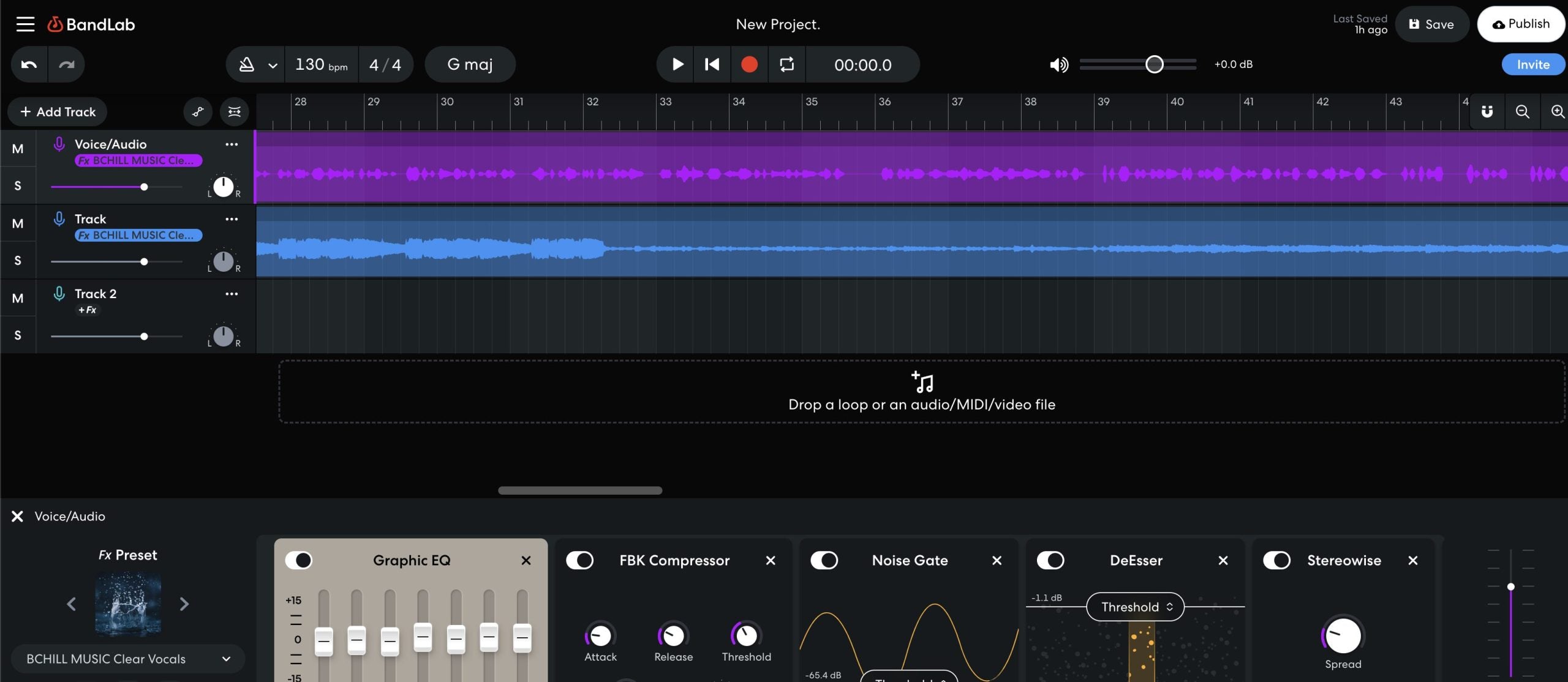
Clear Vocals Preset BandLab
Type: Vocal Preset
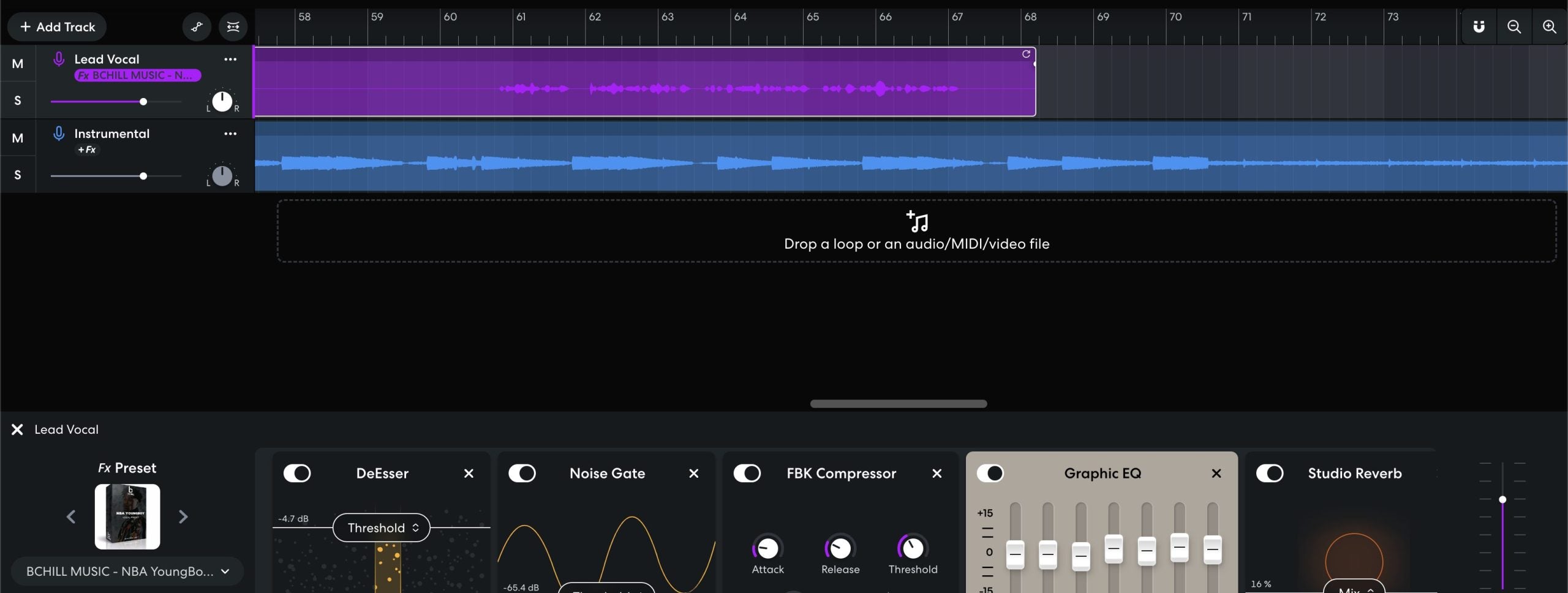
NBA YoungBoy Vocal Preset BandLab
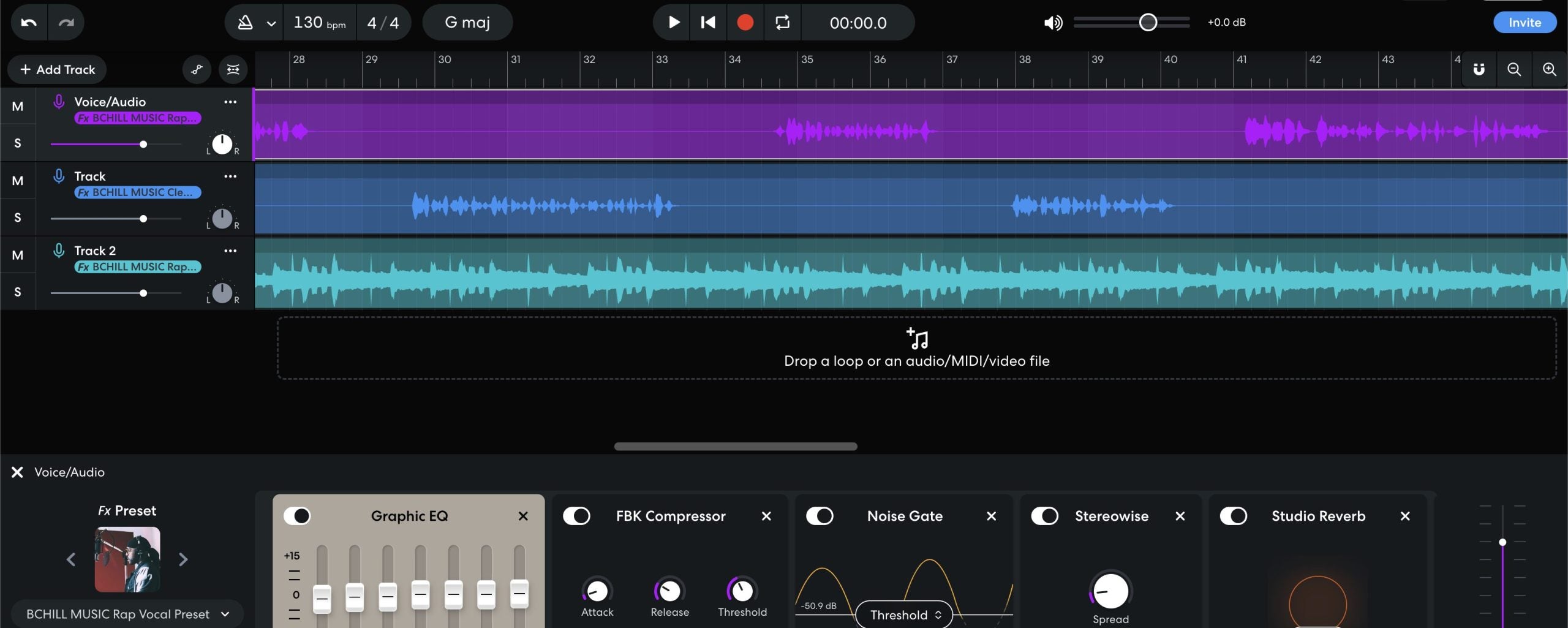

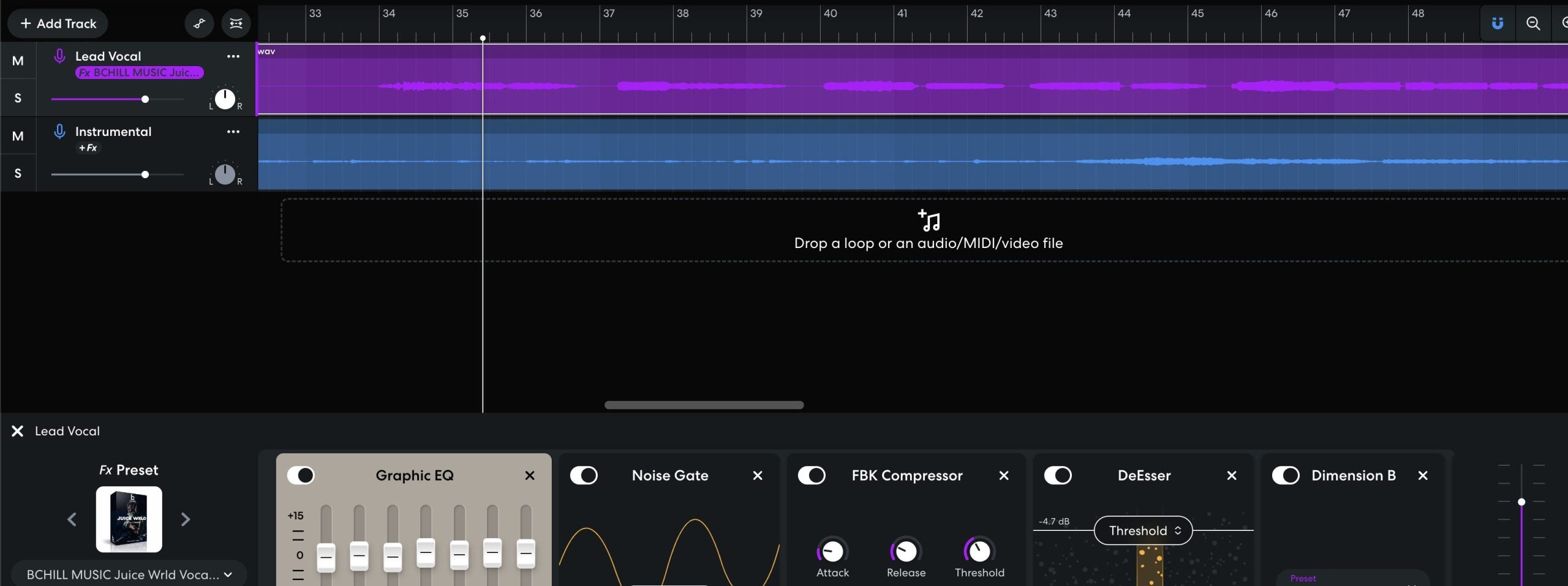
Type: Vocal Preset
Juice Wrld BandLab Vocal Preset

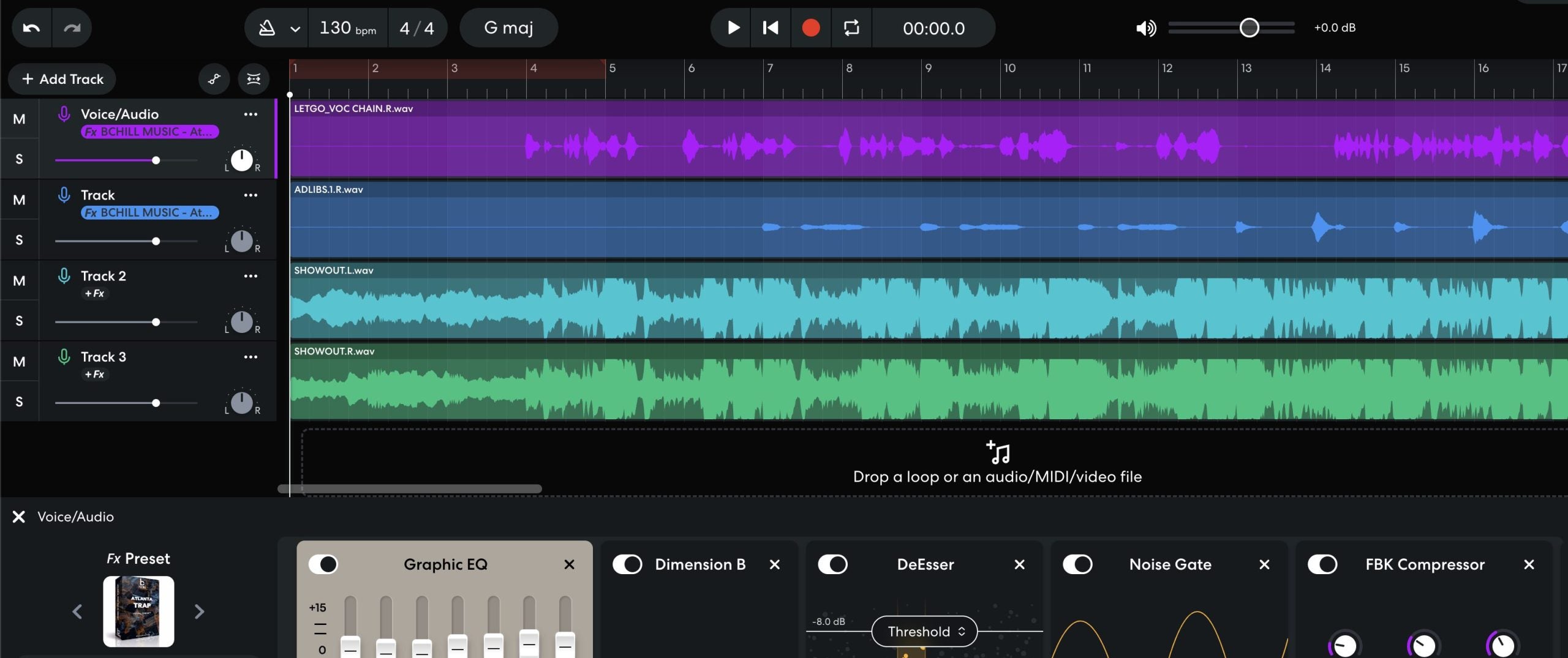
Type: Vocal Preset
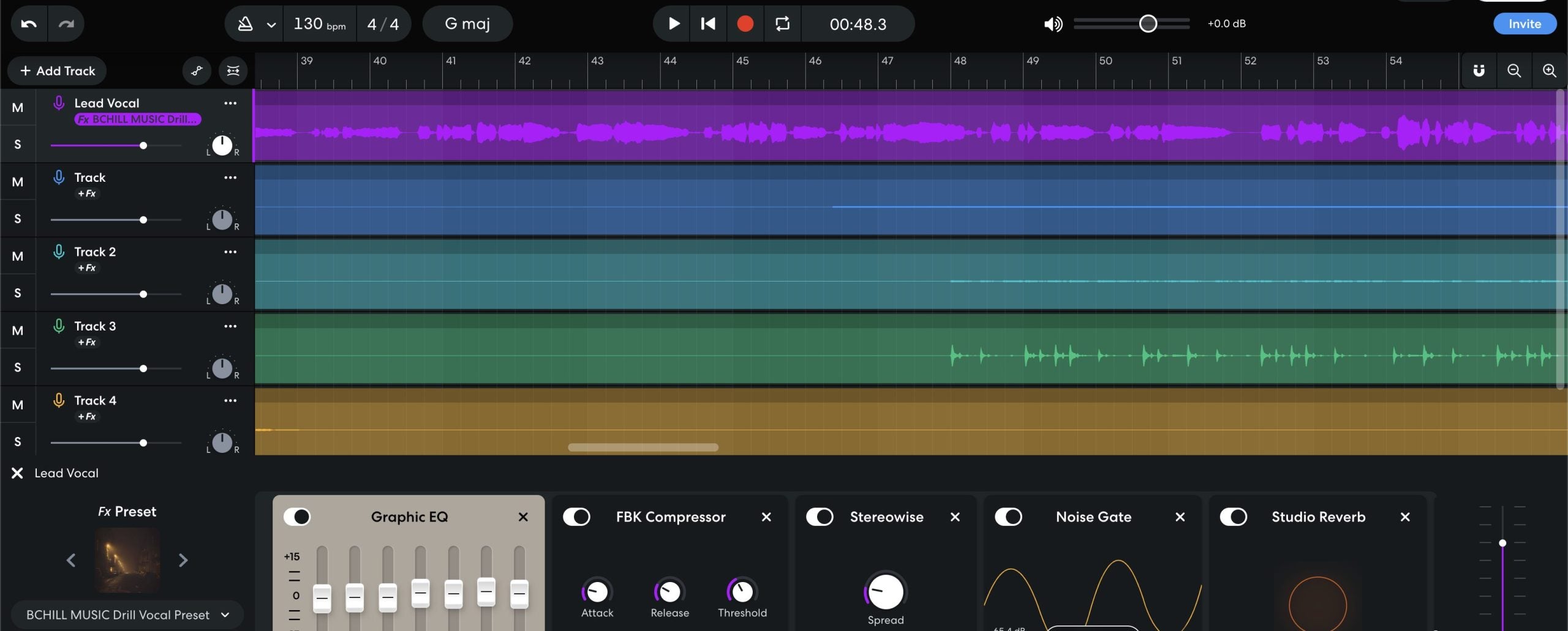
Atlanta Trap Vocal Preset BandLab

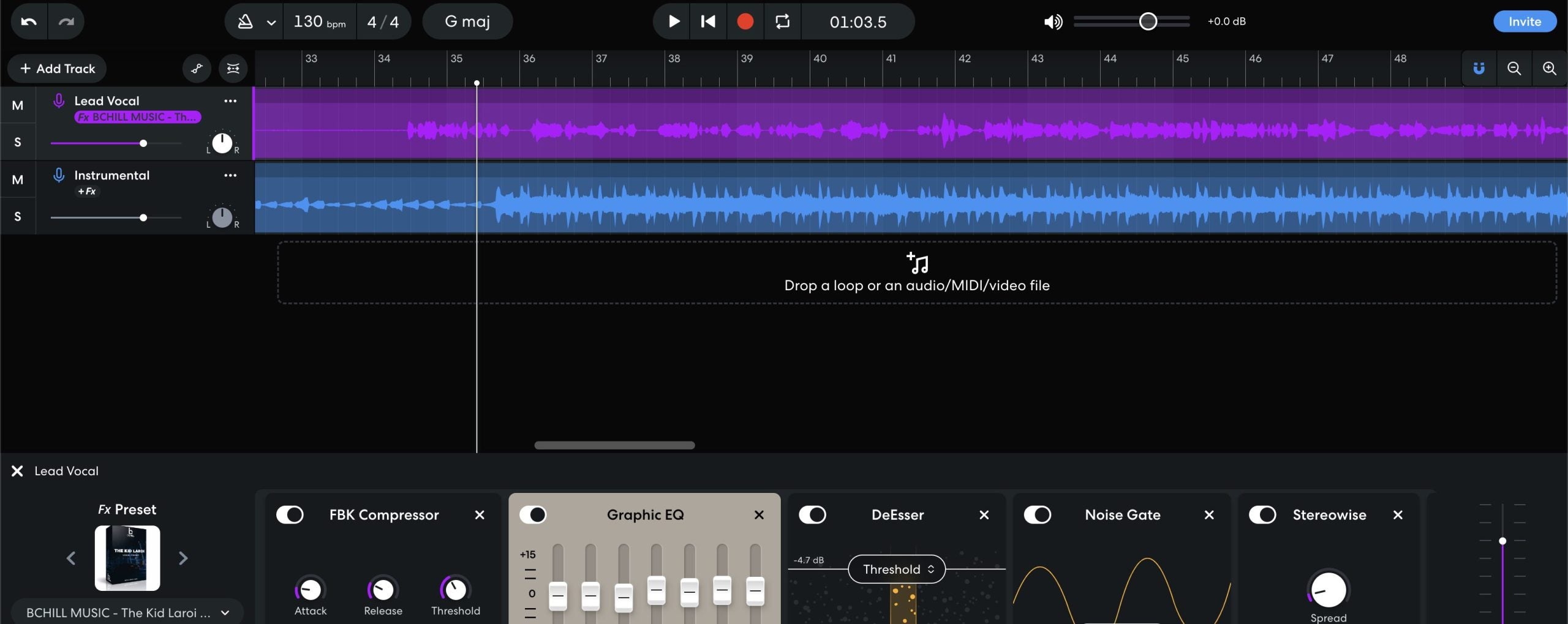
Type: Vocal Preset
The Kid Laroi Vocal Preset BandLab
FAQs
What are BandLab vocal presets?
What are BandLab vocal presets?
BandLab vocal presets are prebuilt vocal effect setups designed to help you get a cleaner, more controlled vocal sound without building the chain yourself from zero.
They are especially useful for artists recording at home, on a laptop, or even from simpler mobile-style setups.
Do these BandLab vocal presets use only BandLab's built-in effects?
Do these BandLab vocal presets use only BandLab's built-in effects?
Yes, that is one of the biggest advantages of the BandLab workflow.
BandLab users usually want something that works inside the platform without needing expensive third-party plugins, and that is what makes a good BandLab preset practical.
What do I get after I buy a BandLab vocal preset?
What do I get after I buy a BandLab vocal preset?
You receive the digital preset/setup material listed on the product page, along with any instructions needed to load or recreate the chain inside BandLab.
The goal is to get you to a cleaner starting point quickly, even if your recording setup is simple.
How fast do I receive the BandLab files after purchase?
How fast do I receive the BandLab files after purchase?
BandLab products are delivered as digital files, so access is usually immediate after checkout.
You should expect the download or delivery link to be available right away in the normal order flow.
Do these BandLab presets work in BandLab browser, desktop, and mobile workflows?
Do these BandLab presets work in BandLab browser, desktop, and mobile workflows?
They are designed around the BandLab ecosystem, but the best editing experience usually comes from the browser or desktop workflow where you can control the full chain more easily.
If you record on mobile, the files still help, but detailed tweaking is generally easier on the larger editing interface.
How do I load a BandLab vocal preset?
How do I load a BandLab vocal preset?
The basic process is to open the BandLab project or mixer area, load or recreate the included effect settings, and then adjust levels so the chain reacts correctly to your recording.
Once you have it working, save your version so future sessions start even faster.
Are these BandLab presets beginner-friendly?
Are these BandLab presets beginner-friendly?
Yes. BandLab attracts a lot of artists who want good results without a complicated setup, so beginner-friendliness matters here more than on most DAWs.
A strong preset helps you hear a better vocal quickly while still leaving room to learn what each effect is doing.
Can I tweak the preset to better fit my voice or recording setup?
Can I tweak the preset to better fit my voice or recording setup?
Yes. You should still adjust levels, EQ balance, ambience, and intensity to match your own voice and recording quality.
That is especially important if you are recording in untreated rooms or with simpler mics, because the preset cannot fully fix a bad input signal on its own.
Do these BandLab presets work for rap, singing, melodic vocals, and spoken-word recording?
Do these BandLab presets work for rap, singing, melodic vocals, and spoken-word recording?
Yes, but different sounds call for different settings.
Some chains are better for tighter, punchier rap vocals, while others work better for smoother melodic vocals, sung hooks, or cleaner spoken-word content.
What makes these better than BandLab's default vocal effects?
What makes these better than BandLab's default vocal effects?
Default effects can help you experiment, but BCHILL MIX presets are meant to give you a stronger, more intentional starting sound right away.
That means less trial-and-error and a faster path to a vocal that already feels closer to release-ready.
Industry Credits

Westside Boogie

Shontelle

Jarren Benton

DJ Tunez

Vory

Caskey

Rittz

Nia Riley

Eugy

Q Parker
Listen to our Work
R&B
Before
After
Rap
Before
After
Pop
Before
After
Soul
Before
After
Rock
Before
After
Latin
Before
After
BandLab Vocal Presets: Explained & Features
Introduction to BandLab Vocal Presets
If you record or mix in BandLab—on mobile or in the browser—well-built vocal presets give you a repeatable sound without rebuilding the same chain every session. A preset loads a complete path (EQ, compression, de-essing, ambience, and more) so you can capture ideas quickly and keep tone consistent from rough demo to release. At BCHILL MIX, the goal is simple: clear diction, controlled dynamics, low latency while tracking, and a finish that translates on headphones, monitors, and phones. Browse our latest BandLab vocal presets to find a starting point that fits your style.
What Are Vocal Presets in BandLab?
In BandLab, a vocal preset is a saved FX chain—a known order of processors with sensible starting settings for modern vocals. A balanced chain often includes:
- A gentle high-pass plus small, surgical EQ moves to remove rumble or harshness.
- One or two compressors to smooth loud/quiet phrases without pumping.
- A de-esser so “s” and “t” stay smooth after brightening.
- Optional saturation/exciter for presence and edge.
- Short plate or room reverb and a tempo-matched delay for space that doesn’t wash out the lyric.
You can load a preset on a single track (Lead), reuse it on Doubles and Harmonies, or put corrective processing on the track and creative polish on a vocal bus. Treat presets as starting points: record through them, then tweak thresholds, EQ amounts, and send levels for your voice, microphone, and song. When you find a sweet spot, save it as your own custom preset so future projects open with the exact tone you prefer.
Why Use Presets (Benefits & When They Help)
- Speed: Skip repetitive setup. Open BandLab, pick your preset, hit record—crucial when inspiration strikes or you’re collaborating remotely.
- Consistency: A calibrated chain keeps tone aligned across songs and sessions so singles and EPs feel cohesive.
- Focus: With the technical plumbing handled, you can spend more time on performance, doubles/ad-libs, and creative arrangement.
- Translation: Good chains keep vocals intelligible on earbuds and phones as well as full-range monitors, so rough mixes travel well.
- Low friction: Presets reduce decision overload—especially helpful on mobile where screen space is limited.
Where they shine: fast writing sessions, remote collabs, content creation (shorts/reels), consistent tone across a series of releases, and any workflow where you want to move from idea to take in minutes.
Stock vs. Premium Approaches in BandLab
BandLab’s FX are built in, so every BCHILL MIX chain in our BandLab Vocal Presets collection uses native effects that work in the browser and on mobile—no third-party plug-ins required. That makes them portable and easy to share across devices.
Within BandLab, “premium” simply means more detailed tone-shaping and genre-specific balances arranged for a particular vibe (e.g., trap punch vs. R&B smoothness). If you’re new to presets, start with a clean, all-purpose chain like a “Clear Vocals” style. If you already know the sound you want, pick a genre-tuned option such as Atlanta Trap Vocal Preset (BandLab) or NBA YoungBoy-style Vocal Preset (BandLab) and make small tweaks rather than rebuilding from scratch.
Install & Quick-Start (Web + Mobile)
A. Web (browser)
- Create or open a project; add a Voice/Audio track.
- Open FX on that track and load your preset (or open the shared preset link, then save it to your library).
- Record a short test phrase and set input so peaks land below clipping; if monitoring feels laggy, track with a lean chain (EQ → light compression → de-ess) and add polish later.
- Lower compressor thresholds until loud lines reduce by a few dB without audible pumping. If you brighten, revisit the de-esser so sibilants stay smooth.
- Use small sends to a tempo-matched delay and short plate; automate send levels to lift hooks instead of cranking insert effects.
B. Mobile (iOS/Android)
- Create a Voice/Audio track and tap FX.
- Load your preset from My Presets (or open the shared link and save it).
- Set input gain with a short test take; aim for healthy level without red peaks.
- Track with a lean chain for comfort; expand the chain during mixdown.
- Save your customized version as a new preset so you can reuse it later.
Quick gain-staging tips: Track at 24-bit with peaks around the middle of the meter; avoid clipping at the interface (it can’t be fixed). If makeup gain pushes levels too high, trim the clip or effect output rather than slamming the next processor. Keep rough mix peaks sensible so you’re not chasing loudness while recording.
Styles & Use Cases (Rap, R&B, Pop, Singing/Clear, Hyperpop)
Rap lead (best BandLab presets for rap): Aim for punchy presence with tight dynamics. Use two lighter compressors in series so transients stay alive; focus presence in the upper mids; add a short slap or small plate for energy without wash. Keep hooks wider by automating a bit more delay send on chorus lines. If your delivery is very centered, a subtle doubler can add width.
Melodic rap / Atlanta trap: Keep the top end bright but smooth. A touch of saturation adds bite; follow it with de-ess so consonants don’t get spitty. Layer ad-libs with a slightly higher high-pass filter and a little extra de-ess to keep stacks tidy. For fast results, start with the Atlanta Trap Vocal Preset for BandLab, then raise delay feedback a bit on hooks for modern space.
R&B / Soul (singing presets): Aim for a silky top and controlled low-mid warmth. Use gentler attack/release, a soft air shelf, and wider ambience. Longer pre-delay can add depth without masking words. On backgrounds, use stereo-widened delays and high-pass to prevent low-mid fog. If your mic is bright, cut a little harshness before compression so the compressor doesn’t overreact.
Pop: Modern pop benefits from tasteful lift and polish. Add a high-shelf and keep sibilance in check. Use tempo-synced delays for width; a very short room reverb can “glue” the vocal without sounding wet. Compare decisions at matched loudness—“louder” often sounds “better,” so level-match before judging. In dense arrangements, carve 2–4 kHz carefully so words stay intelligible.
Tuning-heavy styles (AutoPitch): For drill, melodic rap, hyperpop, and certain pop hooks, combine your vocal preset with BandLab’s AutoPitch. Choose the correct key/scale, set a moderate retune amount for natural tuning or push it higher for the signature robotic tone, and re-check delay/reverb sends so they remain clear after tuning.
Clean singing / podcast / talking: Prioritize intelligibility and noise control. Use transparent compression, moderate de-ess, and just a hint of short ambience if dry feels unnatural. Technique matters: stable mouth-to-mic distance, a pop filter, and a quiet room will outperform heavy effects. If your room is lively, try gentle denoise/dereverb before EQ and compression.
Hyperpop / experimental: Push bright enhancement, formant-style color, and rhythmic, tempo-locked delays. Keep a safety de-ess after brightening. Automate wet/dry and delay throws to create motion around key phrases. If transients feel dull after heavy tuning, add a tiny exciter before the de-esser to recover snap.
Fast fixes for common problems:
- Harsh “s” or “t”: reduce brightening slightly and/or adjust the de-esser so it targets only sibilants.
- Muddy stacks: high-pass doubles/harmonies a bit higher than the lead; use slightly more de-ess on layers.
- Too much space: great in solo, messy in context—start low on sends and automate up into hooks.
- Latency while tracking: record with a lean chain, add enhancers after takes.
- Vocals buried in the beat: trim competing instruments around 2–5 kHz or ride the vocal bus up ~1 dB in choruses.
Recording Templates vs. Presets (Workflow)
Vocal presets shape tone and dynamics; recording templates provide the full session layout: pre-named tracks (Lead, Doubles, Harmonies, Ad-libs), color-coding, routing, cue-mix basics, and ready sends. Many creators keep both:
- A simple template so every project opens organized.
- A small set of presets—Bright, Neutral, Soft—so each new song starts with the closest tone.
If you bounce between phone and computer, save your preset to your BandLab library so the same chain travels with you. For deeper mixes, try a bus workflow: put core corrective processing on the track (EQ/Comp/De-ess) and creative polish on a vocal bus (exciter, glue compression, ambience). That keeps the lead track clean and makes it easy to lift choruses by riding just a few bus controls. Explore related music tools across DAWs in the full Vocal Presets collection whenever you expand beyond BandLab.
Visual Guide: BandLab Vocal Chain Examples
Explore calibrated chains with EQ, dynamics, sibilance control, ambience, and AutoPitch. Use these as quick references while tracking and mixing.