Pro Tools Recording Templates
Streamline your workflow with our ready-to-use Recording Templates & Vocal Presets.
Type: Recording Template
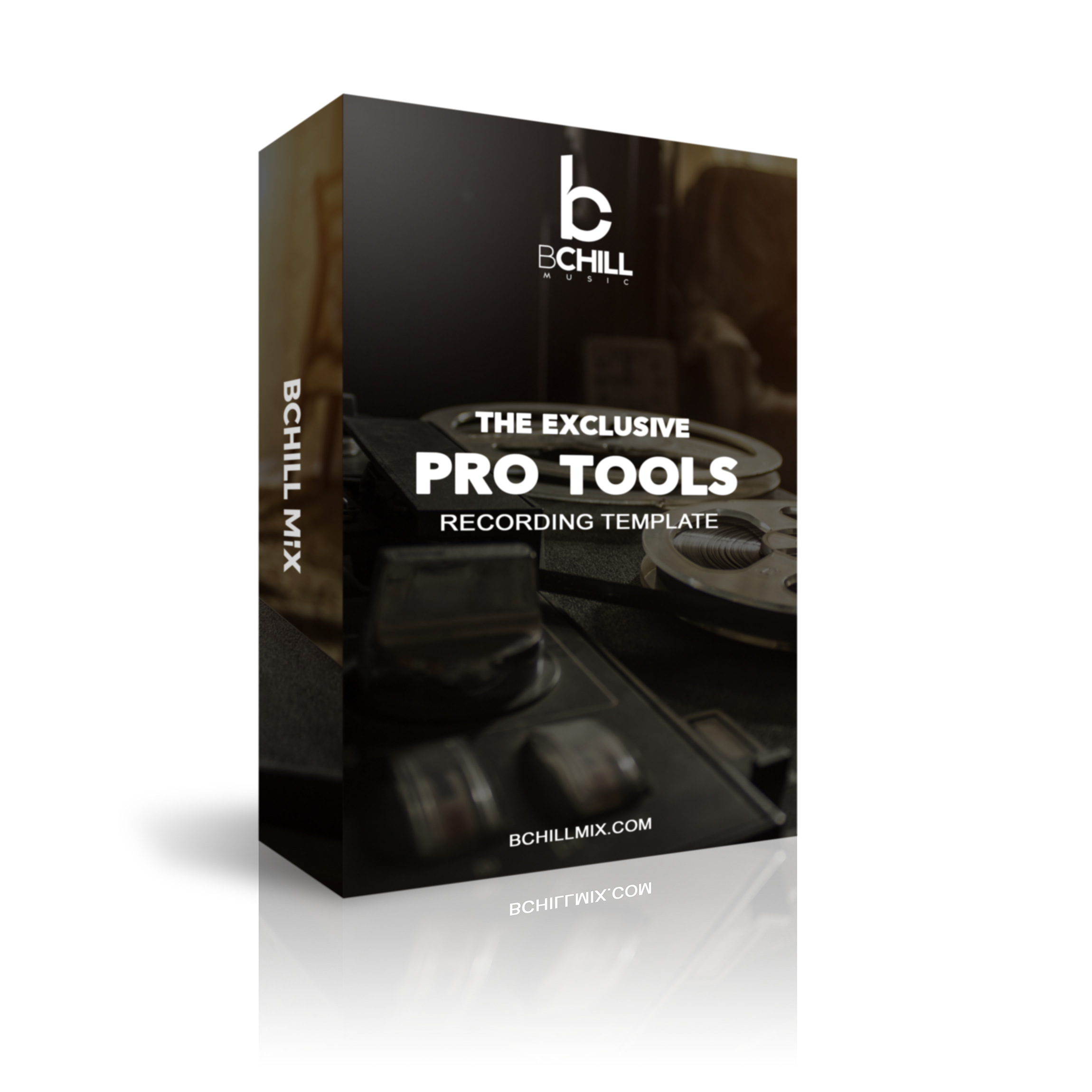
The Exclusive Pro Tools Recording Template (Stock Plugins)
Type: Recording Template
The Exclusive Pro Tools Template – Recording Template & Vocal Preset (Waves Plugins)
Type: Recording Template
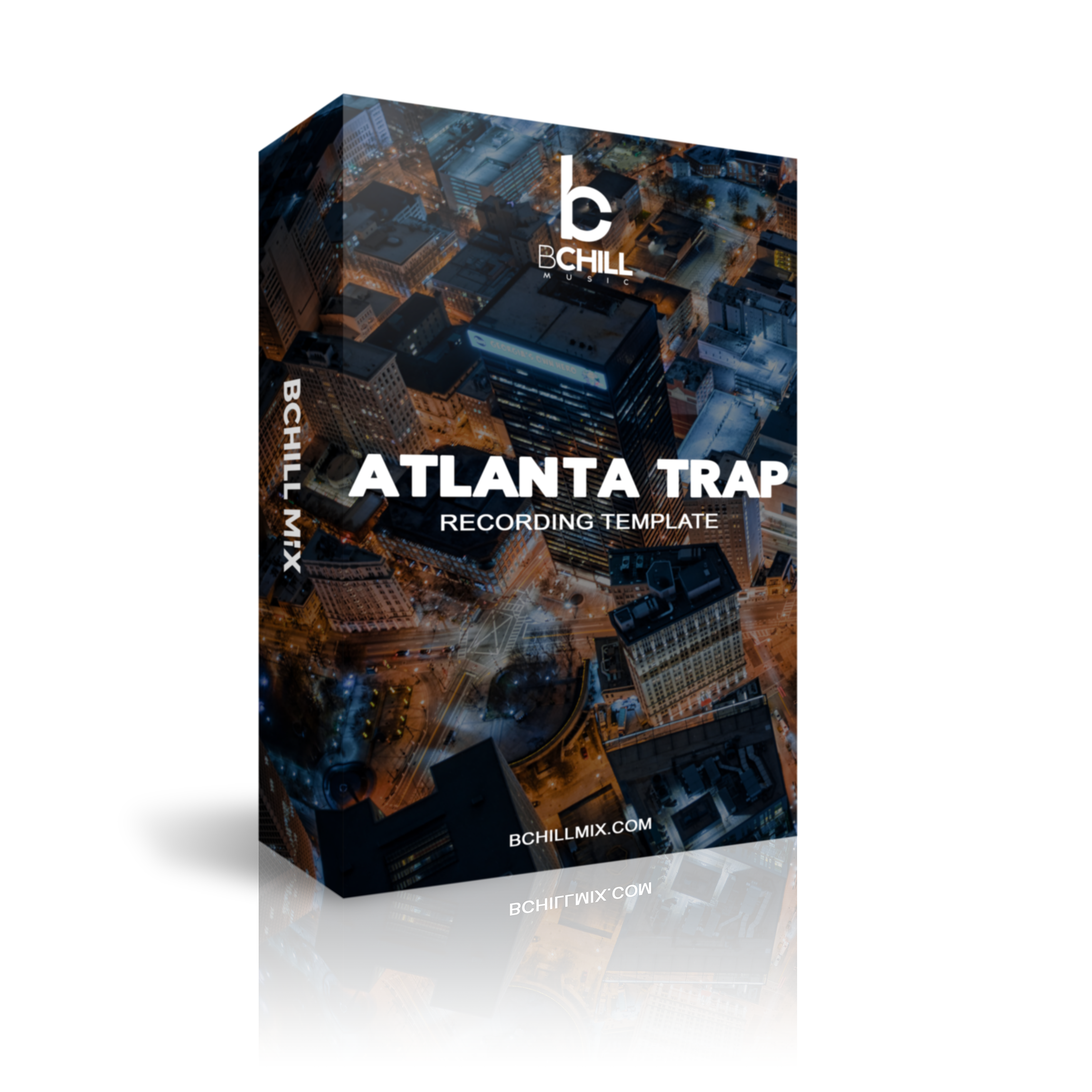
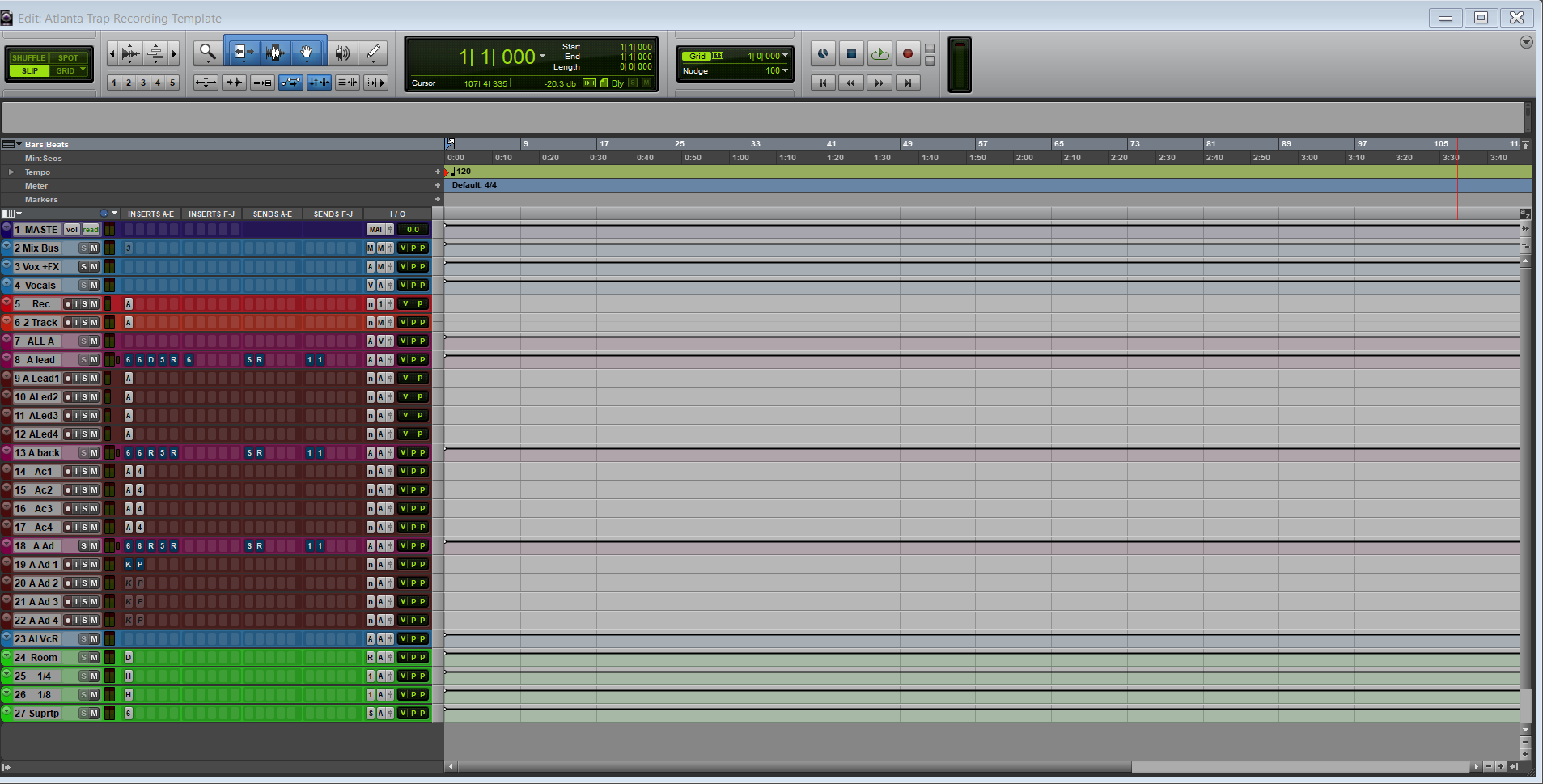
Atlanta Trap Pro Tools Template - Recording Template & Vocal Preset
Type: Recording Template
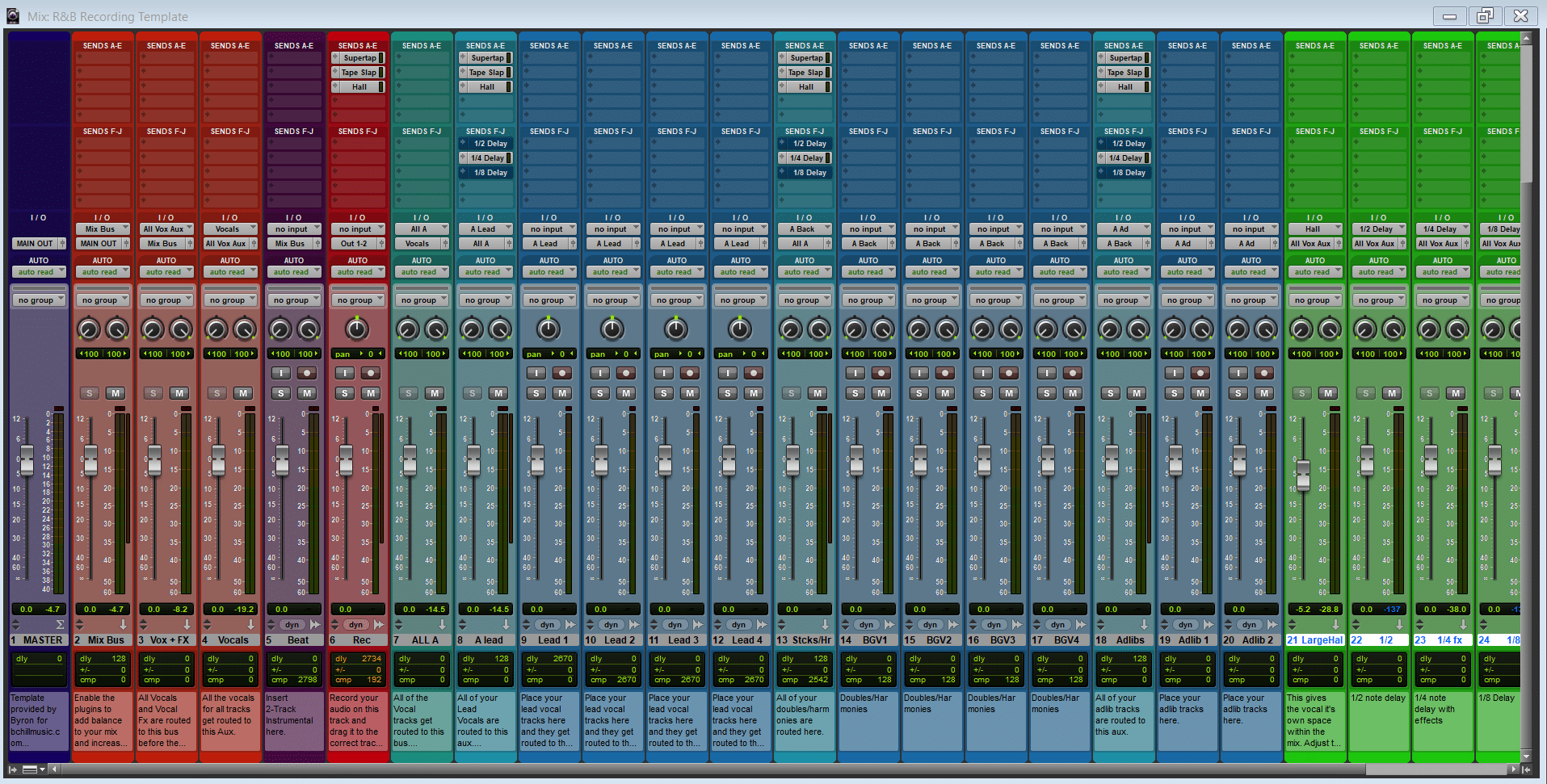
Pro Tools R&B Recording Template
Type: Recording Template
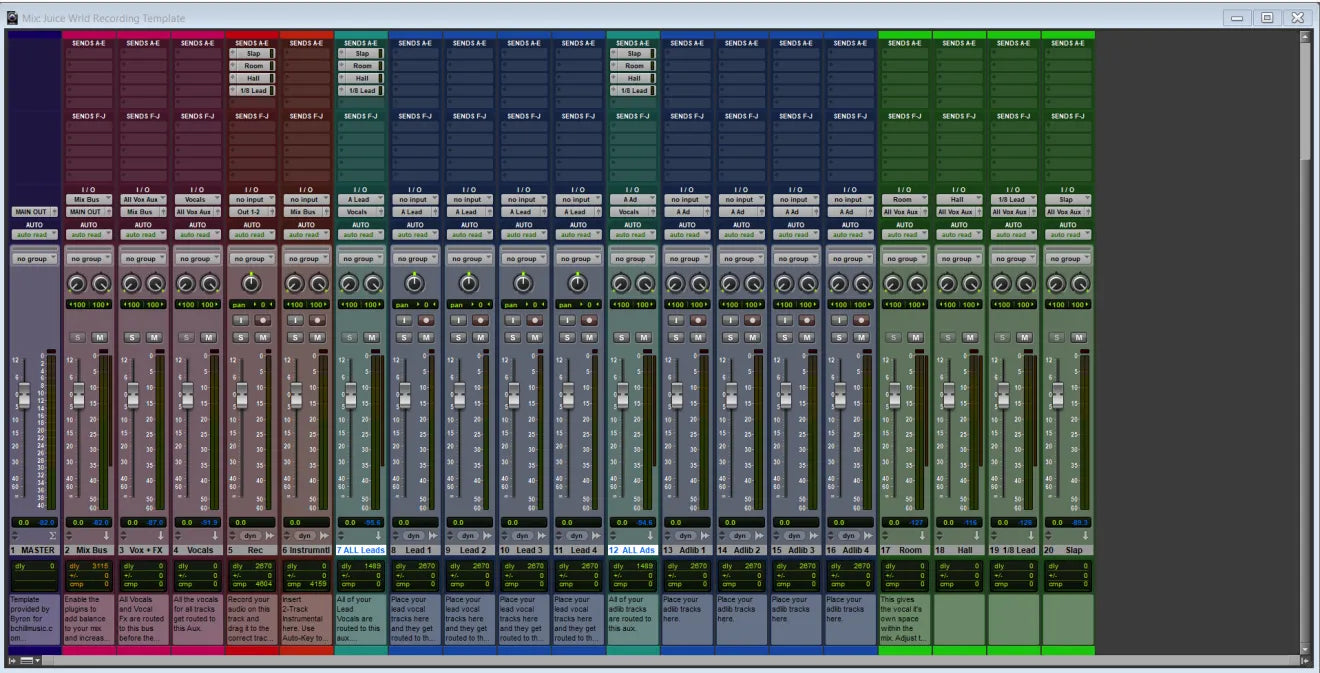
Juice WRLD Pro Tools Template – Recording Template & Vocal Preset
Type: Recording Template
NBA YoungBoy Pro Tools Template – Recording Template & Vocal Preset
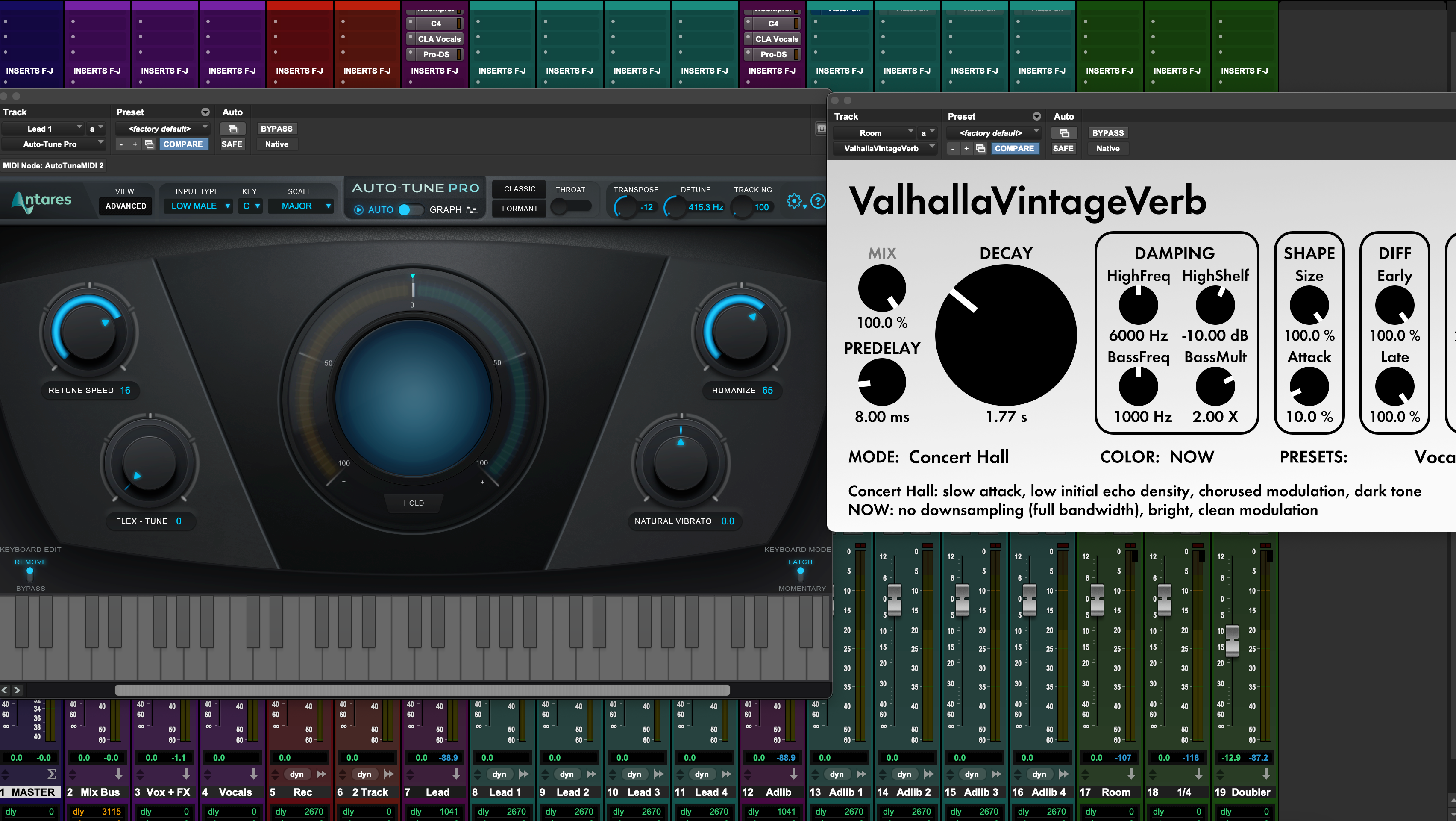
Type: Recording Template
Lil Durk Pro Tools Template – Recording Template & Vocal Preset
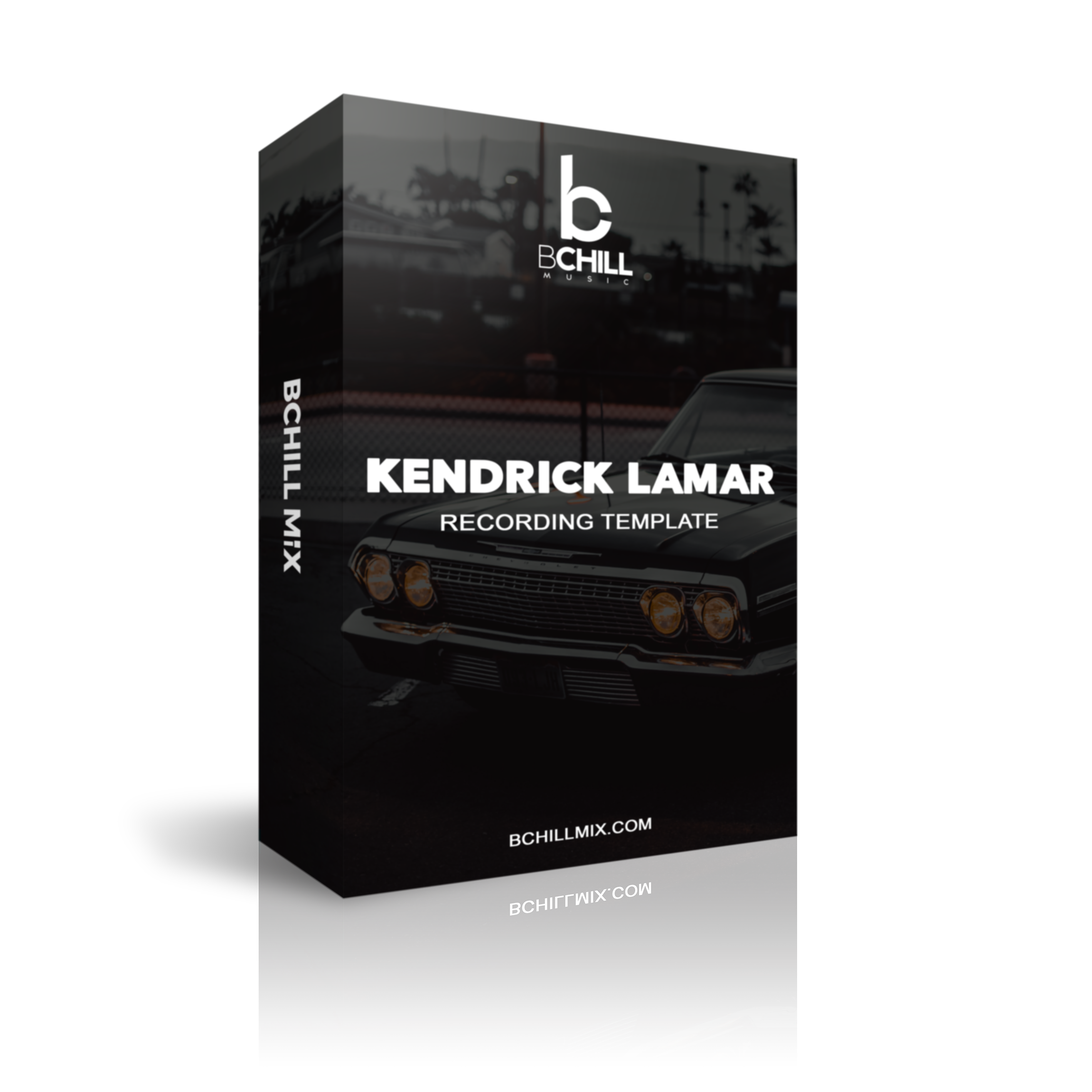
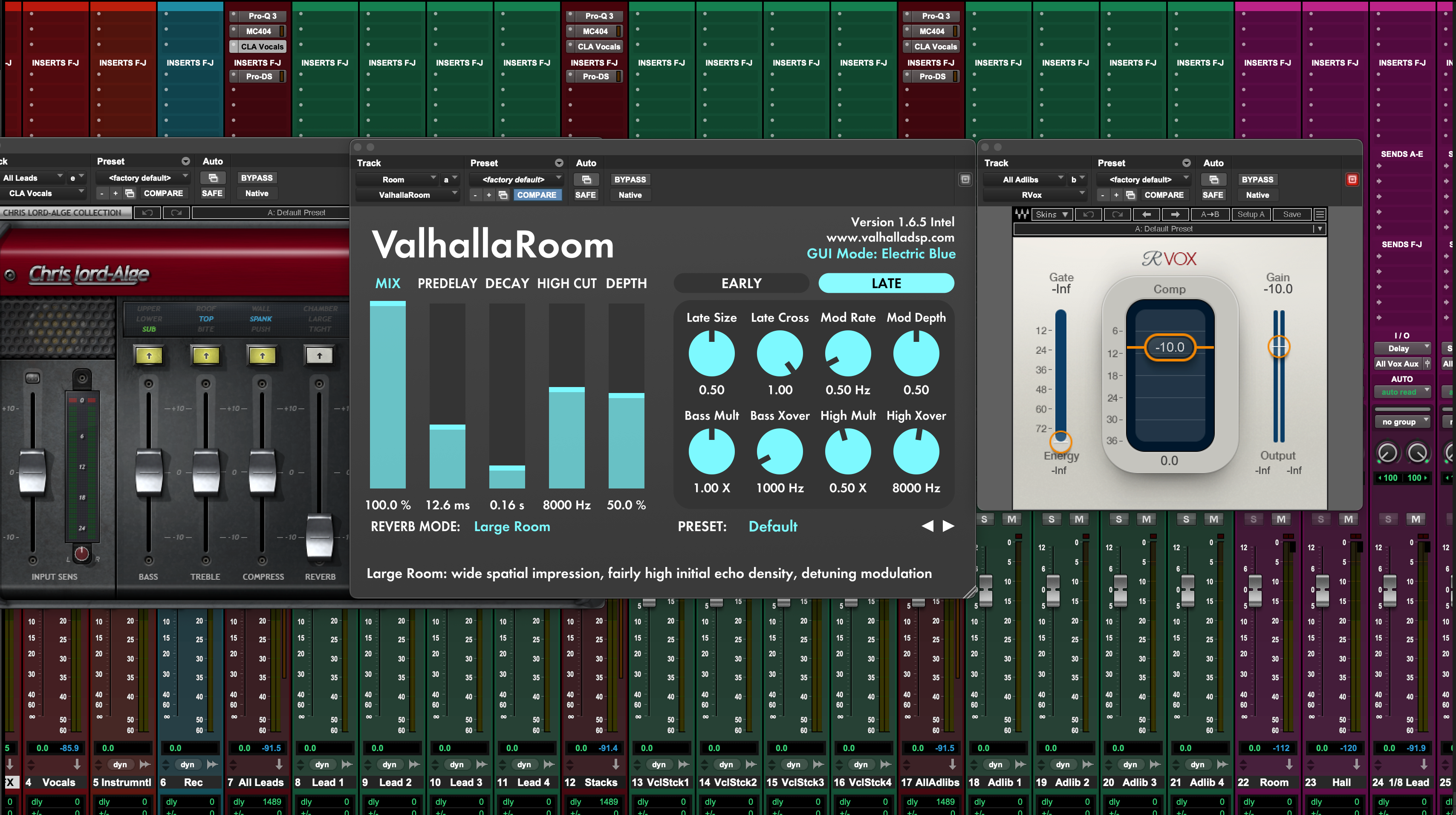
Type: Recording Template
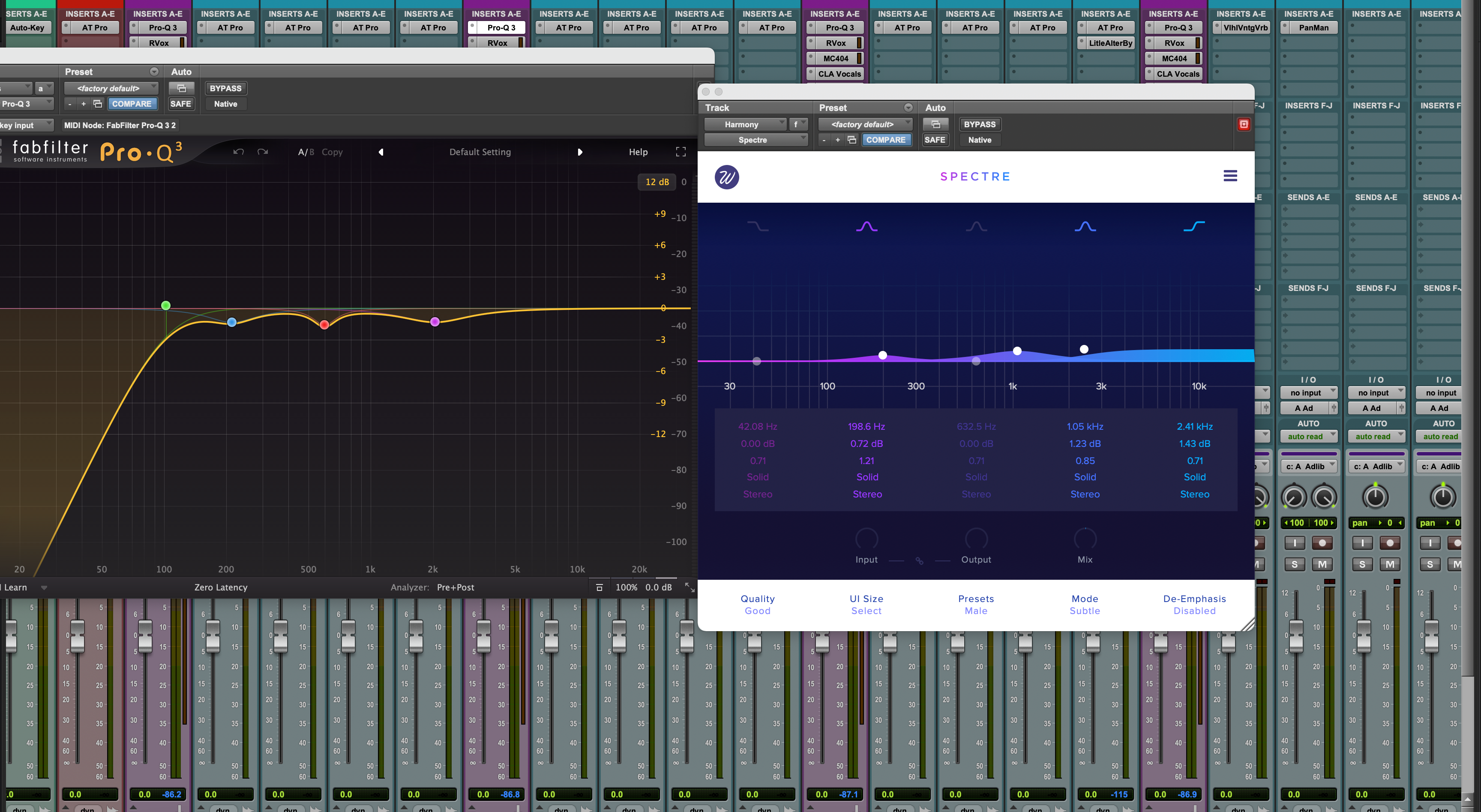
Kendrick Lamar Pro Tools Template – Recording Template & Vocal Preset
Type: Recording Template
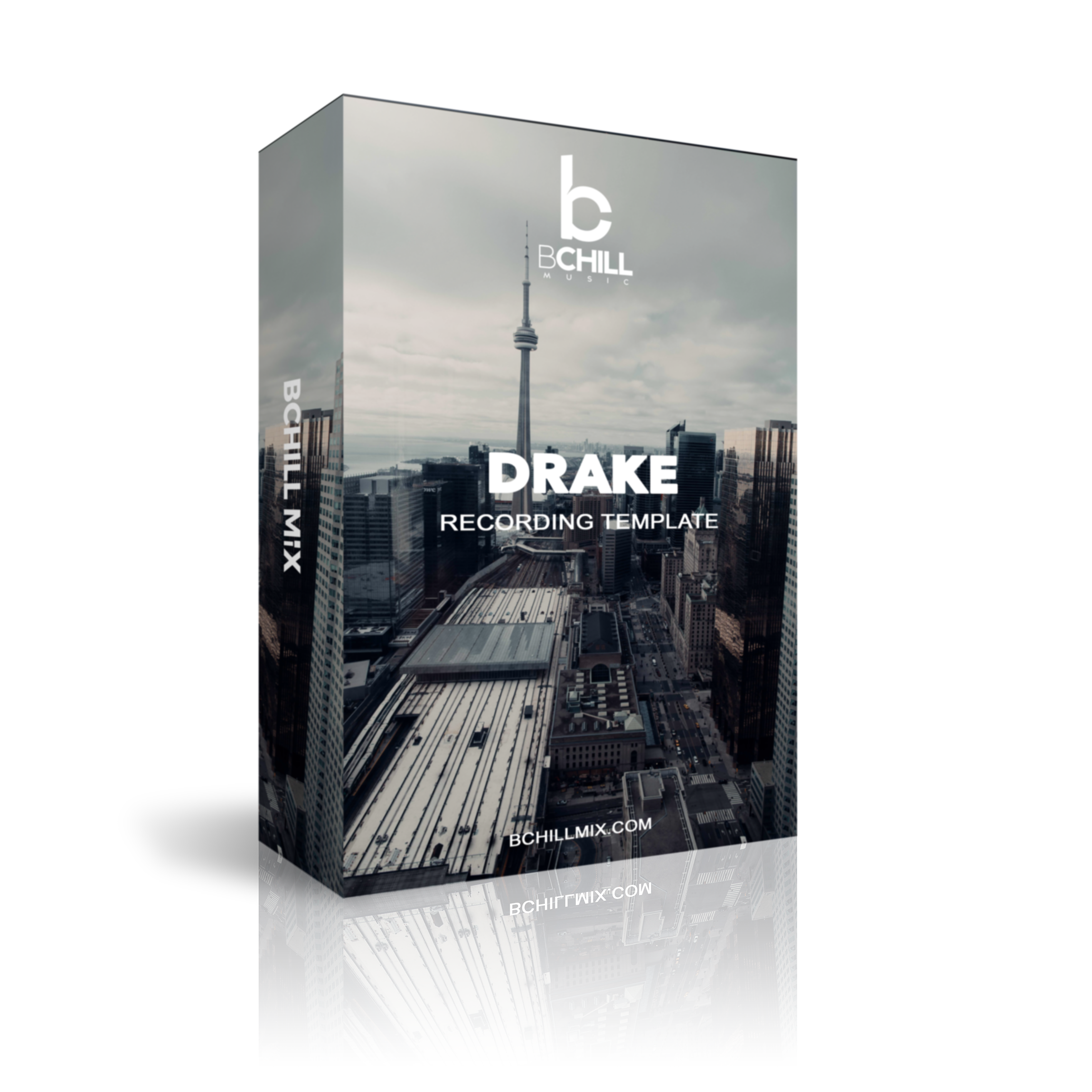
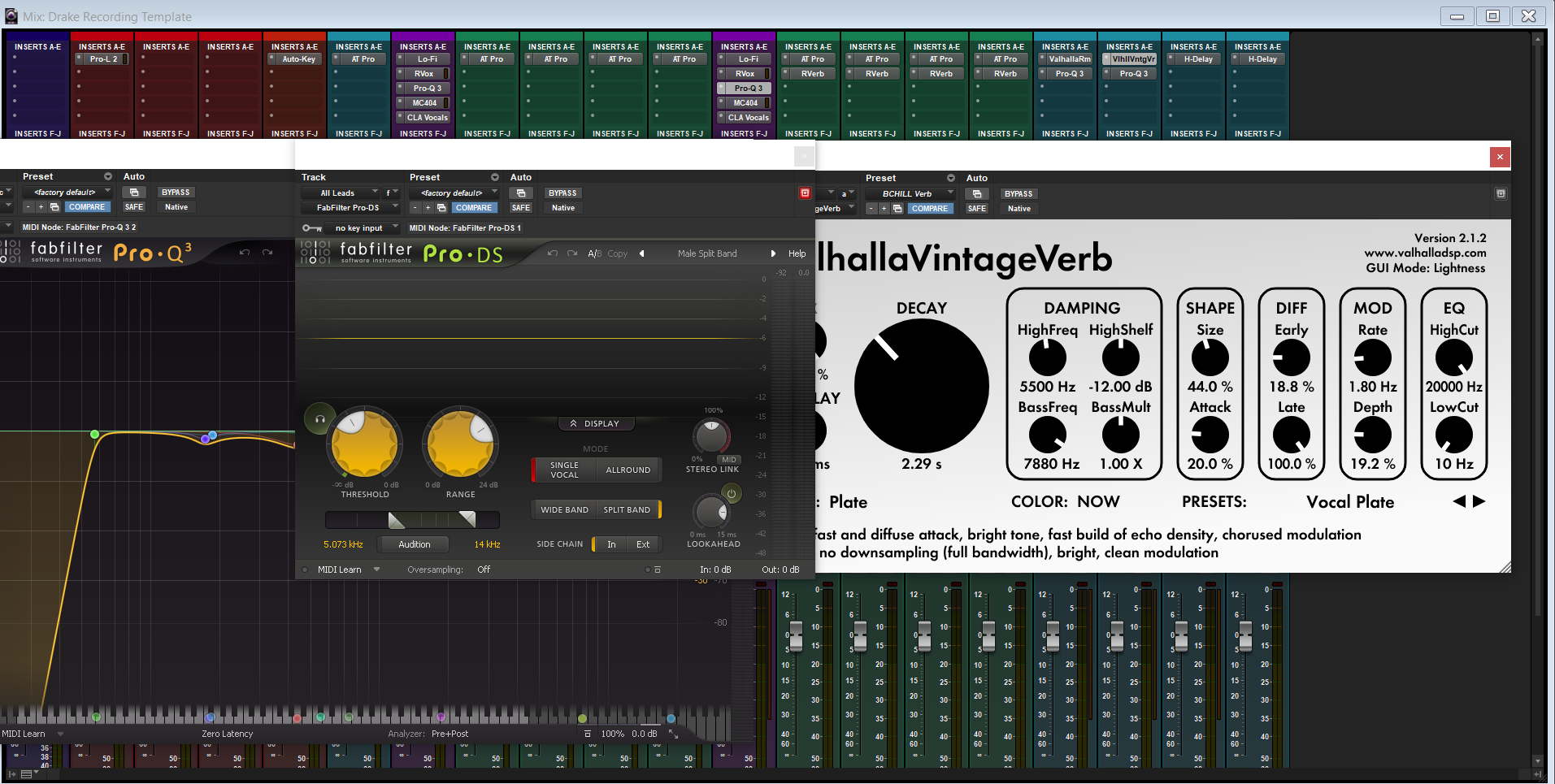
Dancehall Pro Tools Template – Recording Template & Vocal Preset
Type: Recording Template
Drake Pro Tools Template – Recording Template & Vocal Preset
Type: Recording Template
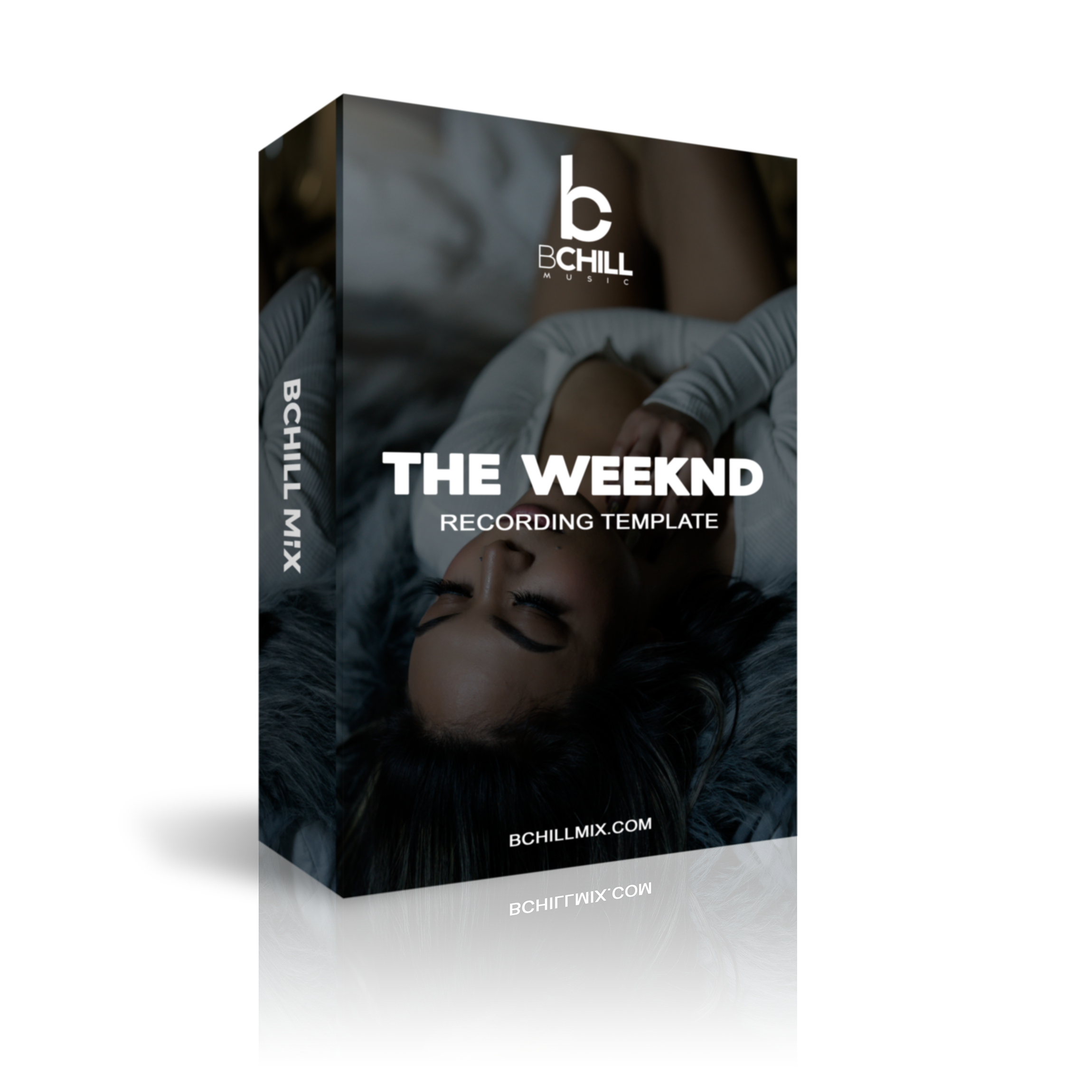
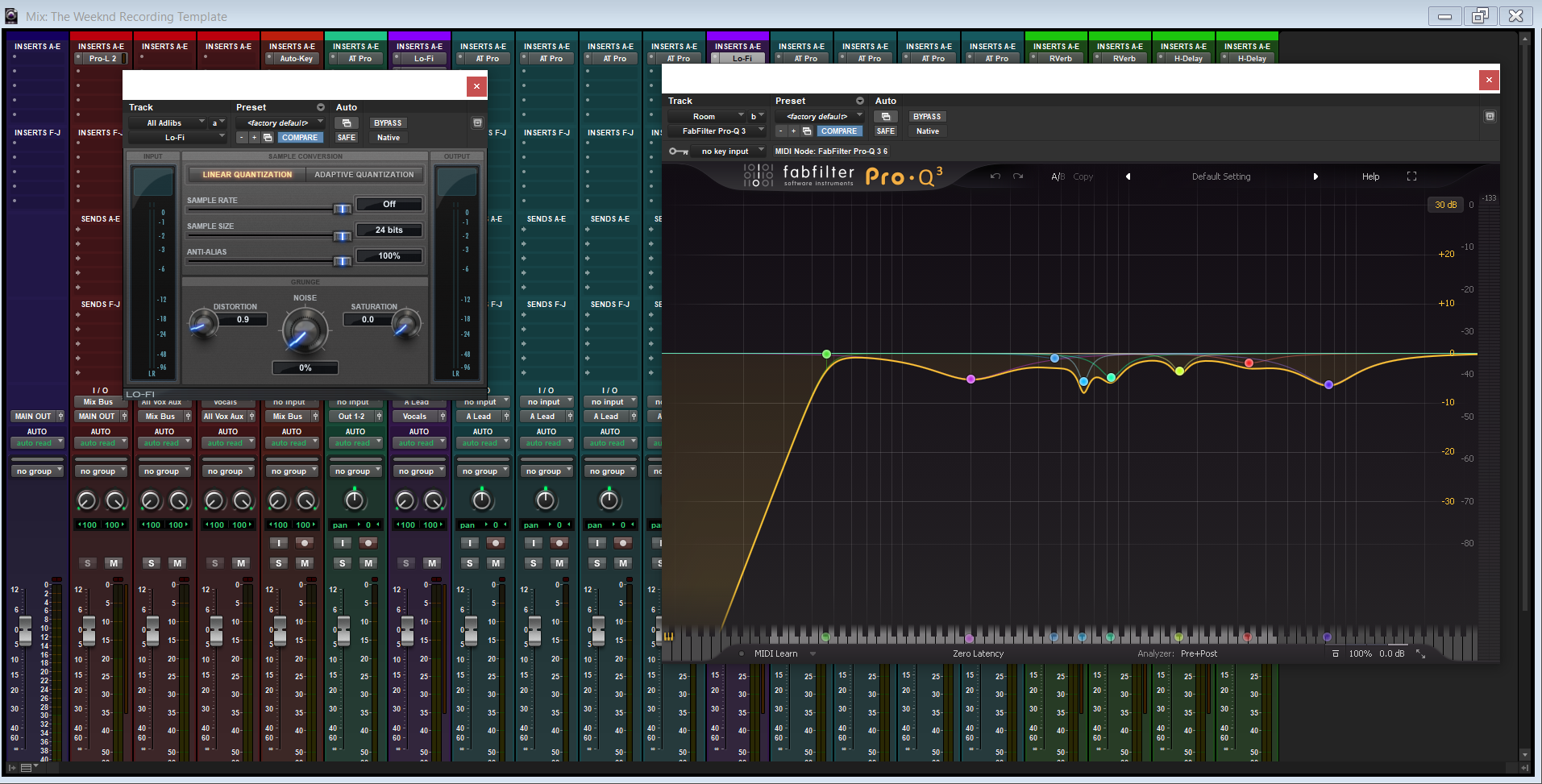
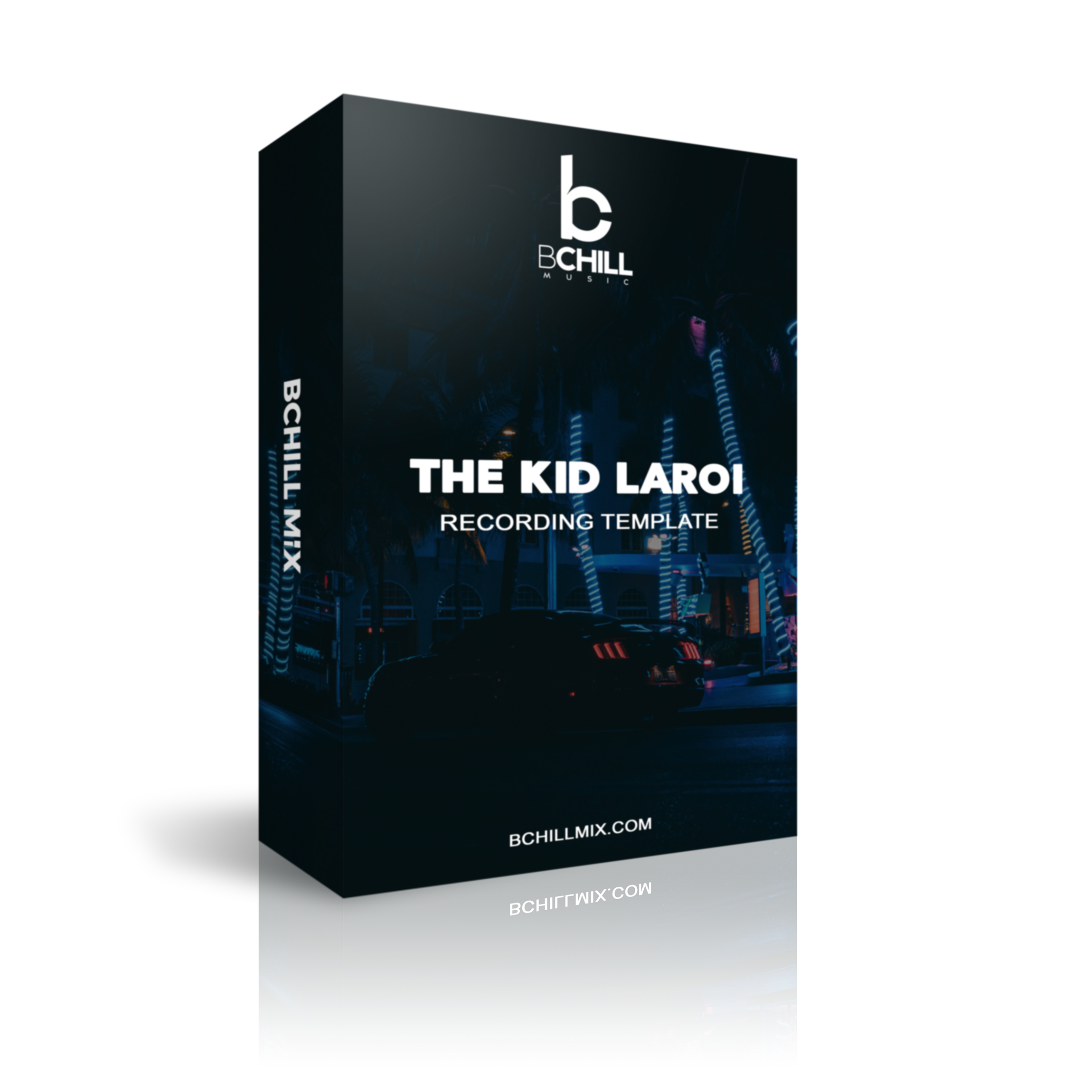
The Weeknd Pro Tools Template – Recording Template & Vocal Preset
Type: Recording Template
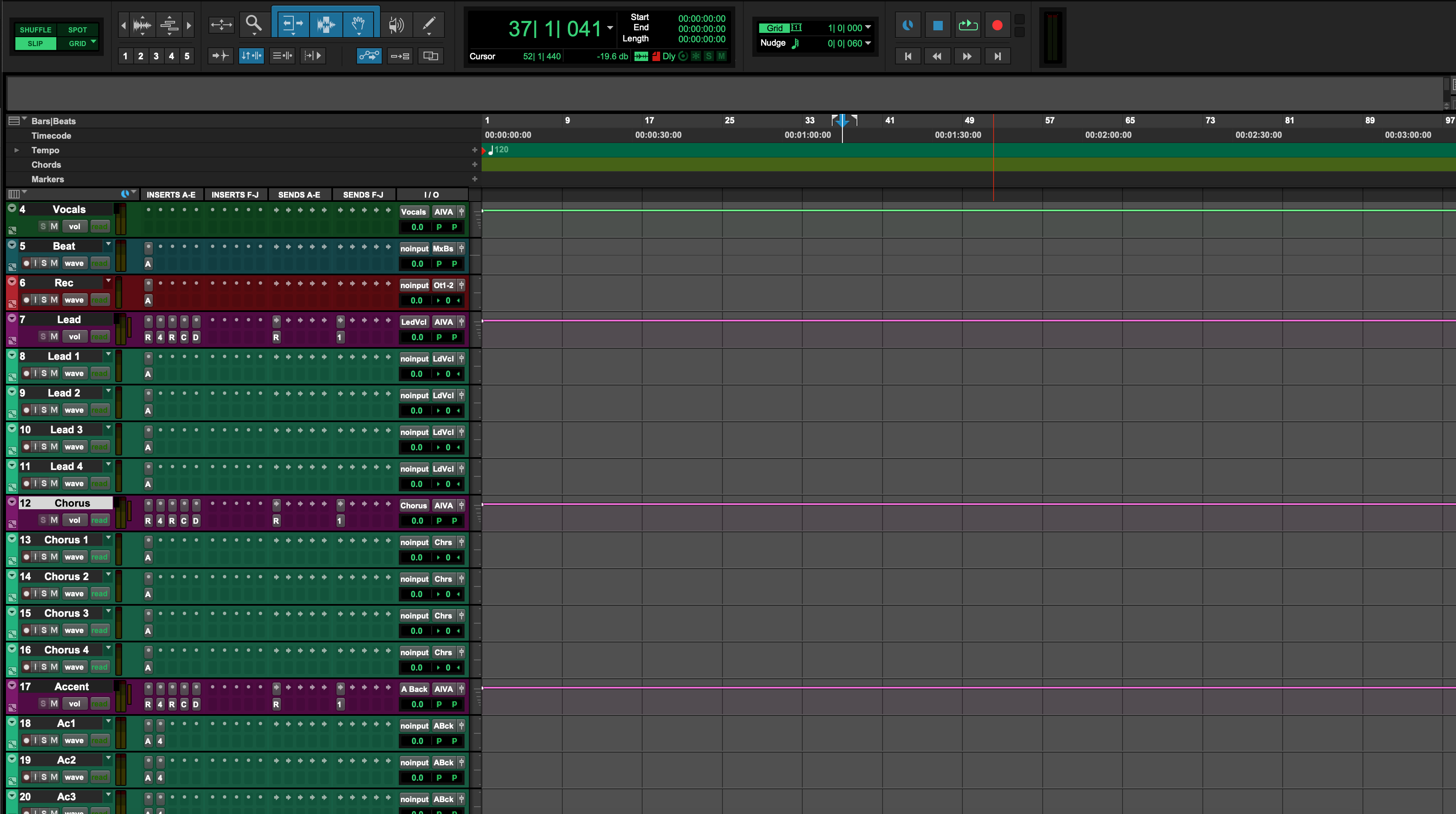
The Kid LAROI Pro Tools Template – Recording Template & Vocal Preset
Type: Recording Template
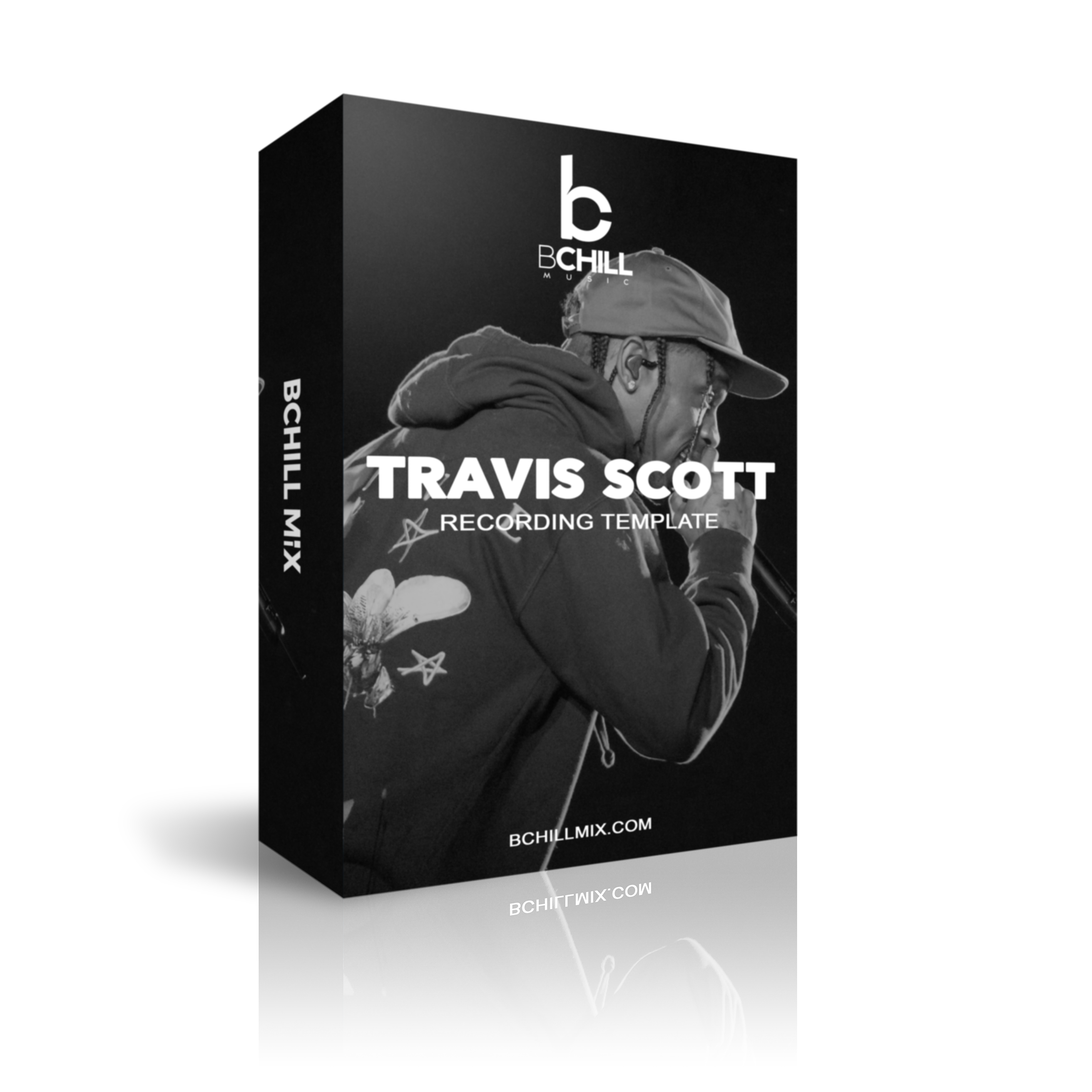
Tory Lanez Pro Tools Template – Recording Template & Vocal Preset
Type: Recording Template
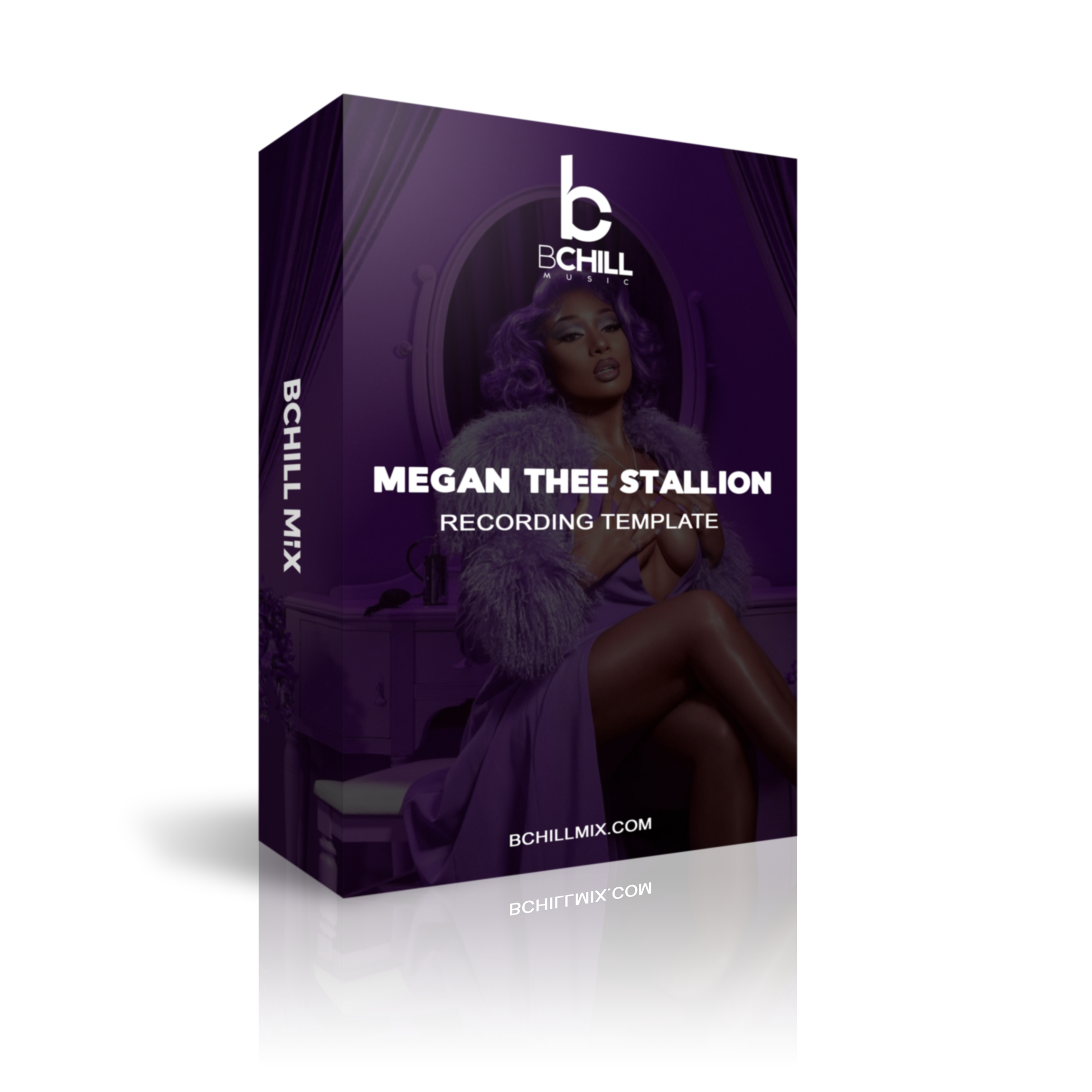
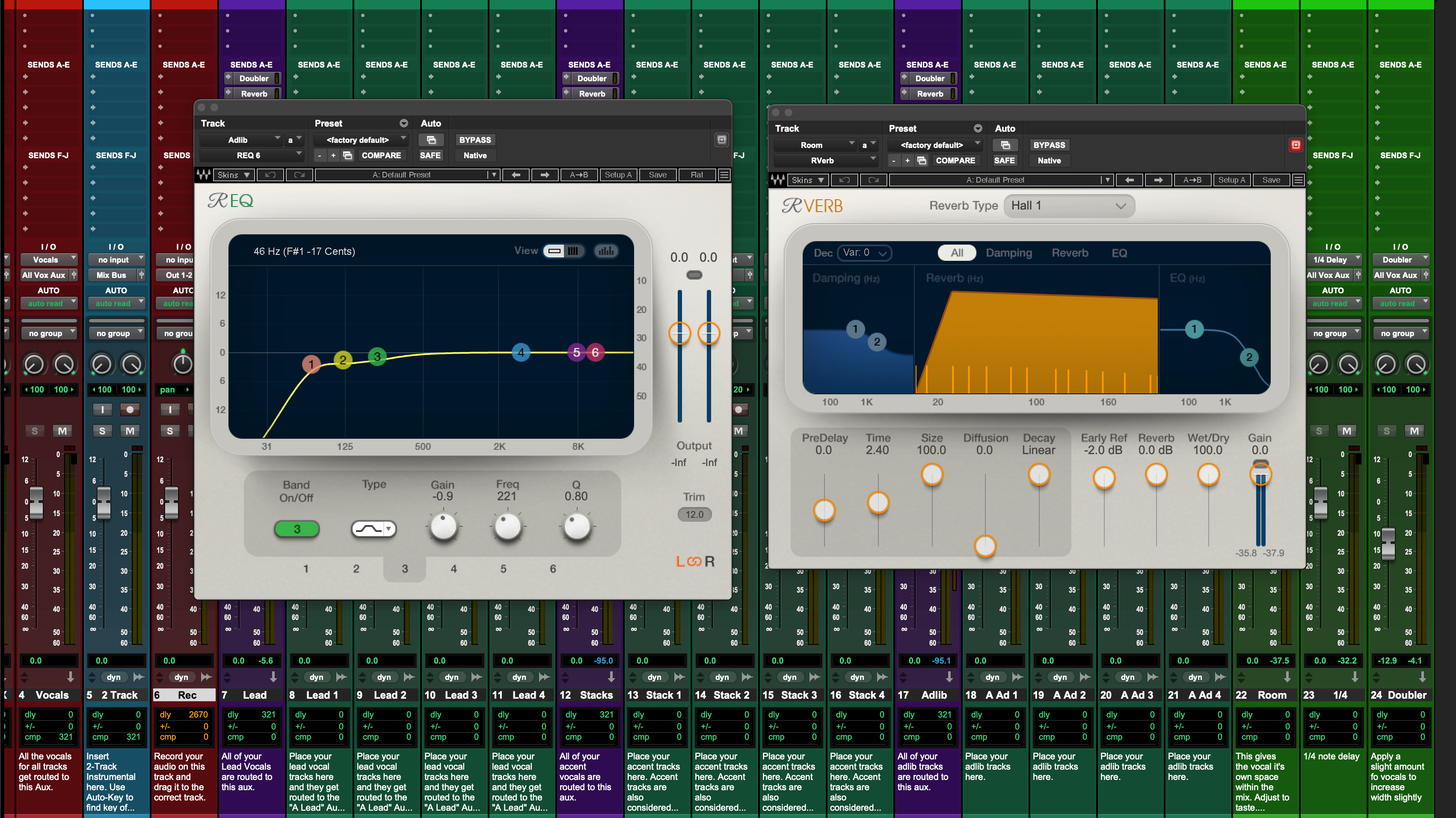
Travis Scott Pro Tools Template – Recording Template & Vocal Preset
Type: Recording Template
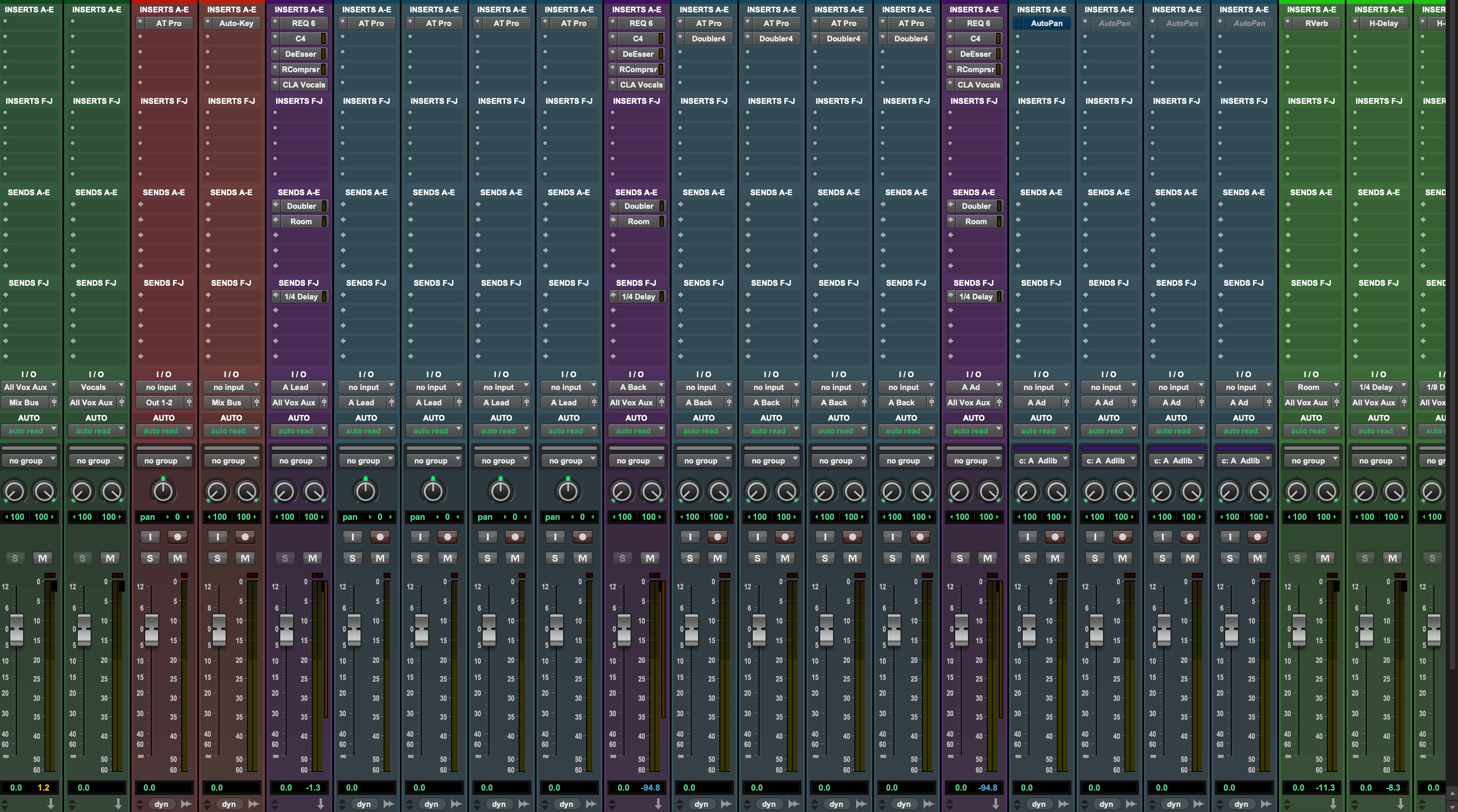
Megan Thee Stallion Pro Tools Template – Recording Template & Vocal Preset
Type: Recording Template
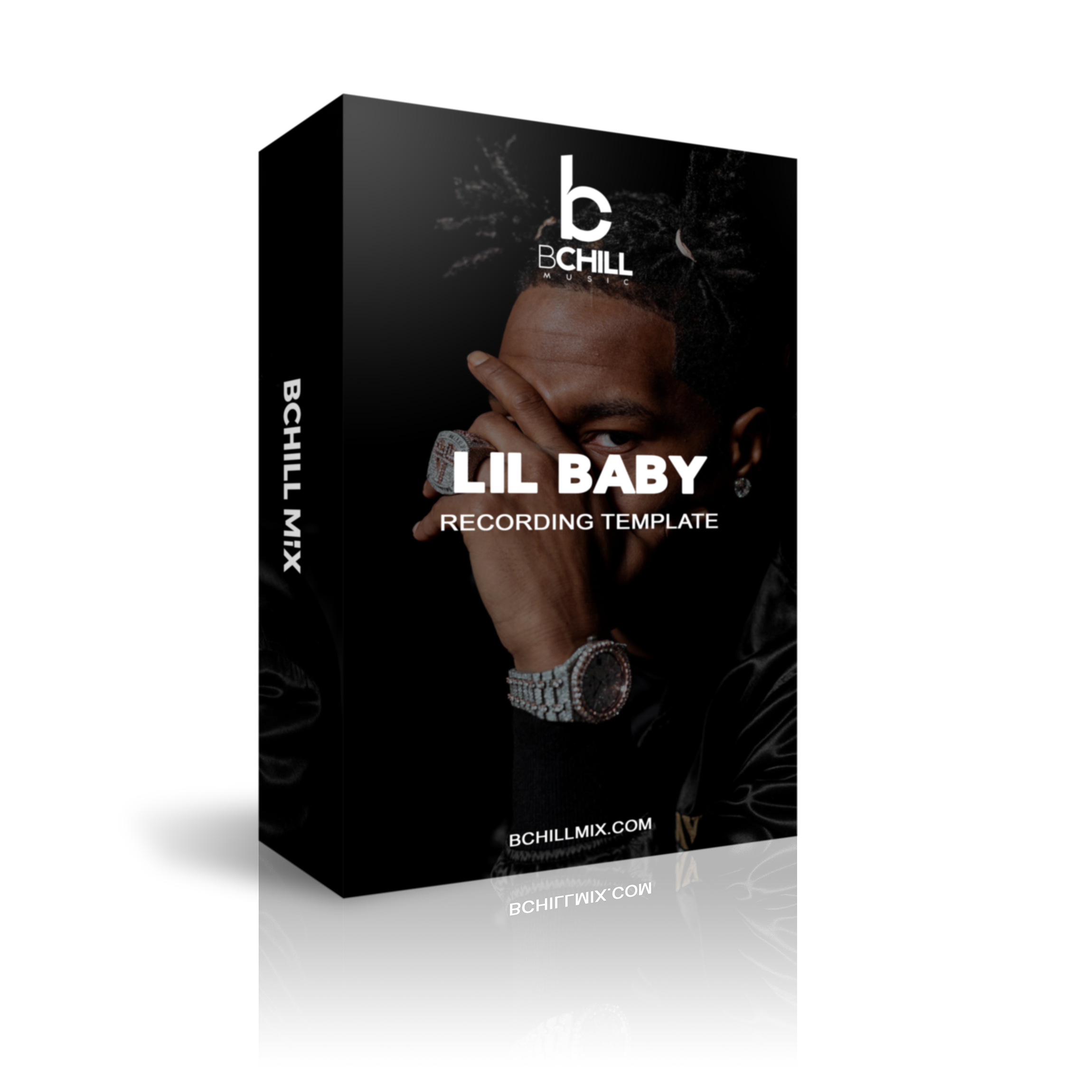
Lil Baby Pro Tools Template – Recording Template & Vocal Preset
Type: Recording Template
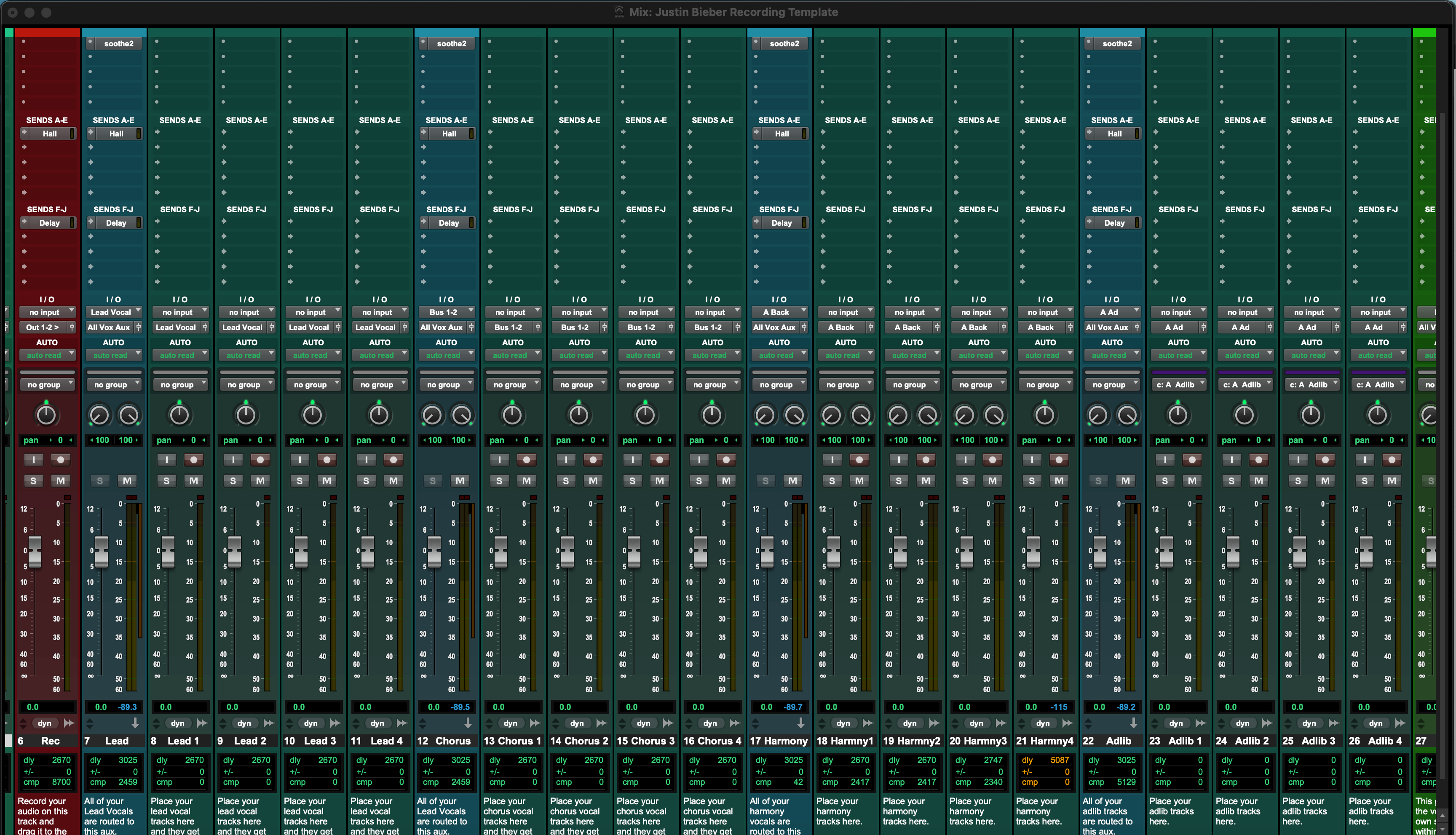
Justin Bieber Pro Tools Template – Recording Template & Vocal Preset
Type: Recording Template
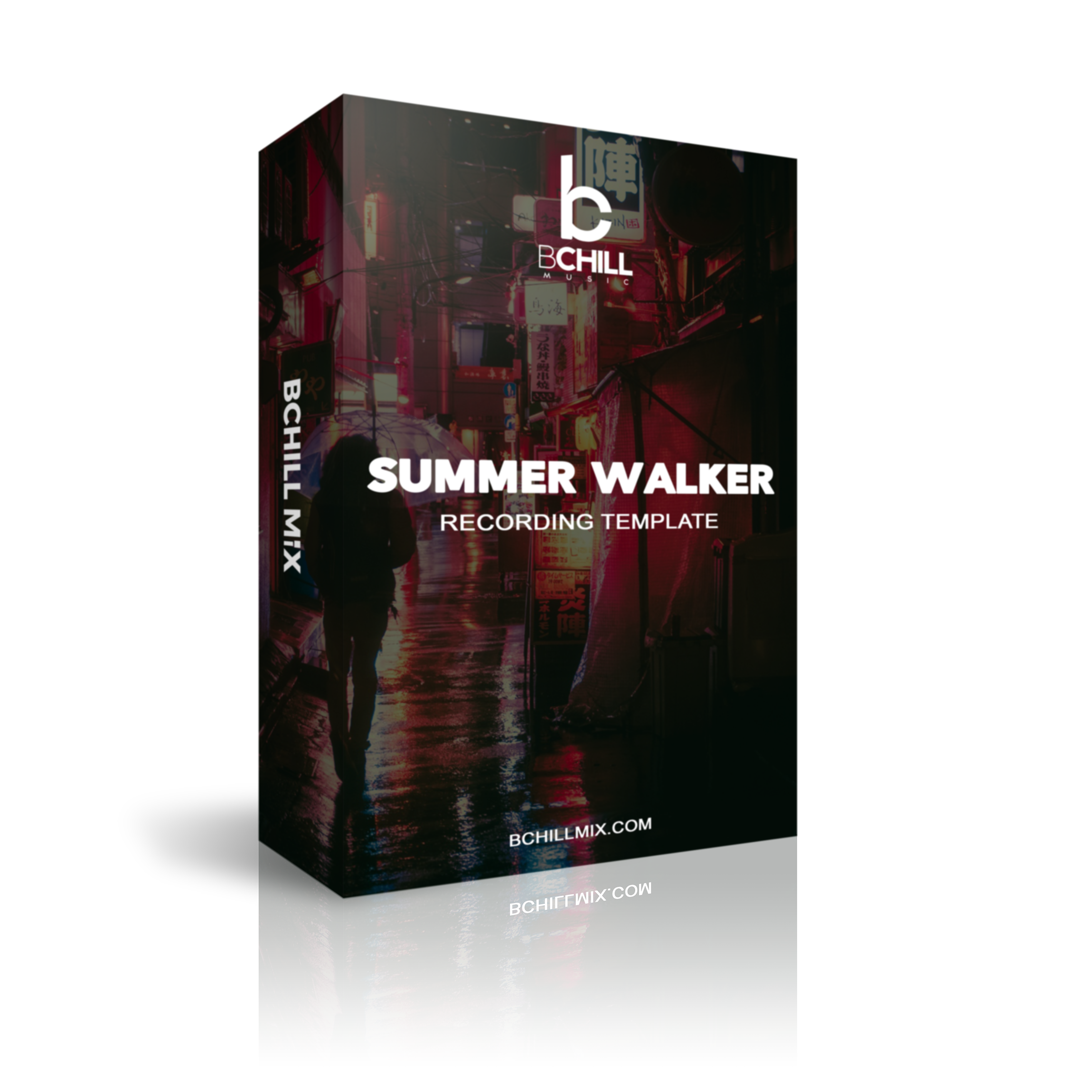
Summer Walker Pro Tools Template – Recording Template & Vocal Preset
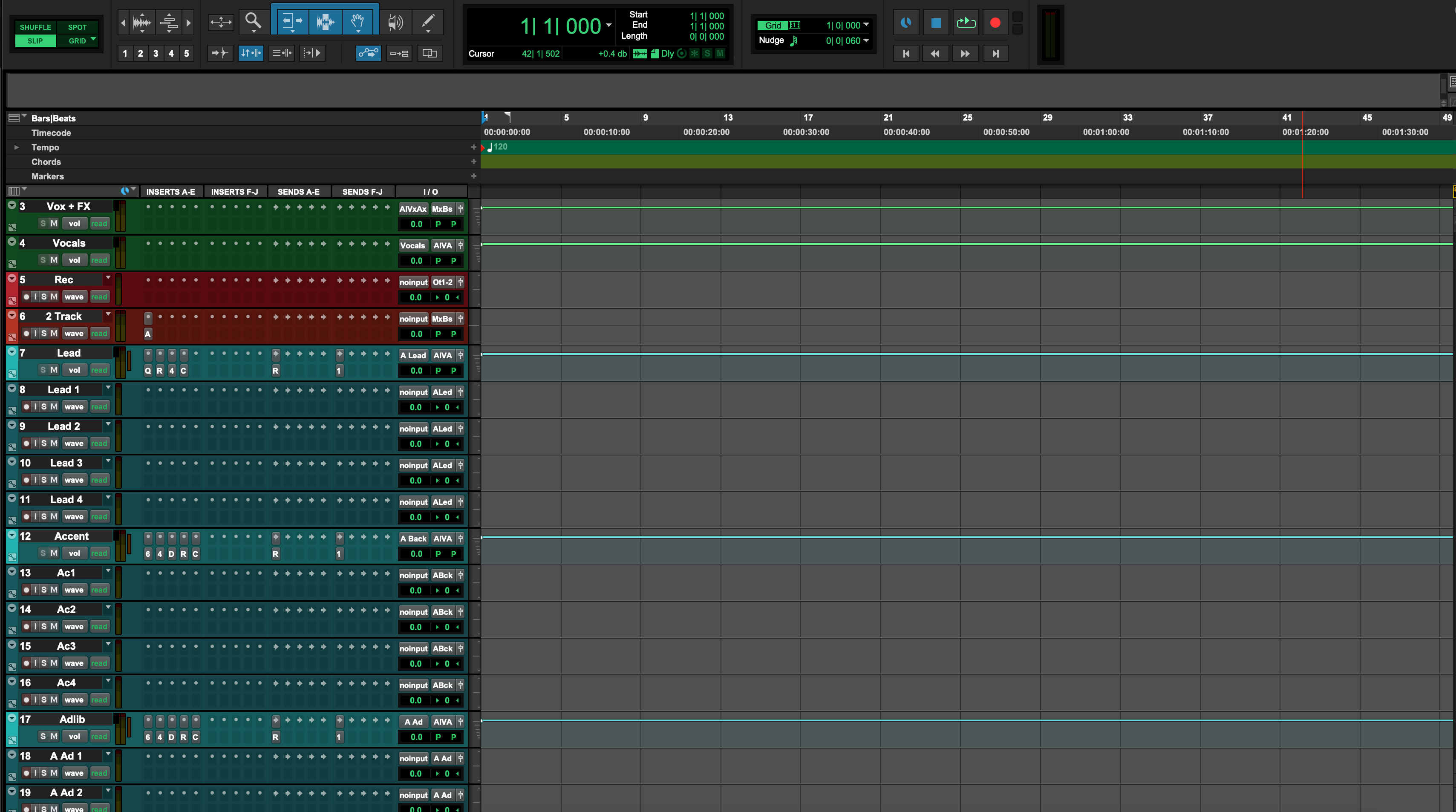
Type: Recording Template
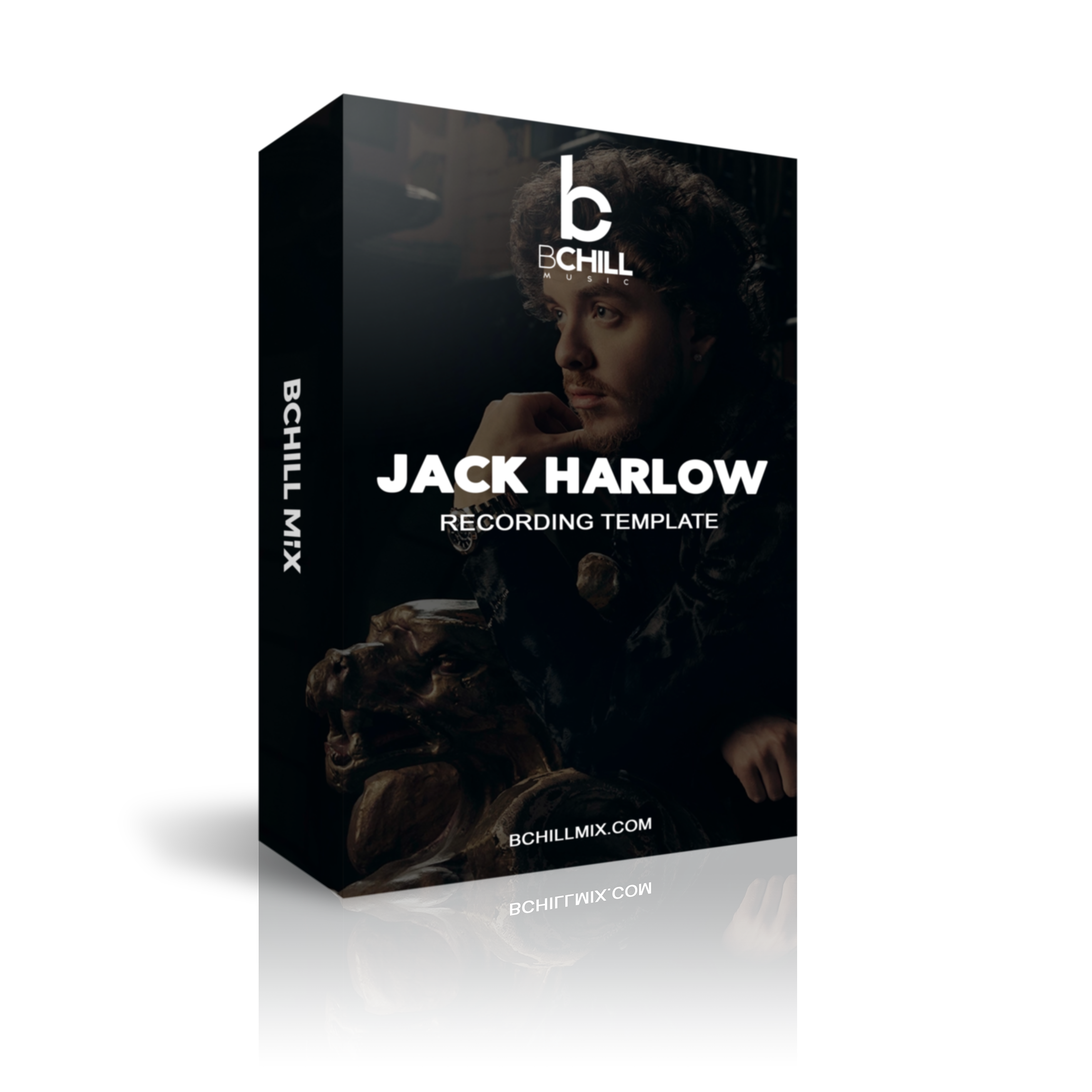
Jack Harlow Pro Tools Template – Recording Template & Vocal Preset
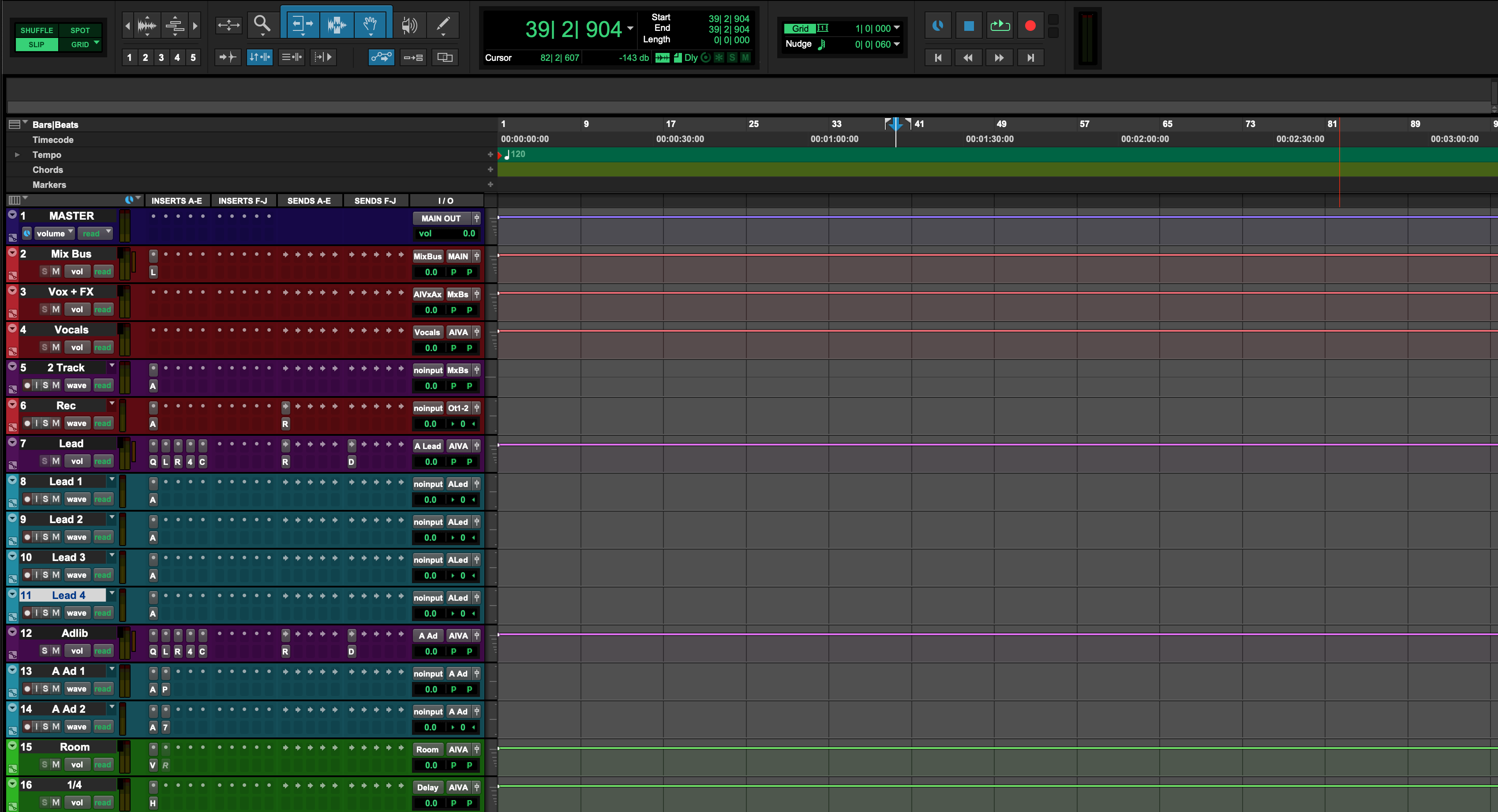
Type: Recording Template
Gunna Pro Tools Template – Recording Template & Vocal Preset
Type: Recording Template
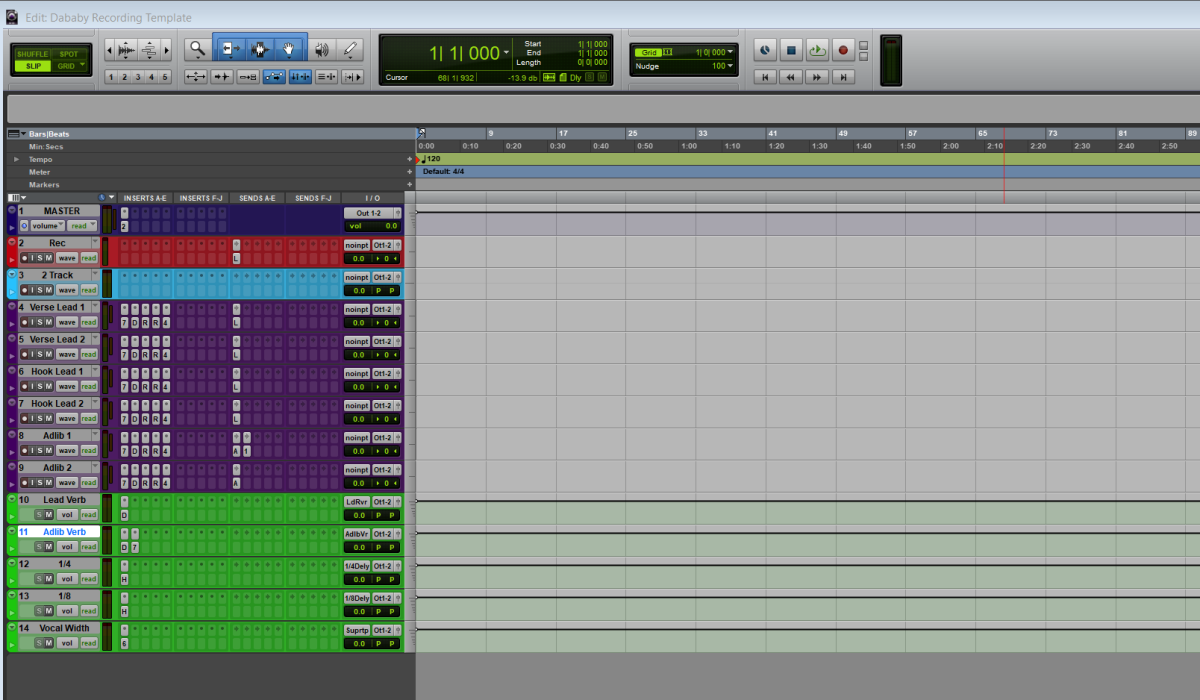
DaBaby Pro Tools Template – Recording Template & Vocal Preset
Pro Tools Mixing Templates
Pre-routed buses, gain staging, and FX sends for fast, repeatable mixes—built for Pro Tools.
Type: Mixing Template
Pro Tools Luxury Mixing Template – Premium Vocal & Mastering Chain
Type: Mixing Template
Afrobeat Pro Tools Mixing Template – Vocal Mixing & Mastering Chain
Type: Mixing Template
Chill R&B Trap Pro Tools Mixing Template
Type: Mixing Template
Instrumental Beat Mixing Template – Pro Tools Template for Hip Hop, R&B & Trap
Type: Mixing Template
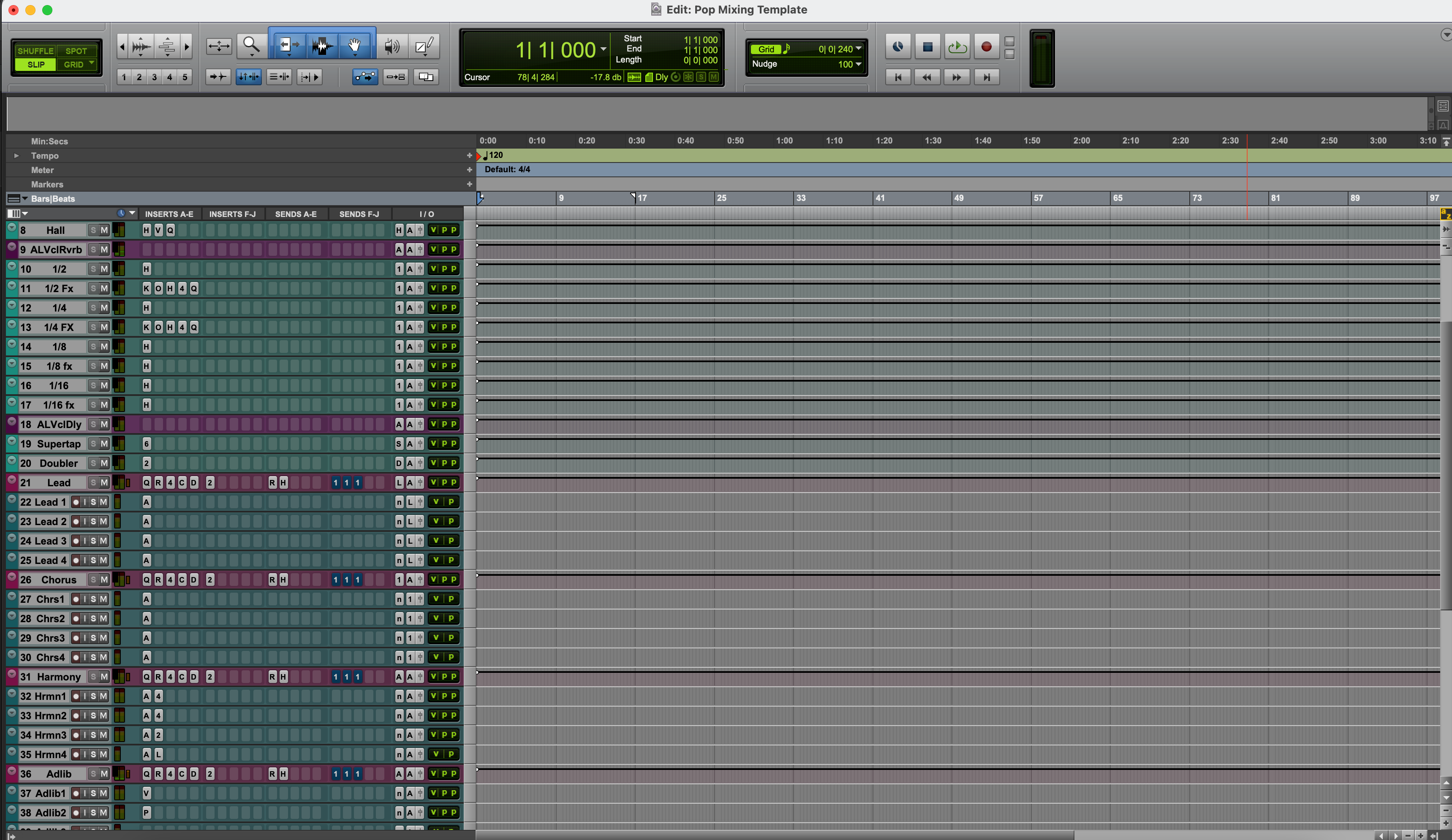
Pop Pro Tools Mixing Template – Vocal Mixing & Mastering Chain
Type: Mixing Template
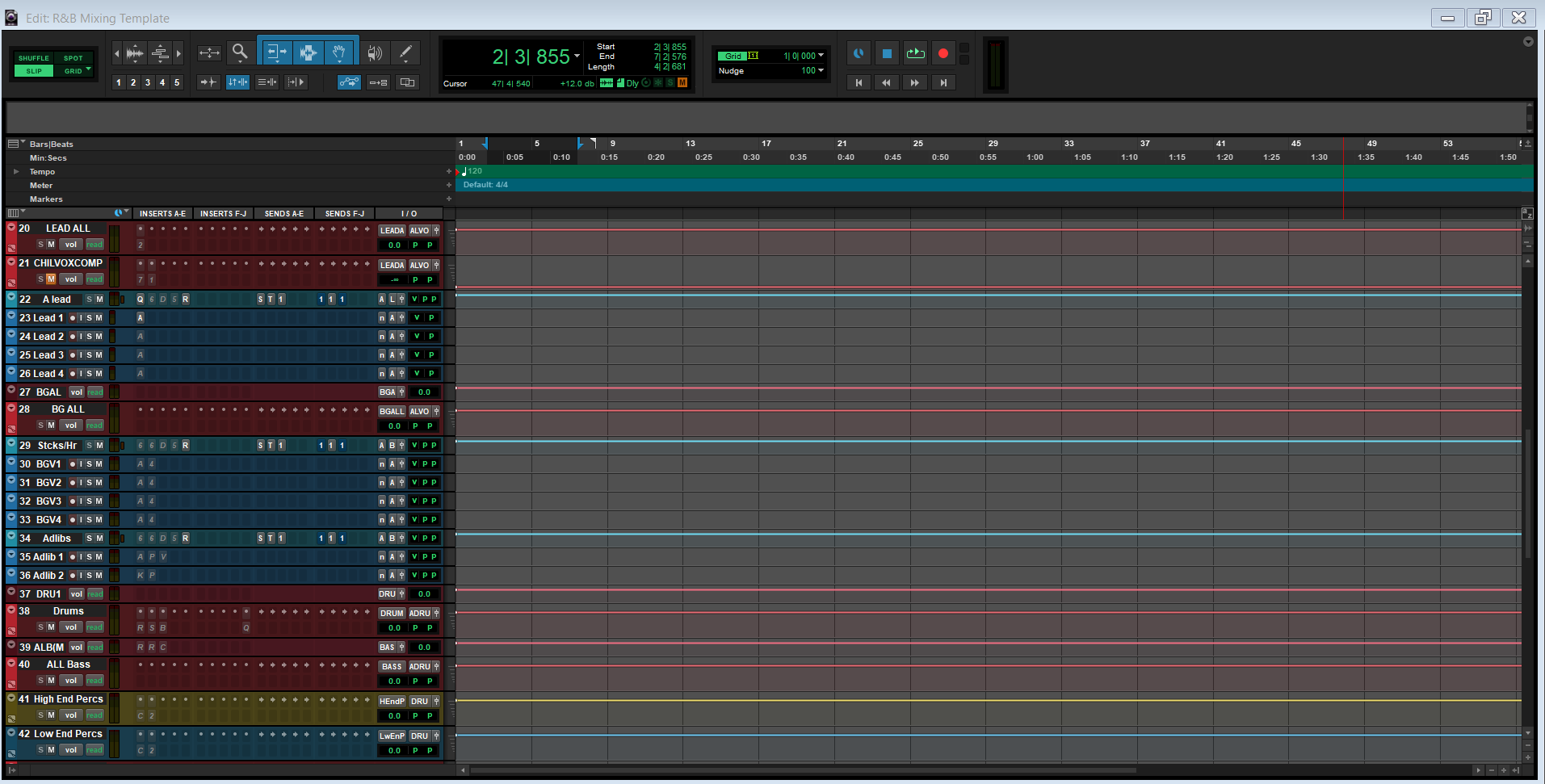
Pro Tools R&B Mixing Template
FAQs
What is included in a Pro Tools template from BCHILL MIX?
What is included in a Pro Tools template from BCHILL MIX?
A BCHILL MIX Pro Tools template is built to open closer to a working session than a blank file, with structured vocal tracks, routing, buses, and core session organization already in place.
That makes it easier to handle leads, doubles, ad-libs, harmonies, and rough mix decisions without rebuilding the same session layout every time.
Are these Pro Tools products recording templates, mixing templates, or both?
Are these Pro Tools products recording templates, mixing templates, or both?
This collection can include recording-focused templates, mixing-focused templates, or products that help bridge both workflows.
The product page should tell you whether the file is built for tracking, post-recording mix prep, or a more complete hybrid session.
What do I get after I buy a Pro Tools template?
What do I get after I buy a Pro Tools template?
You receive the digital session/template material described on the product page, along with any included guidance needed to open it and match it to your system.
That gives you a much stronger starting point than building the session structure manually from zero.
How fast do I receive the Pro Tools template files after purchase?
How fast do I receive the Pro Tools template files after purchase?
Pro Tools template products are delivered digitally, so access is usually immediate after checkout.
Most buyers should be able to download the session files right away through the order confirmation flow.
Do these Pro Tools templates use stock AAX plugins, third-party plugins, or both?
Do these Pro Tools templates use stock AAX plugins, third-party plugins, or both?
Some products stay within stock AAX tools, while others use third-party plugins for a more specialized or premium sound.
The product page should be the final check if you want to confirm whether a template is stock-only or plugin-dependent.
Are these templates compatible with Pro Tools Intro, Artist, and Studio?
Are these templates compatible with Pro Tools Intro, Artist, and Studio?
Compatibility depends on track count, routing complexity, and plugin requirements, so not every template fits every Pro Tools edition equally well.
If a template is designed for a fuller Pro Tools workflow, the product page should make the intended version or edition clear.
How do I install a Pro Tools template?
How do I install a Pro Tools template?
The normal process is to open the session or template file in Pro Tools, check the missing-file and plugin status if any, and then match the session to your audio hardware.
Once it opens cleanly, save a working version for your own projects so the setup becomes repeatable.
Do I need to change the I/O routing to match my own interface and hardware?
Do I need to change the I/O routing to match my own interface and hardware?
Usually, yes. Session templates often need a quick I/O pass so the track inputs, outputs, and buses match the interface and monitoring path in your own setup.
That is normal and does not mean the template is broken; it is simply part of adapting a prepared session to your hardware.
Are these Pro Tools templates beginner-friendly?
Are these Pro Tools templates beginner-friendly?
Yes, especially for artists who feel overwhelmed by the setup stage of Pro Tools sessions.
They also help more experienced users keep a disciplined, repeatable session structure instead of rebuilding the same routing every time.
What makes these better than building a Pro Tools session from scratch?
What makes these better than building a Pro Tools session from scratch?
They reduce the most repetitive work: naming tracks, setting buses, creating sends, organizing layers, and building the same basic starting chain again and again.
That means a faster path to recording, cleaner session management, and more consistency across songs.
Build Your Own Basket
Transform Your Session In Seconds
Instant Session Setup With Our Ready-to-Use Recording Templates & Vocal Presets.


Industry Credits

Westside Boogie

Shontelle

Jarren Benton

DJ Tunez

Vory

Caskey

Rittz

Nia Riley

Eugy

Q Parker
Listen to our Work
R&B
Before
After
Rap
Before
After
Pop
Before
After
Soul
Before
After
Rock
Before
After
Latin
Before
After
Pro Tools Recording Templates: Explained & Features
Introduction to Pro Tools Recording Templates
Welcome to BCHILL MIX—a resource for recording templates, vocal presets, and practical workflows that help artists and producers move faster and stay focused on performance. This page is dedicated to Pro Tools so you can get clear, distraction-free guidance.
Why templates help: thoughtful sessions act like a setup assistant—layout is done, buses are routed, sends are ready—so you can record without rebuilding the same chains every time. Starting from a proven structure improves consistency and shortens the path from idea to release.
The Advantages of Pro Tools Recording Templates
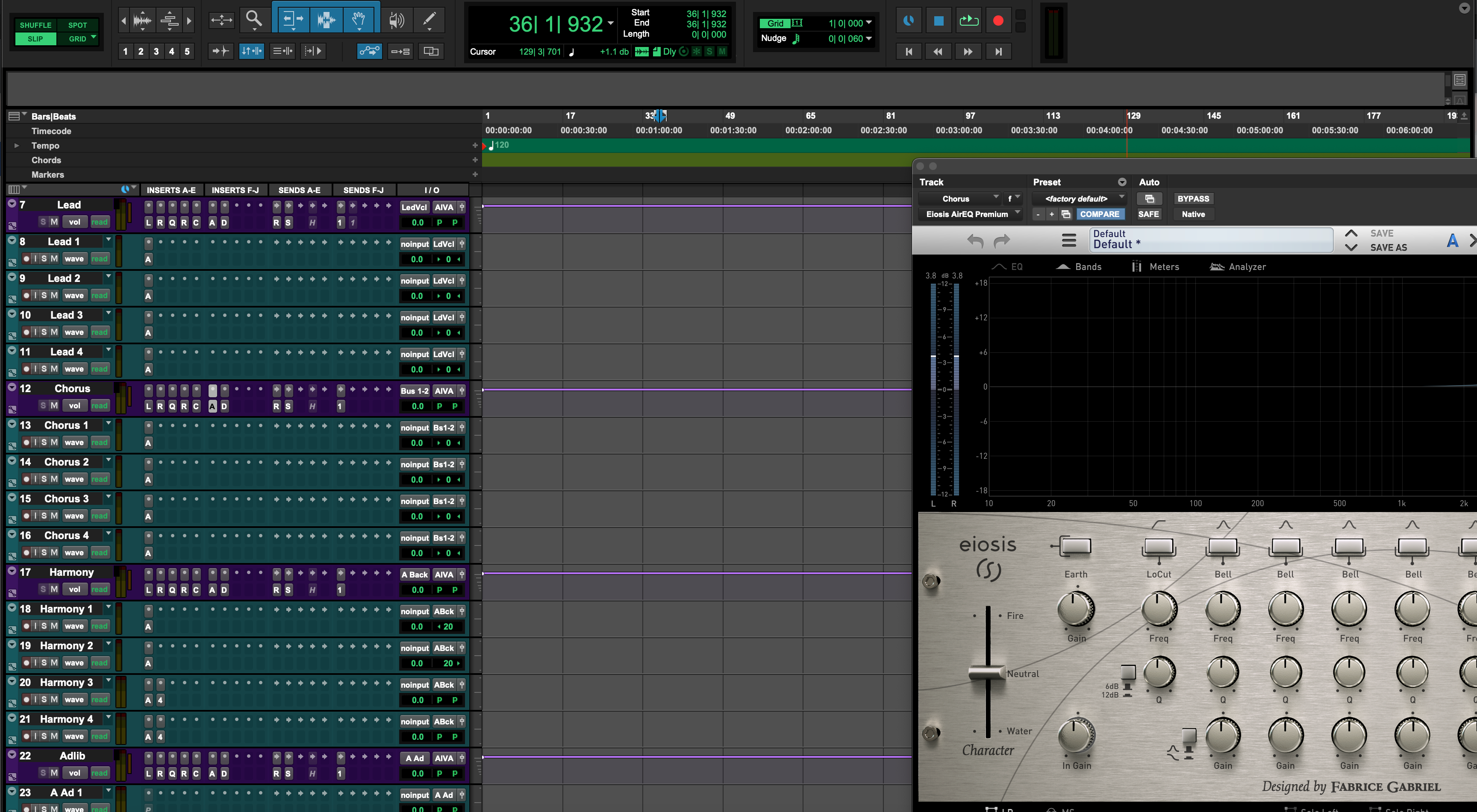
What they are: a prepared Pro Tools session with named tracks (Lead, Doubles, BGVs, Ad-libs), sensible send FX (reverb/delay), organized bus routing, and a clean monitoring path for confident takes.
Benefits
- Time: open and record—no repetitive setup.
- Consistency: keep tone and routing uniform across songs and projects.
- Workflow: color-coding, grouping, and print paths streamline edits and versions.
- Quality: good gain staging and stable chains lead to cleaner recordings that mix faster.
BCHILL MIX approach: session layouts are based on real projects across rap, melodic rap, R&B, pop, Afrobeat, and trap. The goal is practical structure rather than heavy processing, so you can adapt to your mic and voice quickly. With these templates, sessions open organized and ready.
Pro Tools Vocal Presets
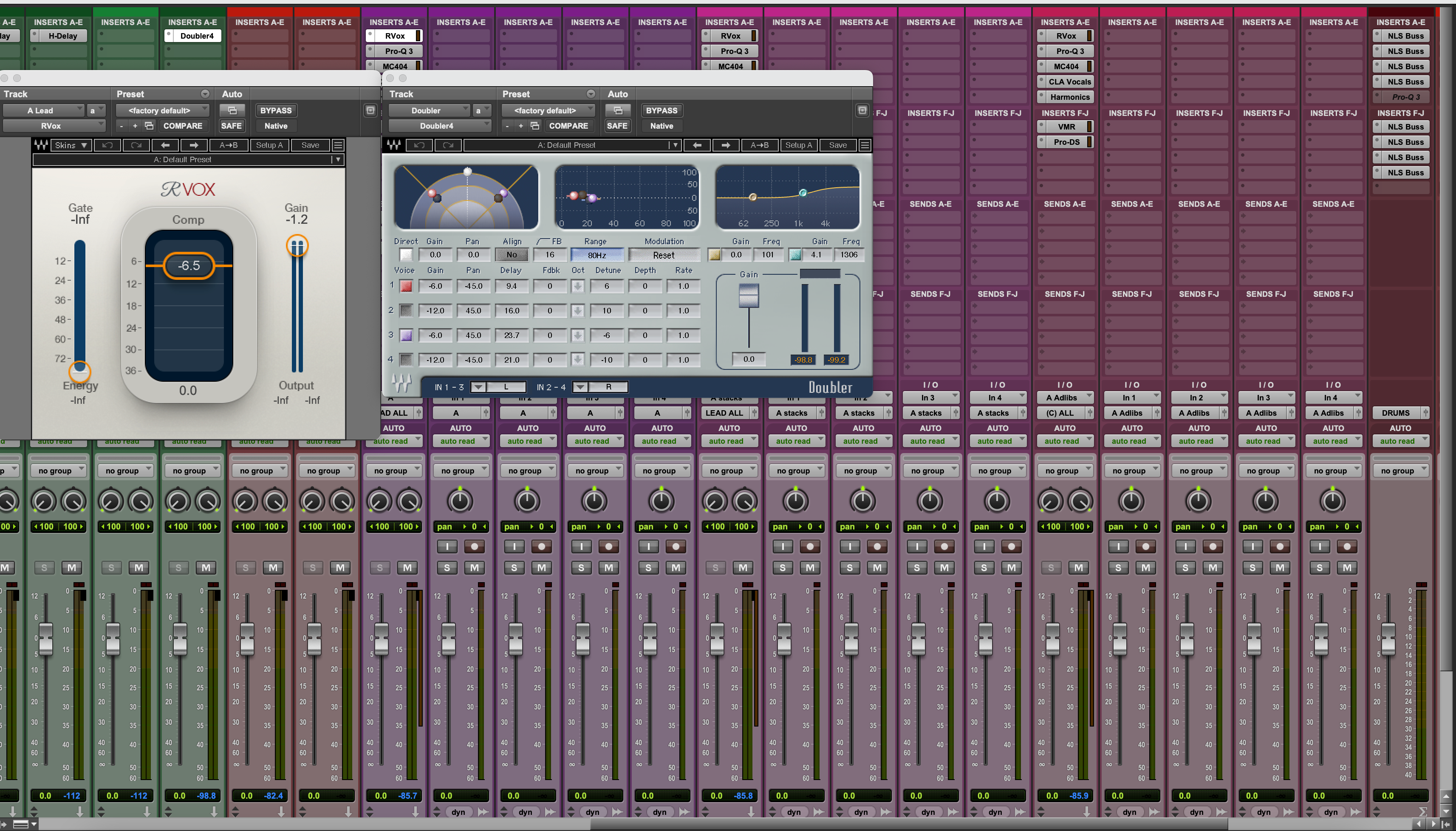
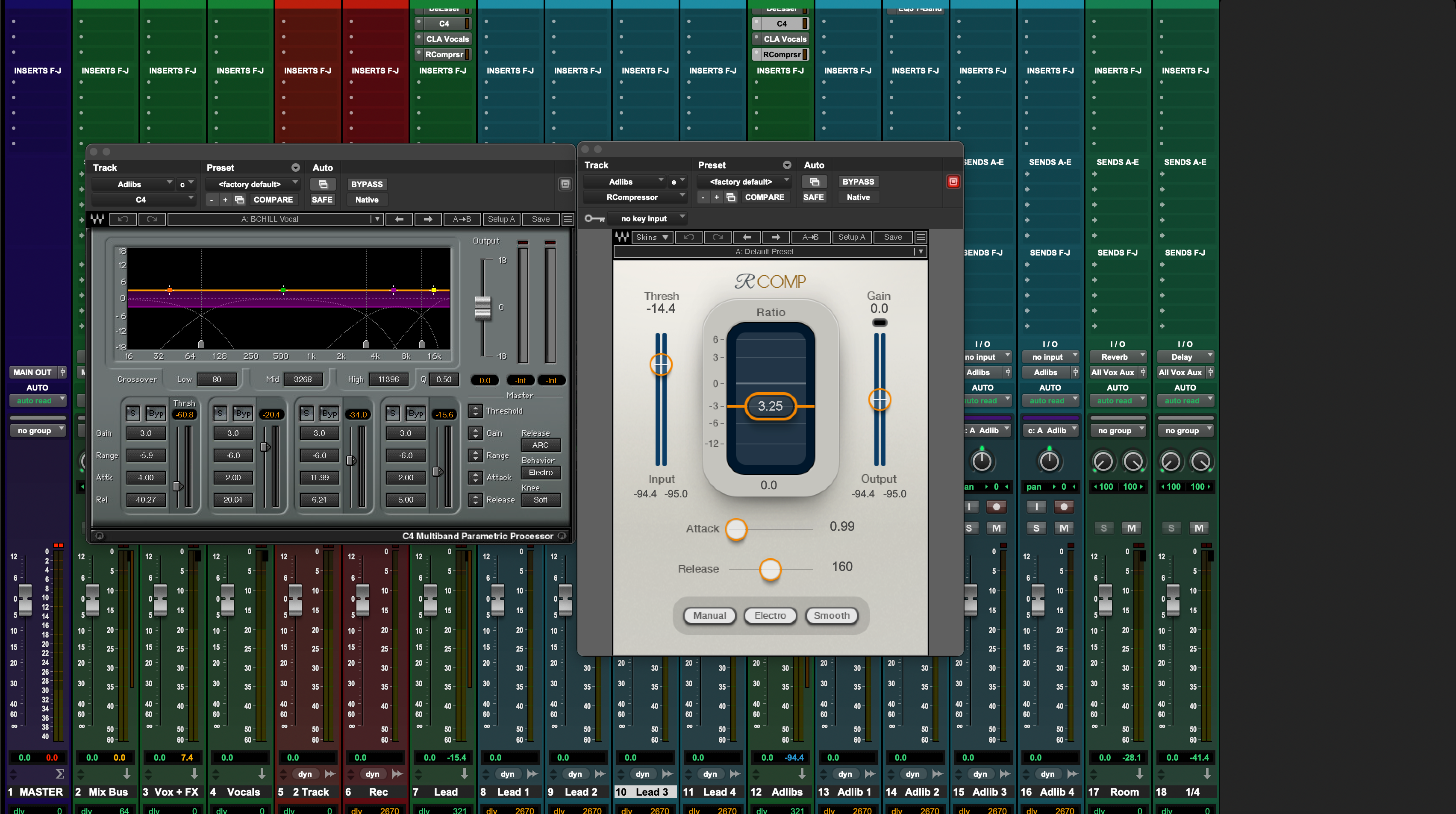
What they are: a saved insert chain—EQ, compression, de-esser, tasteful saturation—with sends to reverb and delay. Apply to a lead or ad-lib track for an immediate starting tone.
Why they matter
- Speed: one click instead of rebuilding multiple plugins.
- Polish: curated settings give a reliable baseline you can refine.
- Consistency: maintain a coherent vocal sound across sections and songs.
Options: stock-only chains for maximum compatibility, or premium chains (Waves, FabFilter, Auto-Tune) for more control. Many users combine a recording template plus a preset for tone—structure and sound working together.
What is a Pro Tools Mixing Template?
A mixing template is a session optimized for post-tracking: expanded buses (Music, Drums, Vocals), parallel paths where useful, a modest mix-bus chain, and pre-routed prints (Full, Instrumental, A Cappella, TV Mix). The aim is steady decisions with healthy headroom.
Common elements
- Track layout: clear names, color-coding, comp lanes, and groups.
- Chains: sensible EQ/comp/de-ess on vocals; genre-aware ambience and dynamics.
- Routing: VCA groups, stem buses, and FX returns you don’t have to reinvent.
- Prints: consistent deliverables rendered the same way every time.
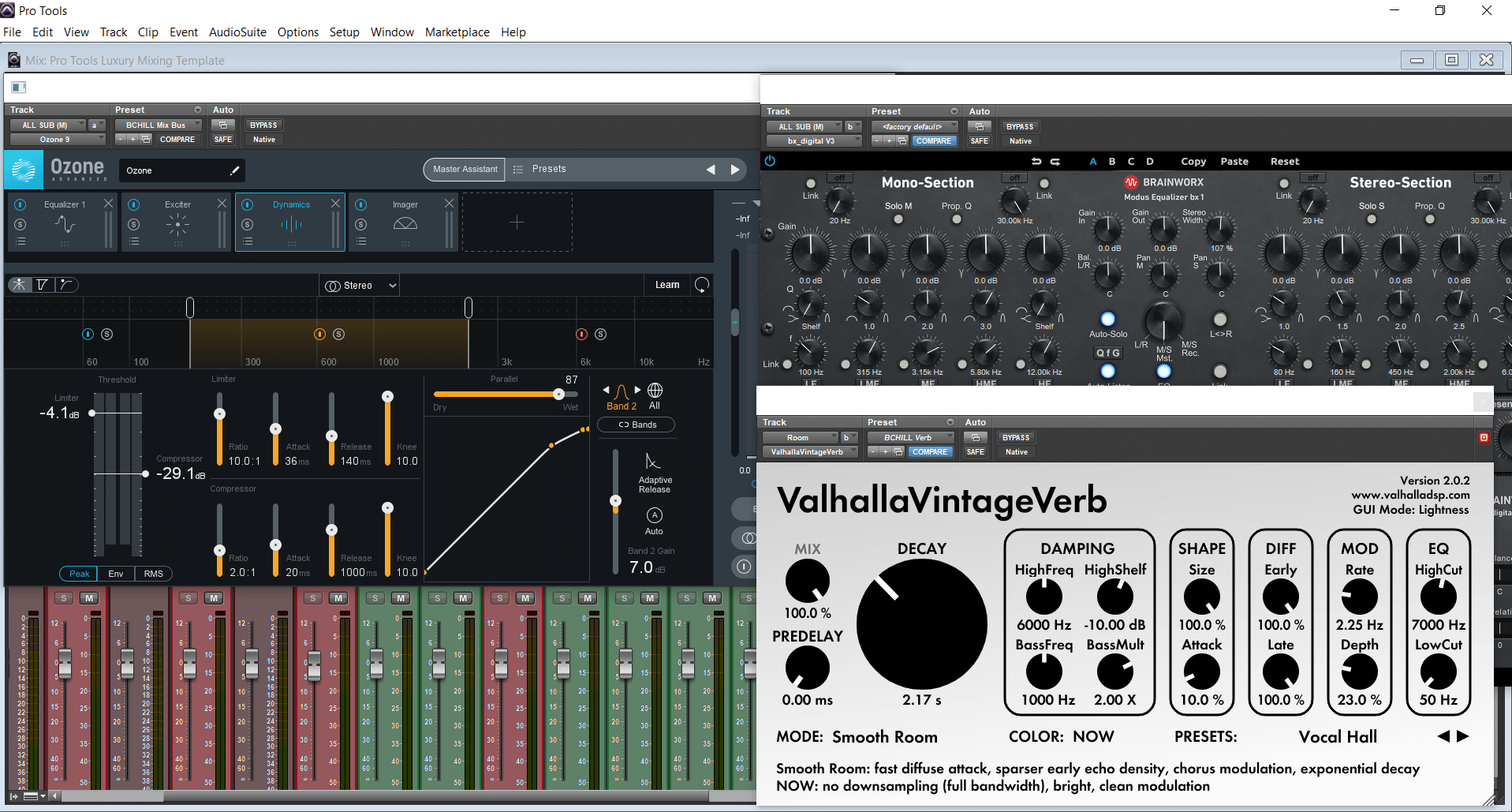
Example: a well-rounded “Luxury” mix layout for modern vocals—parallel options available but restrained by default so you can push only when the song asks for it.
Mastering With Pro Tools Templates
Concept: a mastering layout provides a controlled path to final tone and loudness: input gain staging, broad tonal balance, gentle glue if needed, limiting, true-peak control, and consistent exports.
- Speed: quick A/B and reference checks.
- Consistency: similar loudness and balance across singles or an EP.
- Focus: less setup, more listening.
Options: Hip-Hop, R&B, Pop, and vocal-focused approaches—including Ozone-style signal paths if that fits your workflow. A template keeps deliverables aligned from track to track.
Free Pro Tools Templates and Vocal Presets: The Hidden Costs
Typical issues
- Generic chains, unstable gain structure, or harsh top end.
- Limited variety and outdated plugin choices.
- No documentation or support when something breaks.
Why pay for a solid layout: you save setup time on every project and raise the baseline for quality. That compounds over weeks of work into cleaner mixes and more creative time.
Exploring Additional Pro Tools Templates
Stock-plugin sessions: maximum compatibility—useful on shared rigs or travel laptops.
Waves/premium sessions: extra control and refinement; if a specific plugin is missing, swap an equivalent and keep moving.
Recording examples: streamlined layouts with labeled vocal lanes, sends, cue mixes, and print paths for quick take management.
Genre-oriented options: starting points shaped for modern trap/rap energy, intimate R&B presence, or clean pop articulation.
Mastering and mixing layouts: consistent export paths and a calm, predictable bus flow from rough to release.
Conclusion
Recap of Pro Tools Templates Benefits: thoughtful session design reduces setup time, improves consistency, and helps you make clearer choices while tracking and mixing. Combine a structured layout with a vocal preset for tone, and use a simple mastering path for steady delivery across releases.
Pro Tools Recording Template: pick stock-only for universal compatibility or a premium chain if you want specific tools—either way, you’re starting from an organized session that’s easy to adapt.
Pro Tools Mixing Template: use a calm bus structure, parallel paths only where needed, and predictable print routes so you can focus on taste and translation instead of plumbing.
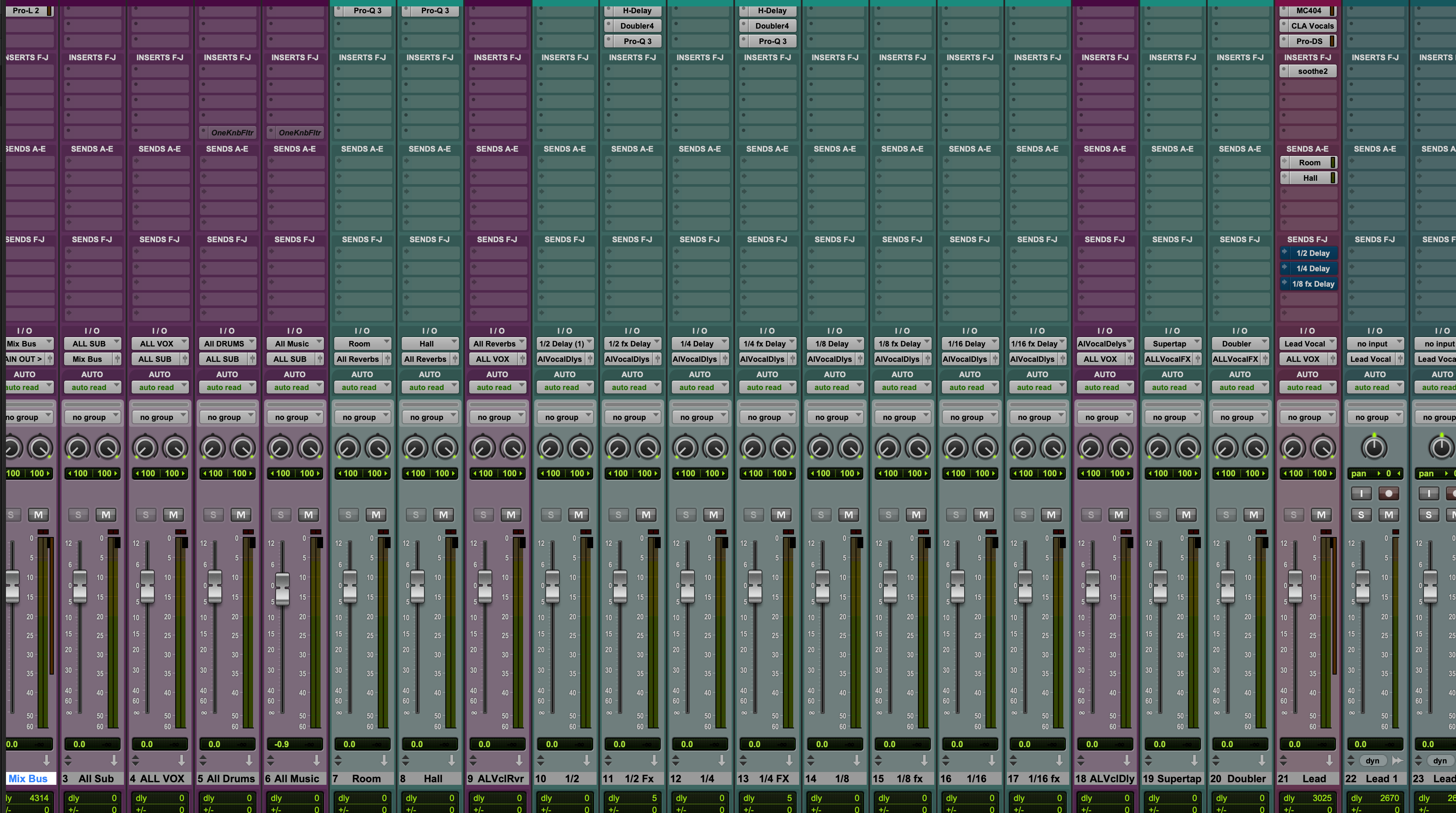
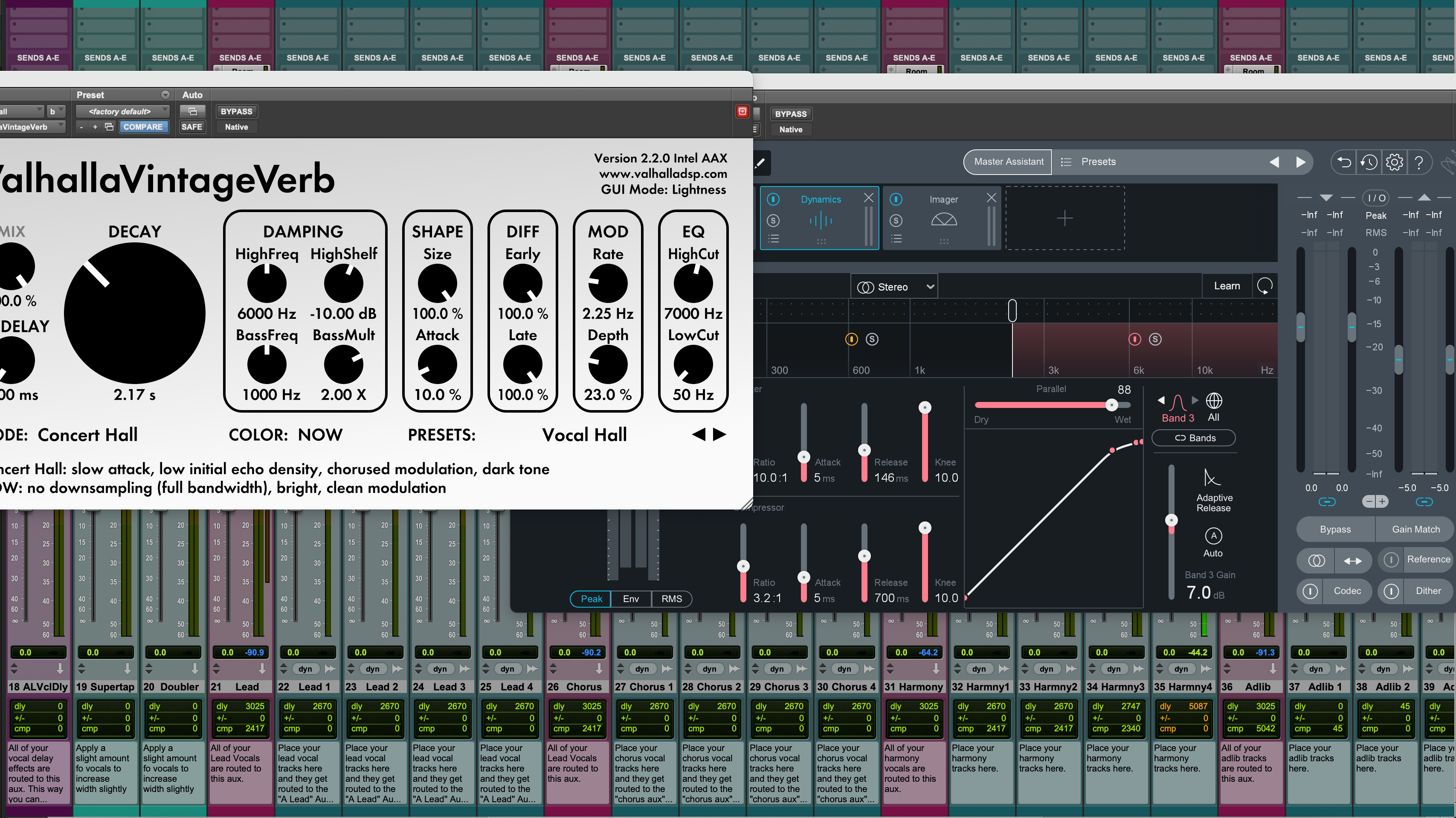
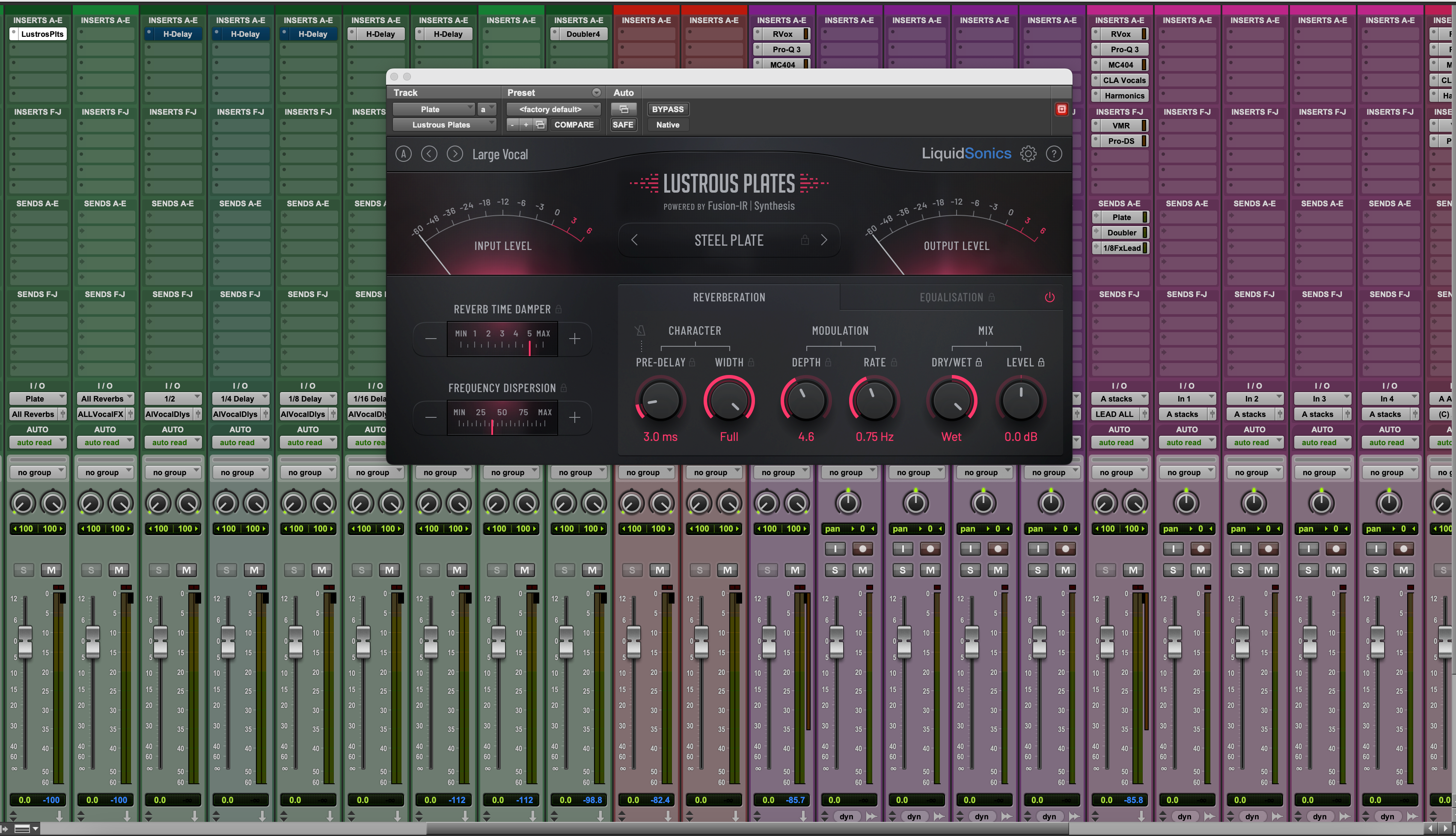
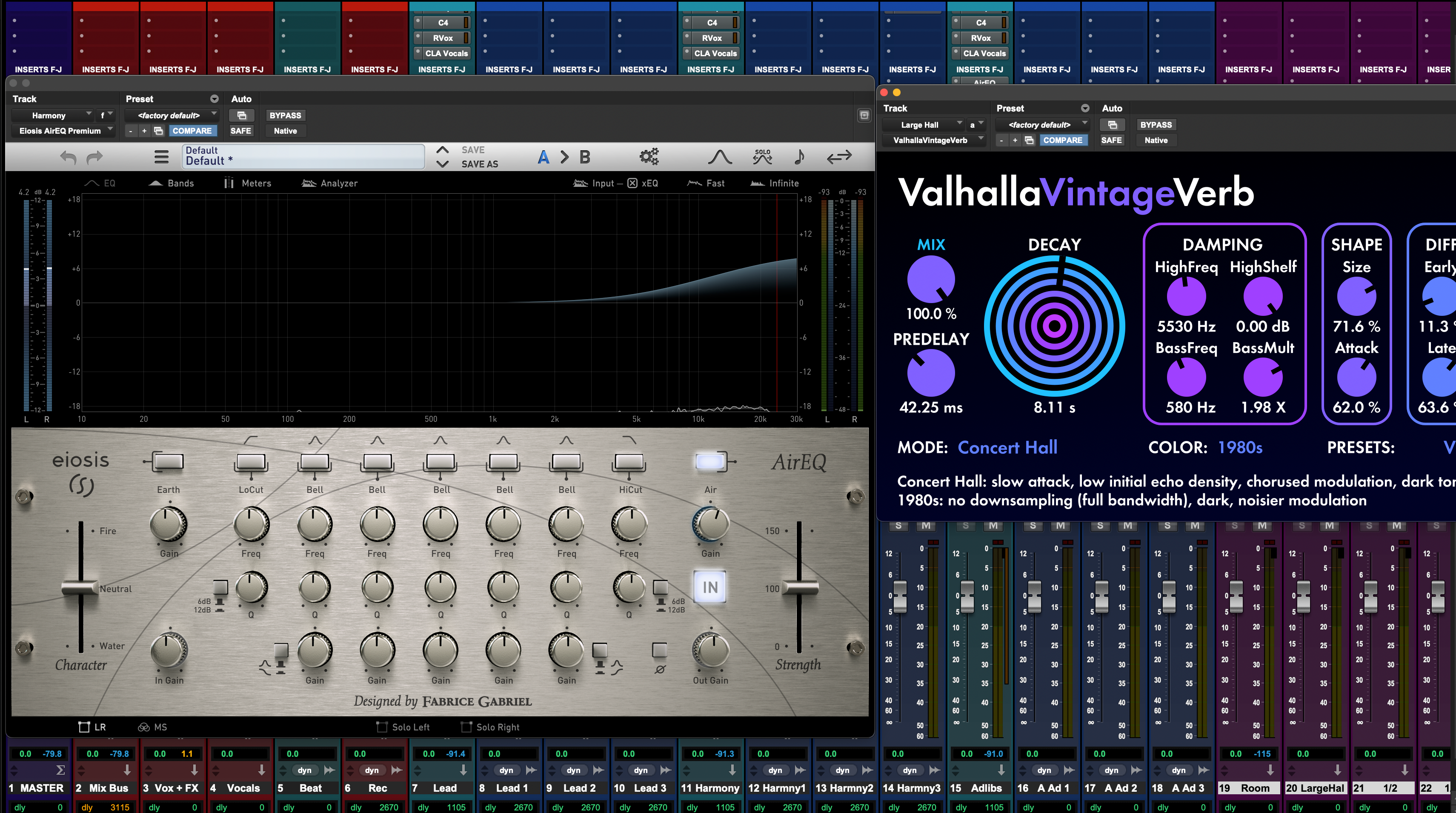
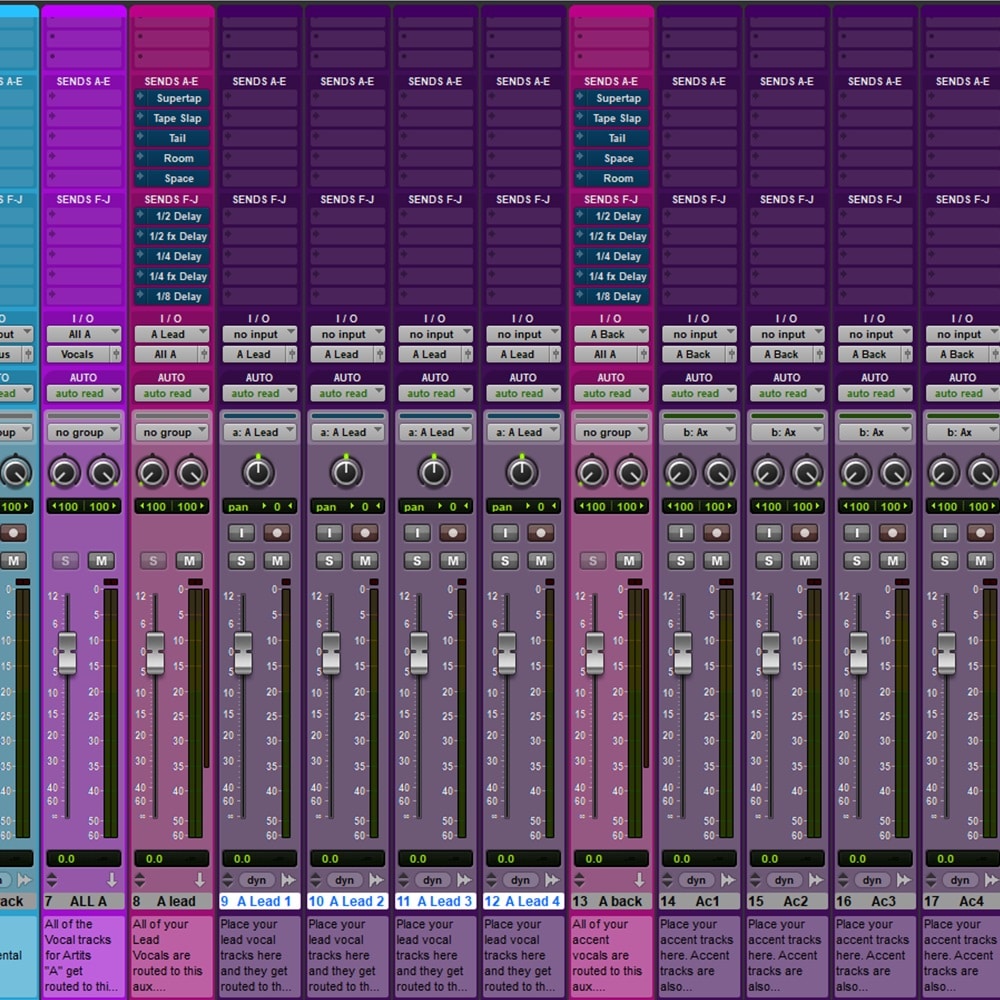
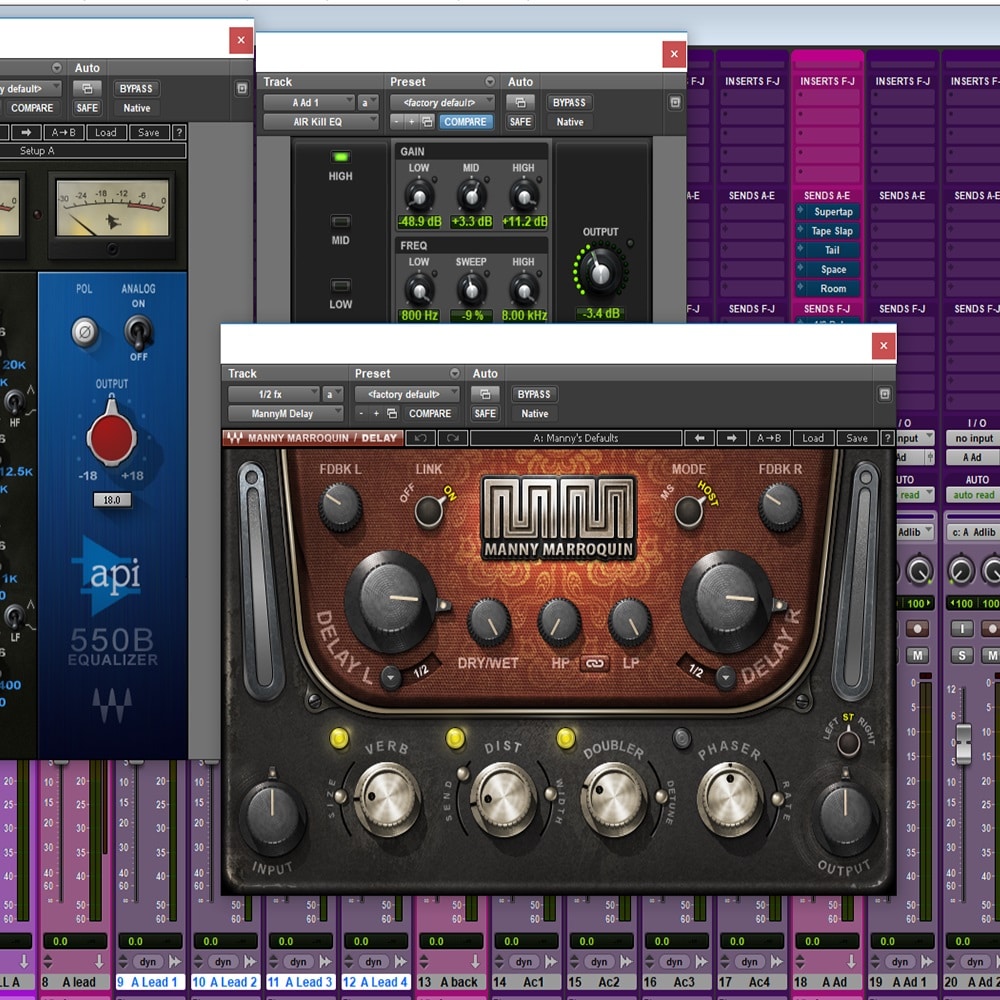
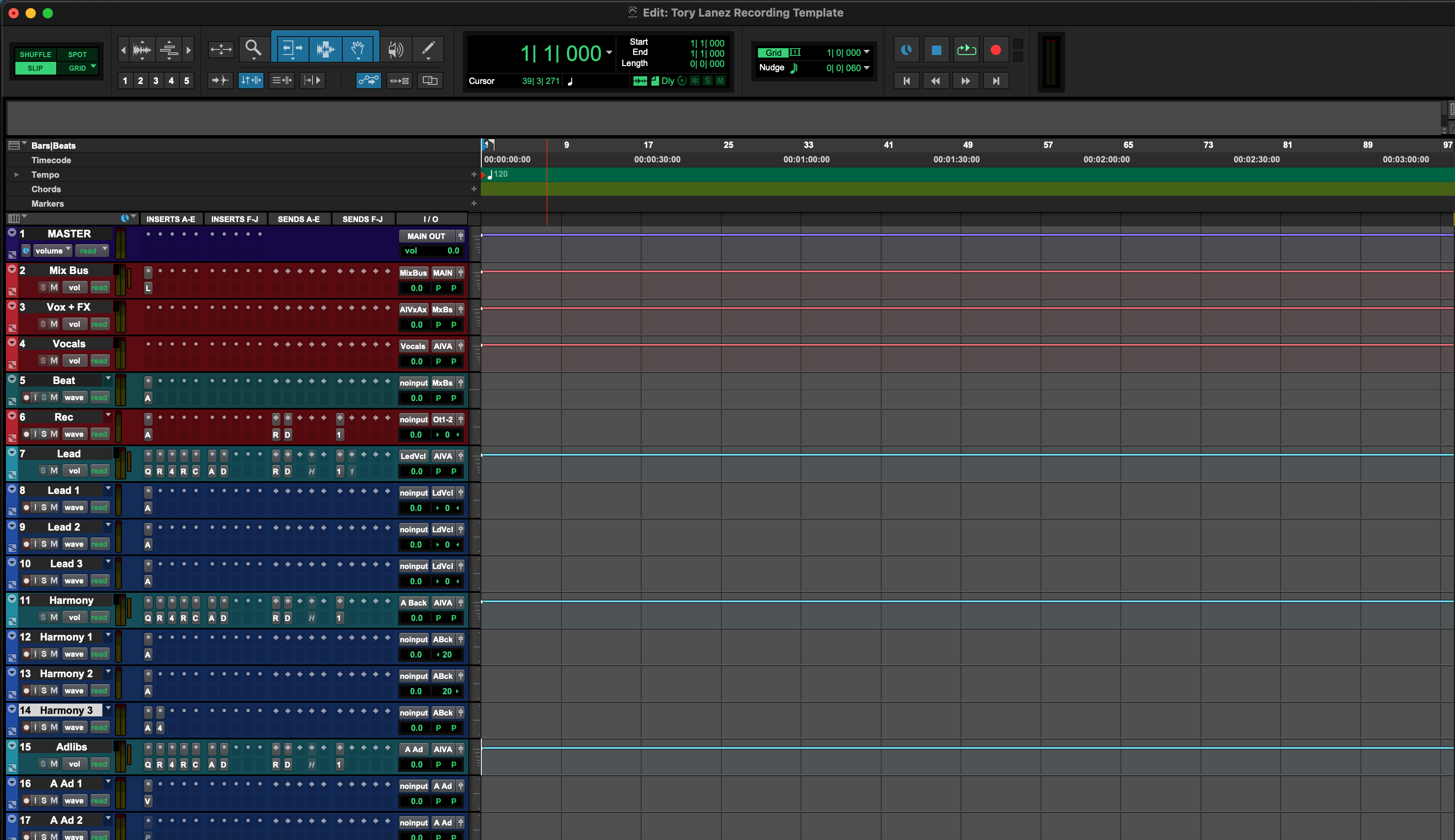
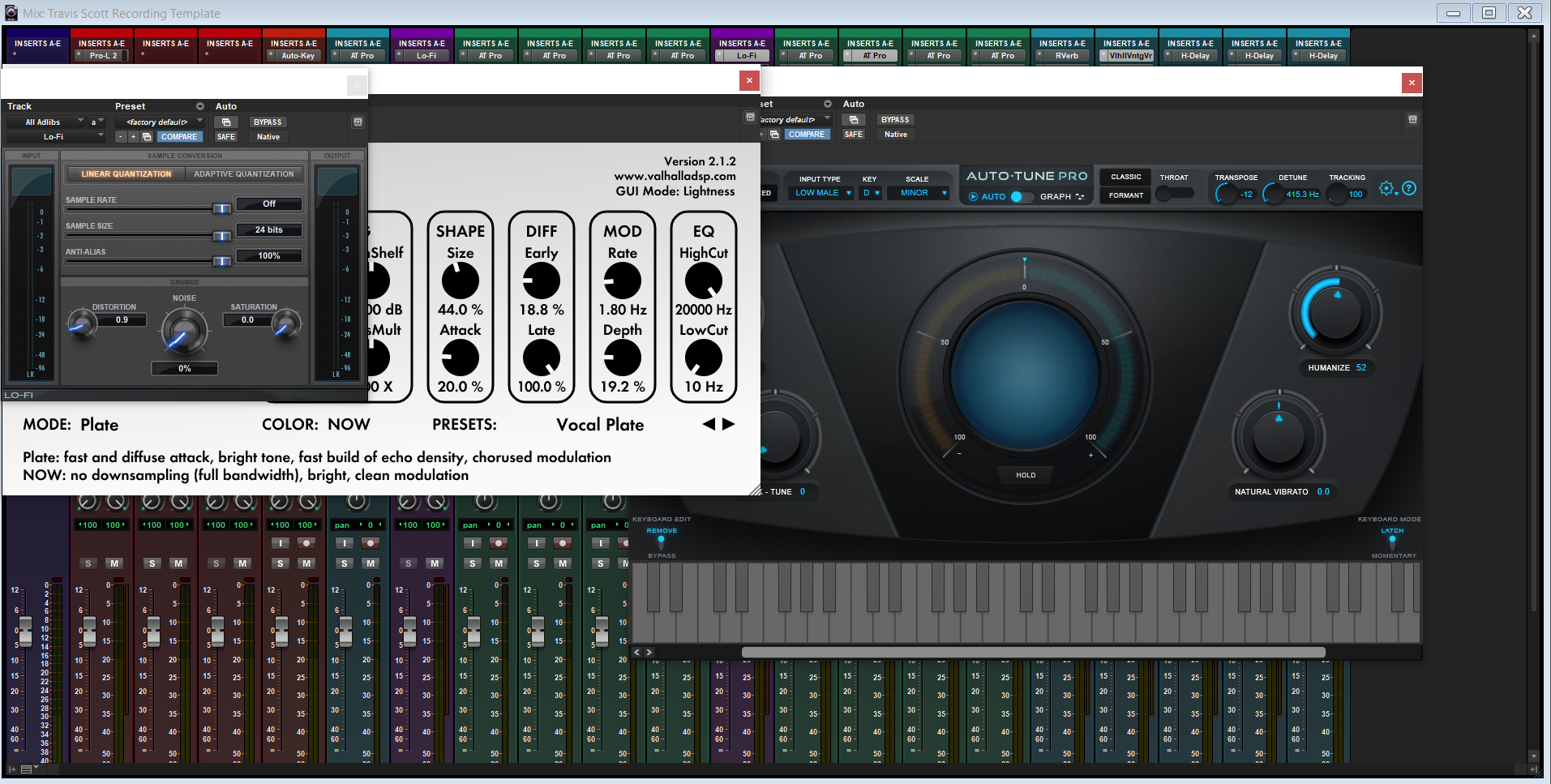
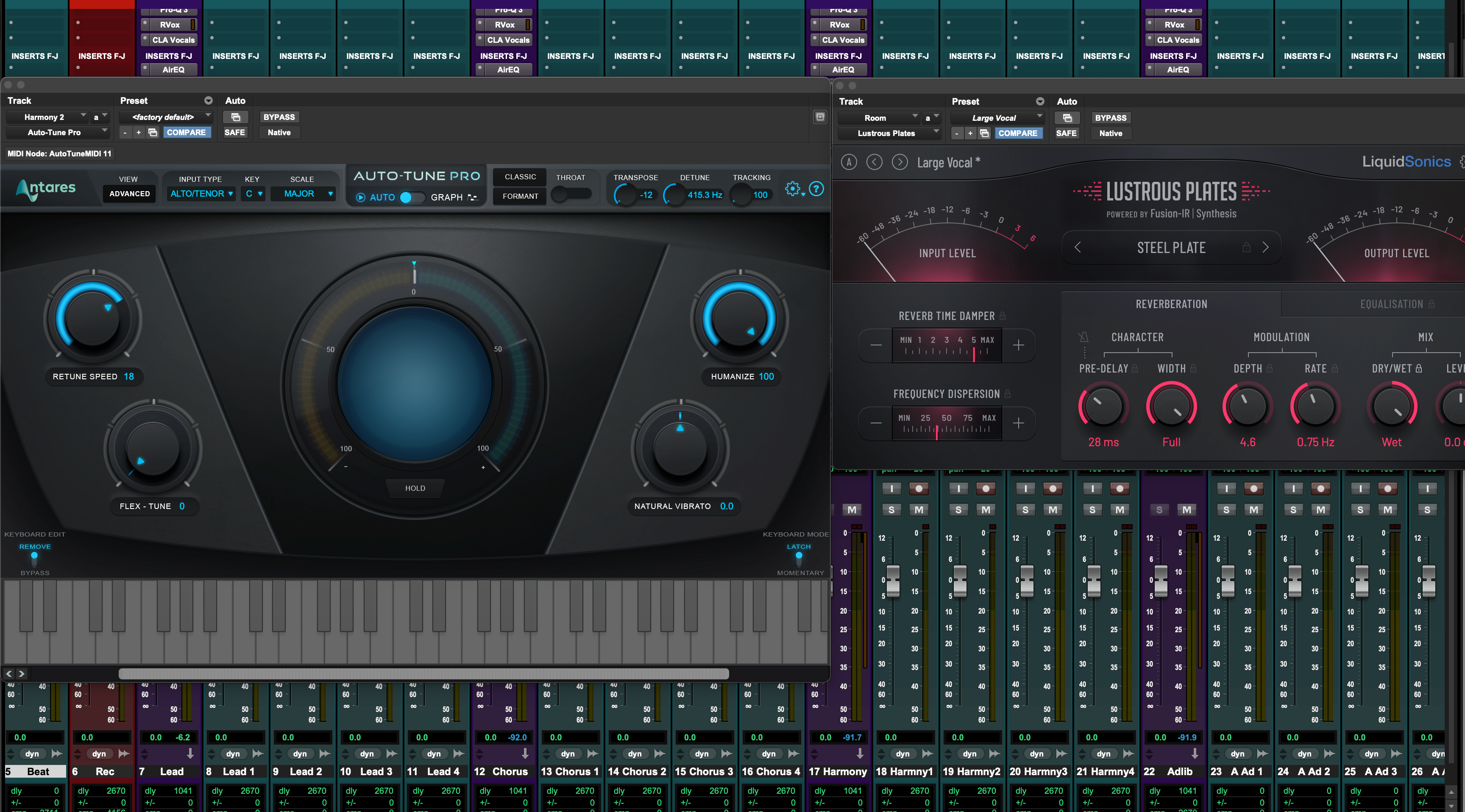
Inside the Session: Pro Tools Template Screenshots
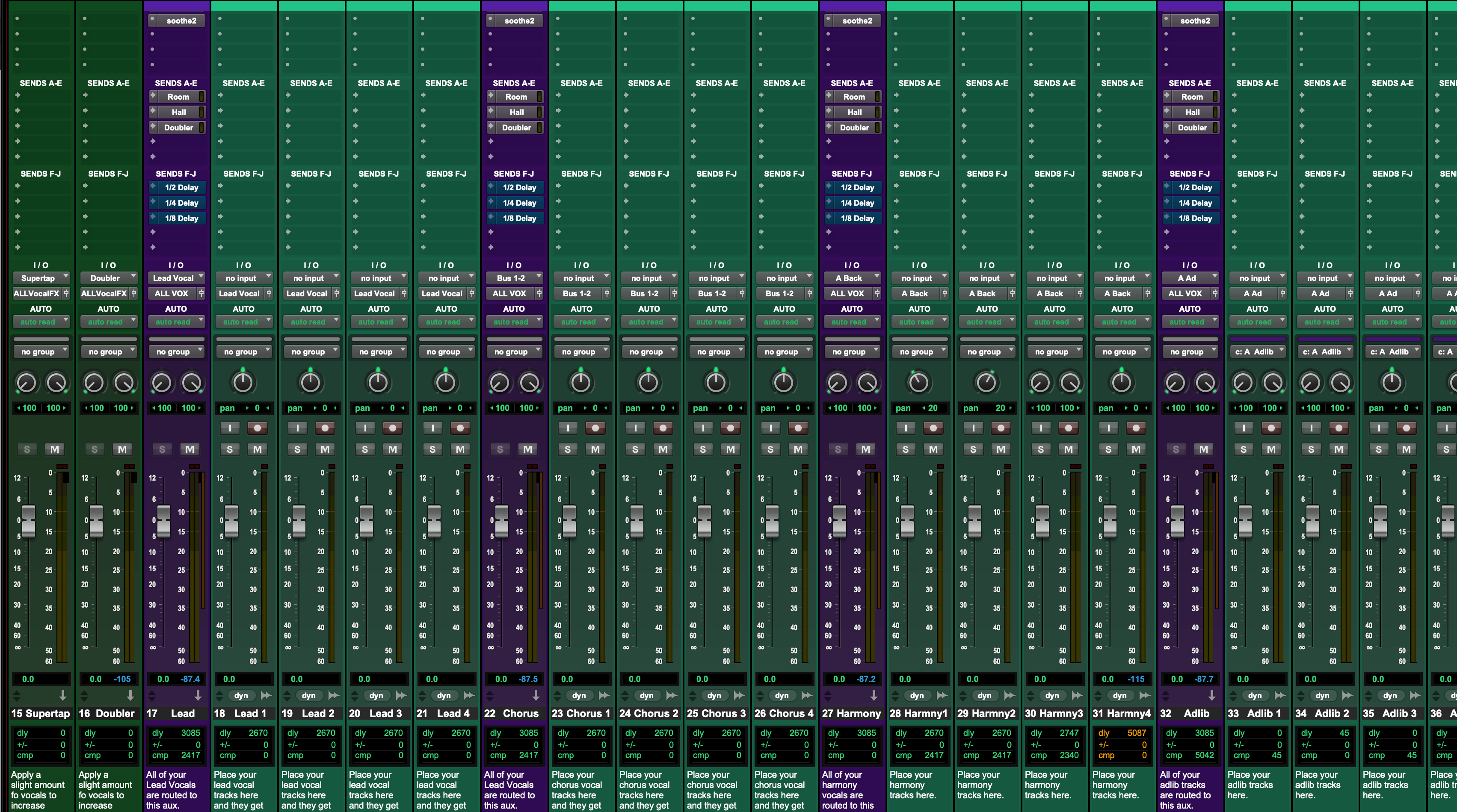
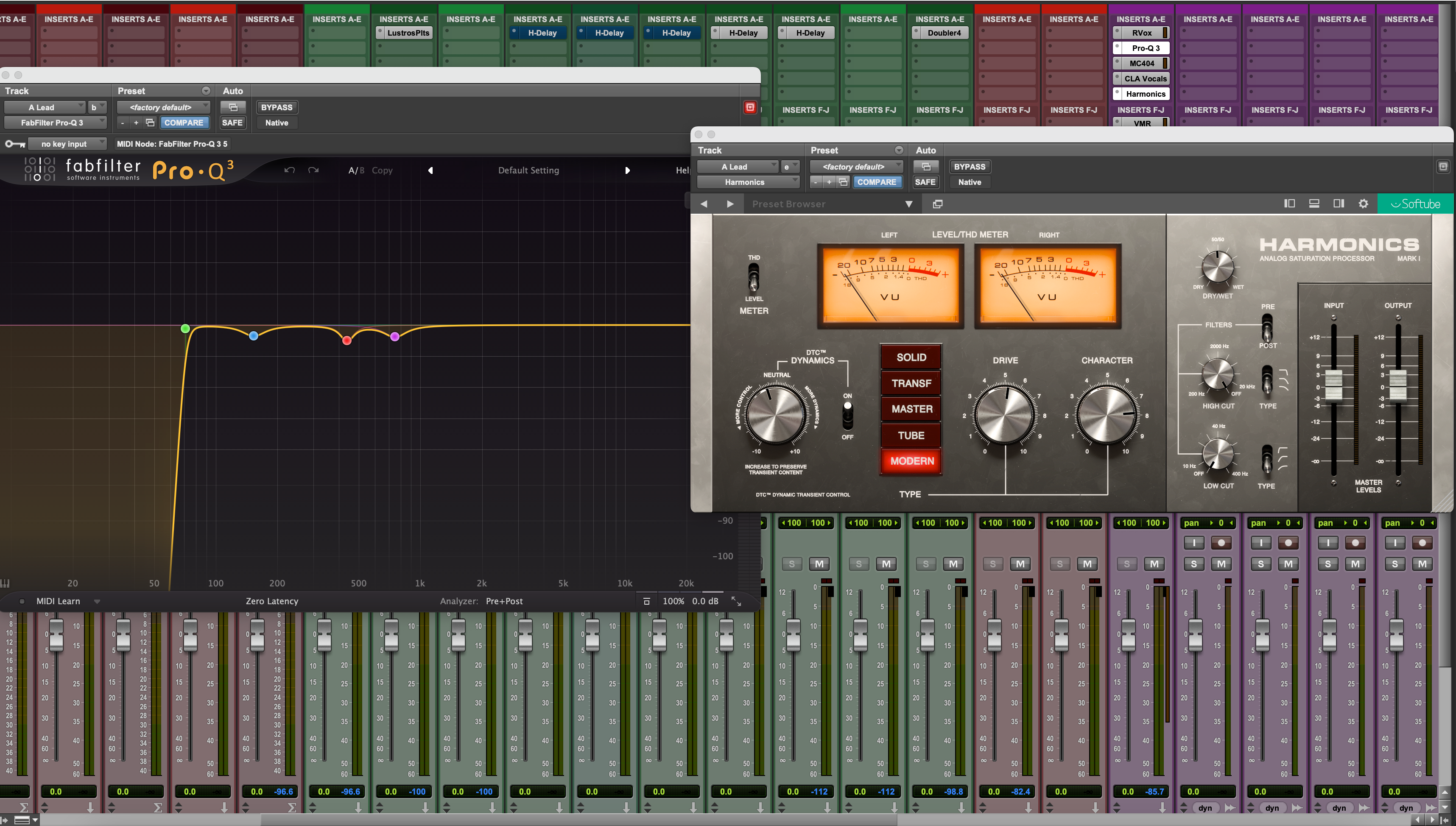
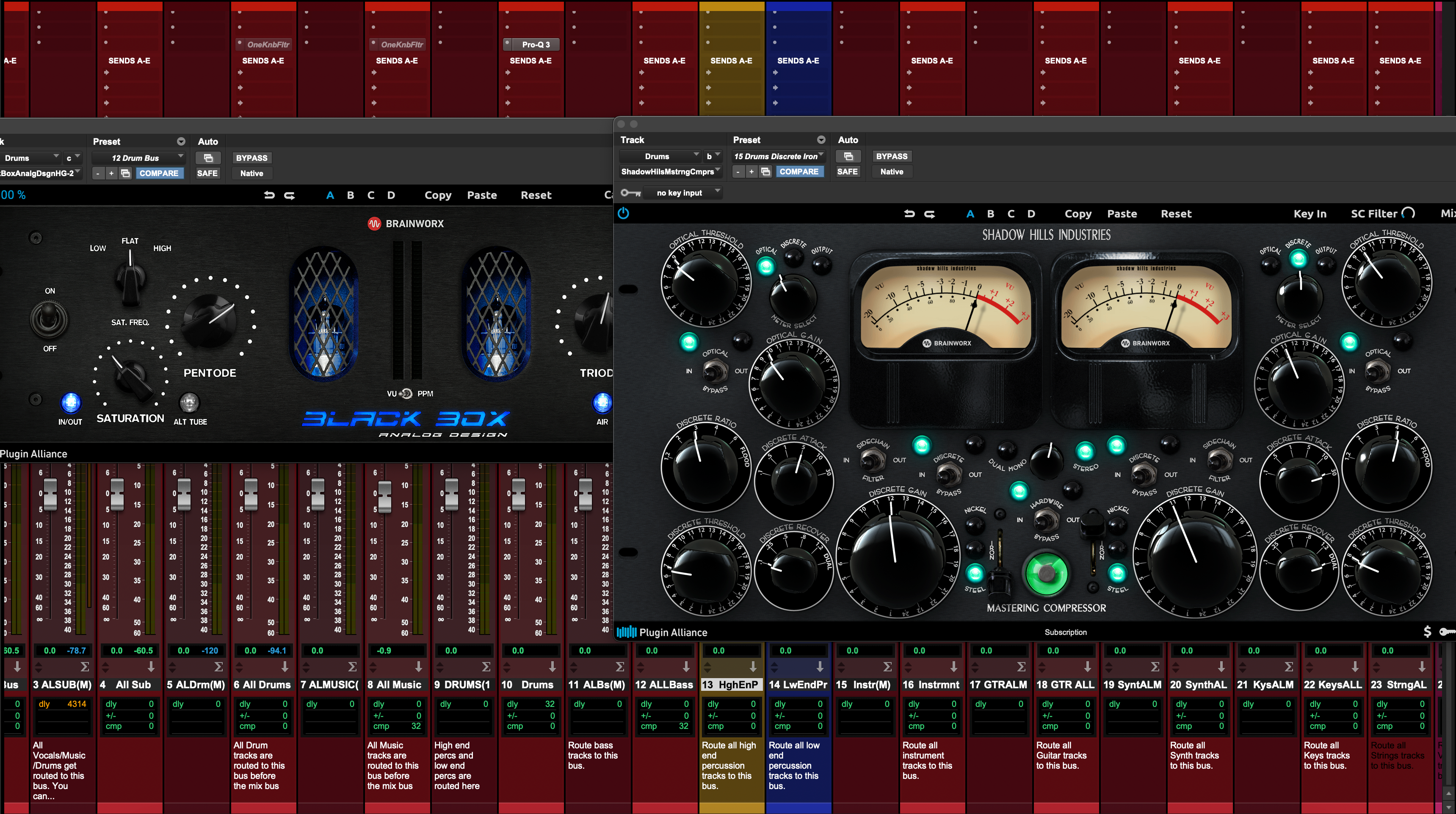
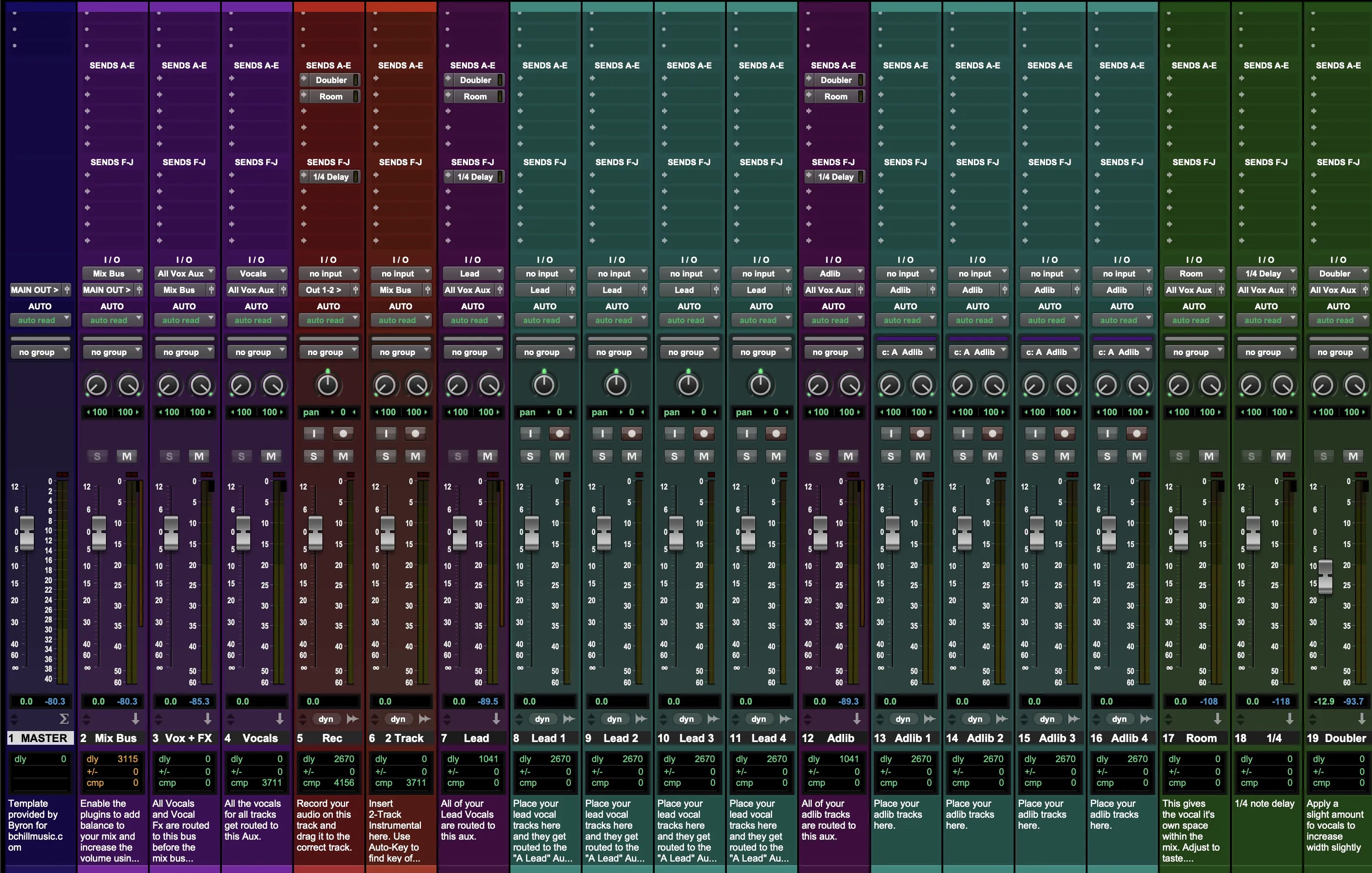
See how our templates load in Pro Tools—color-coded tracks, bus routing, sends, and channel inserts for recording, mixing, and mastering. Use these images as quick references while tracking, then tweak thresholds and sends to fit your mic and voice.