




Vocal Presets & Templates
Select your DAW below to browse Vocal Presets tailored for your setup.
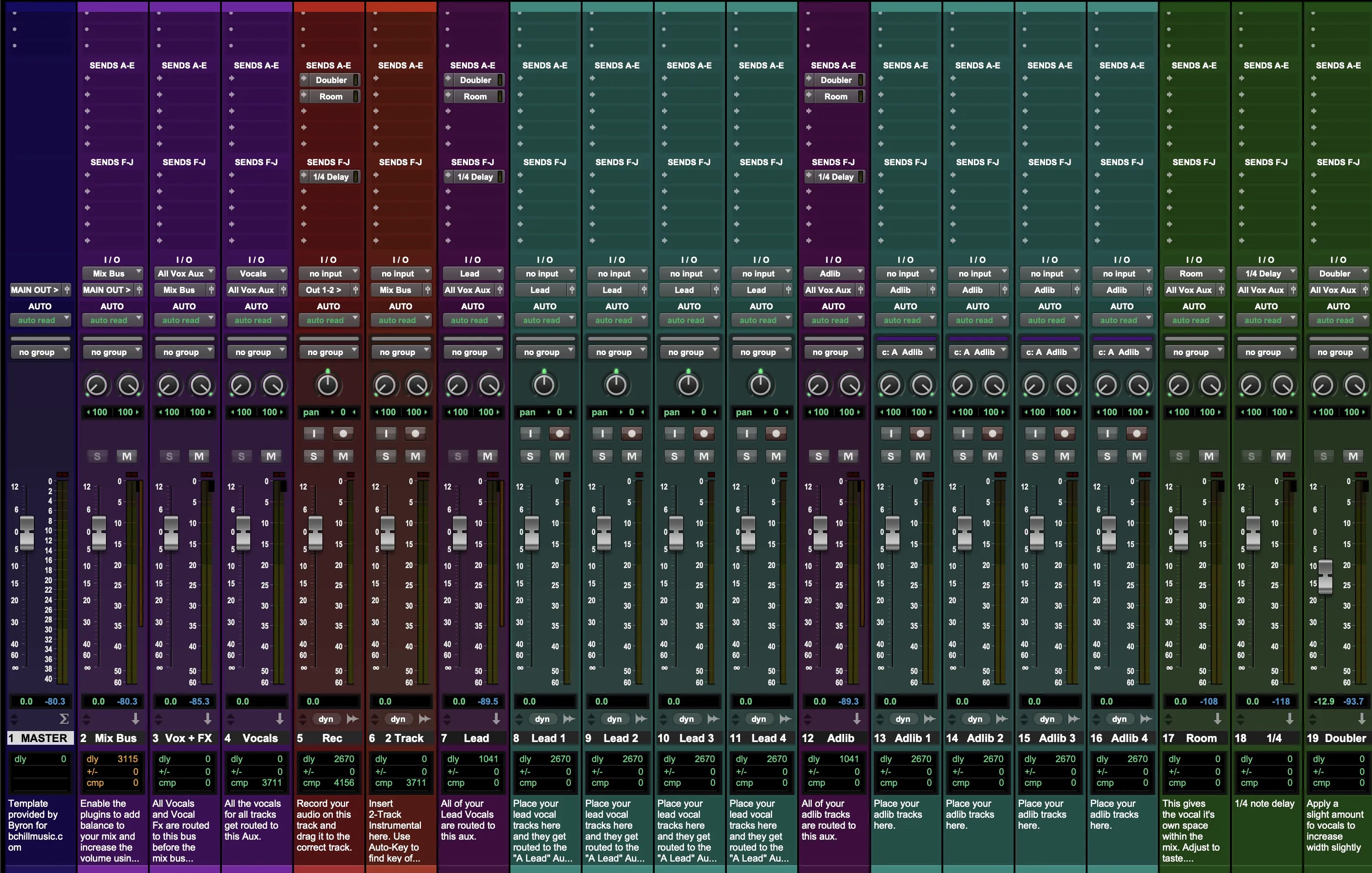
Type: Recording Template
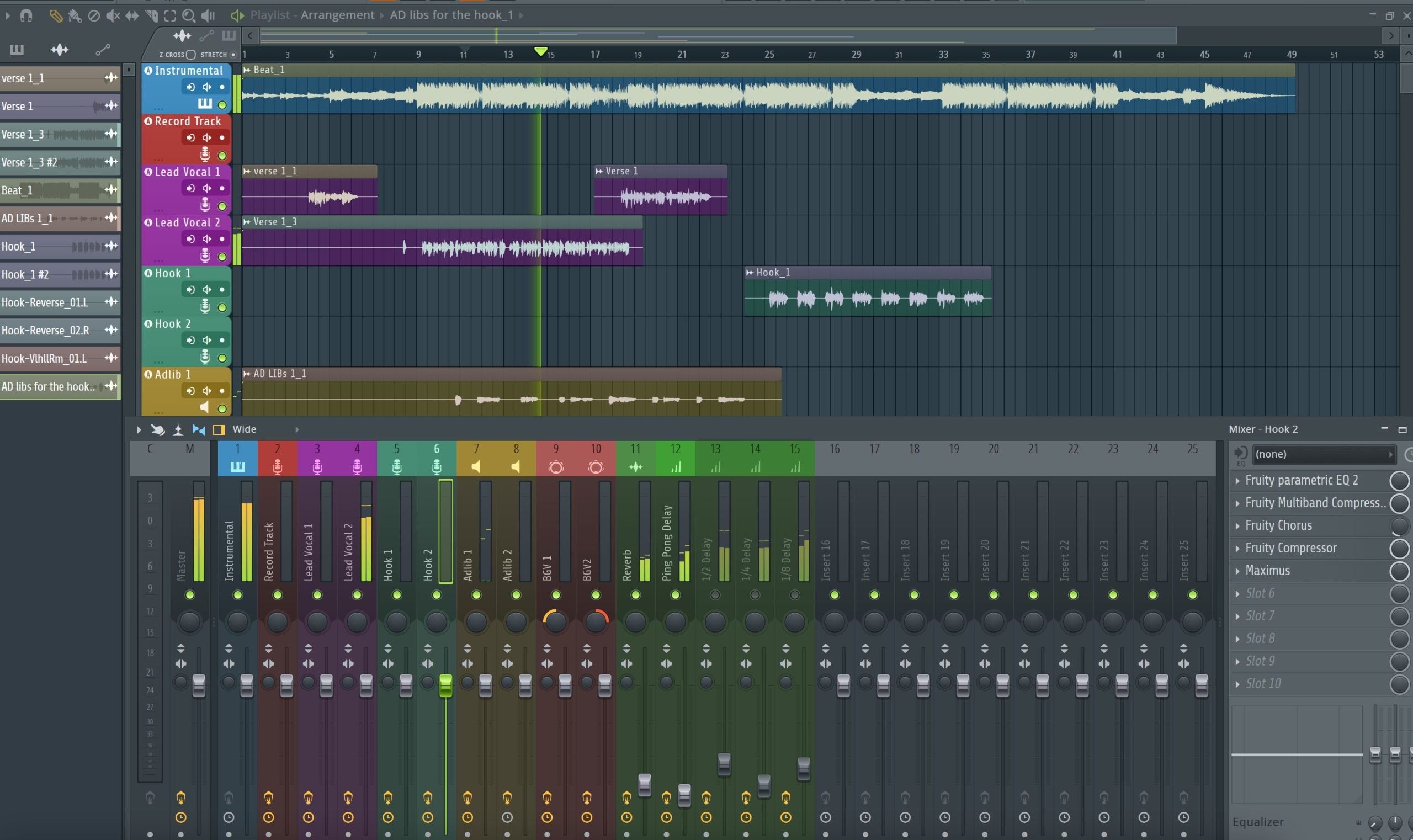
FL Studio Recording Template (Stock Plugins)
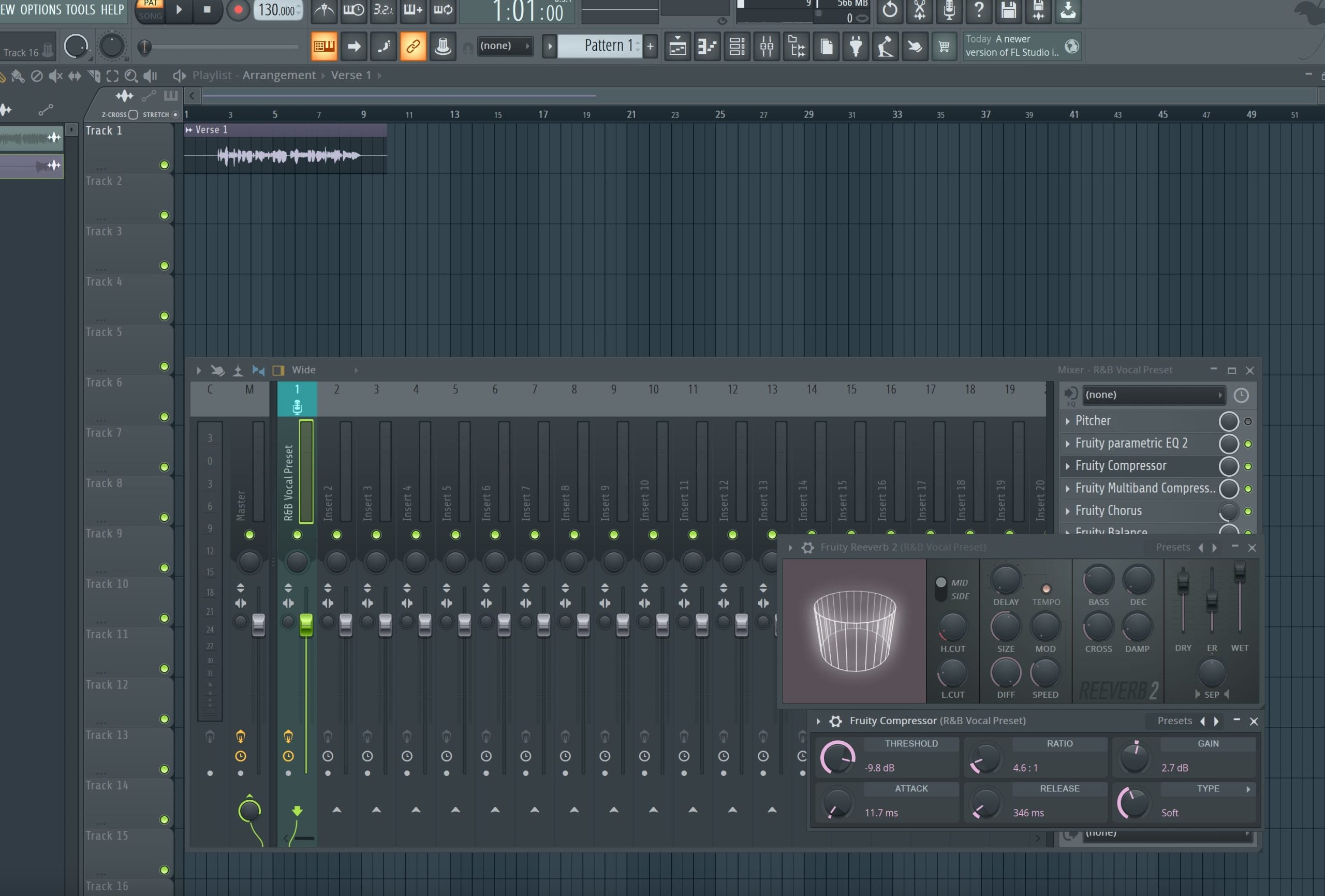
Type: Vocal Preset
R&B Vocal Preset FL Studio (Stock Plugins)
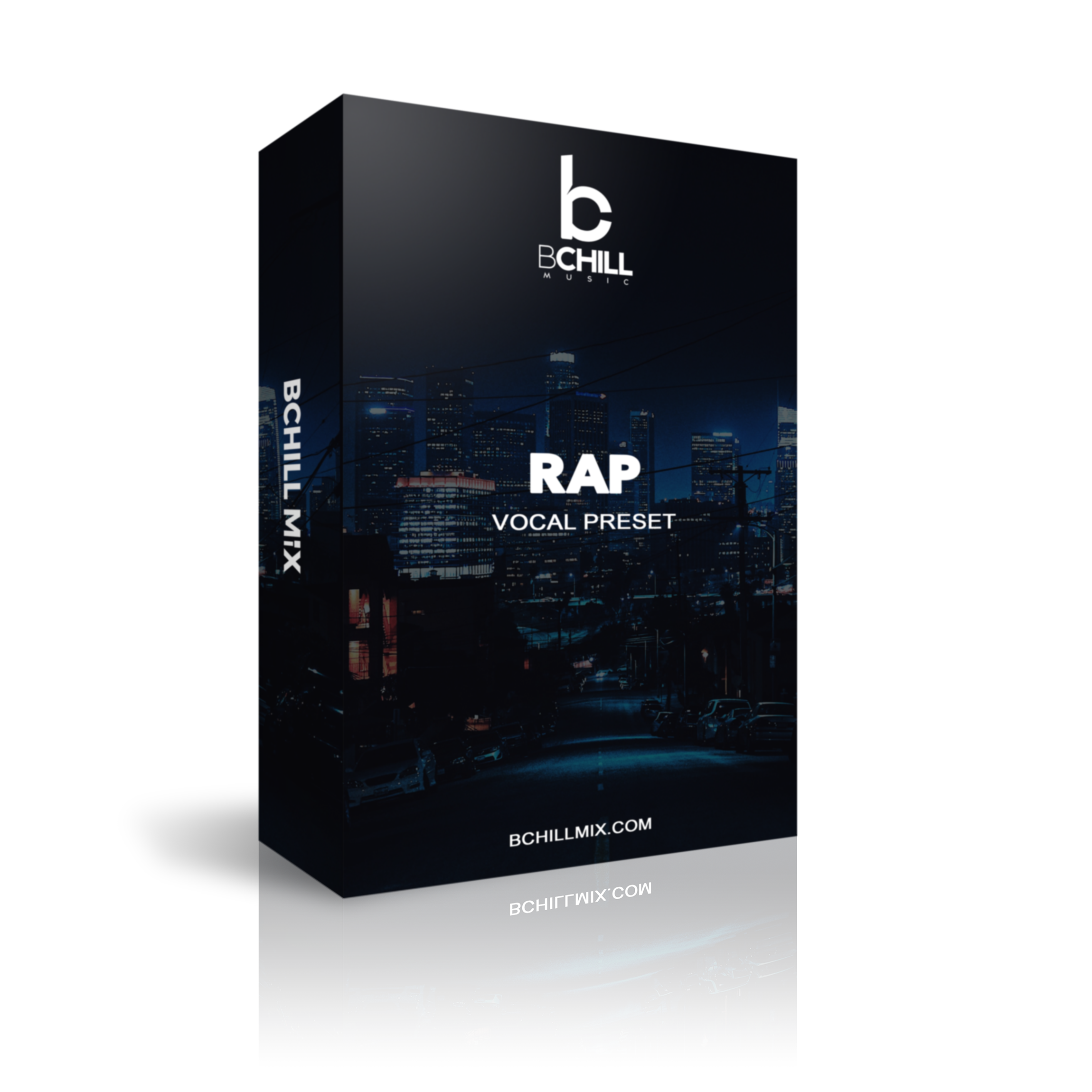
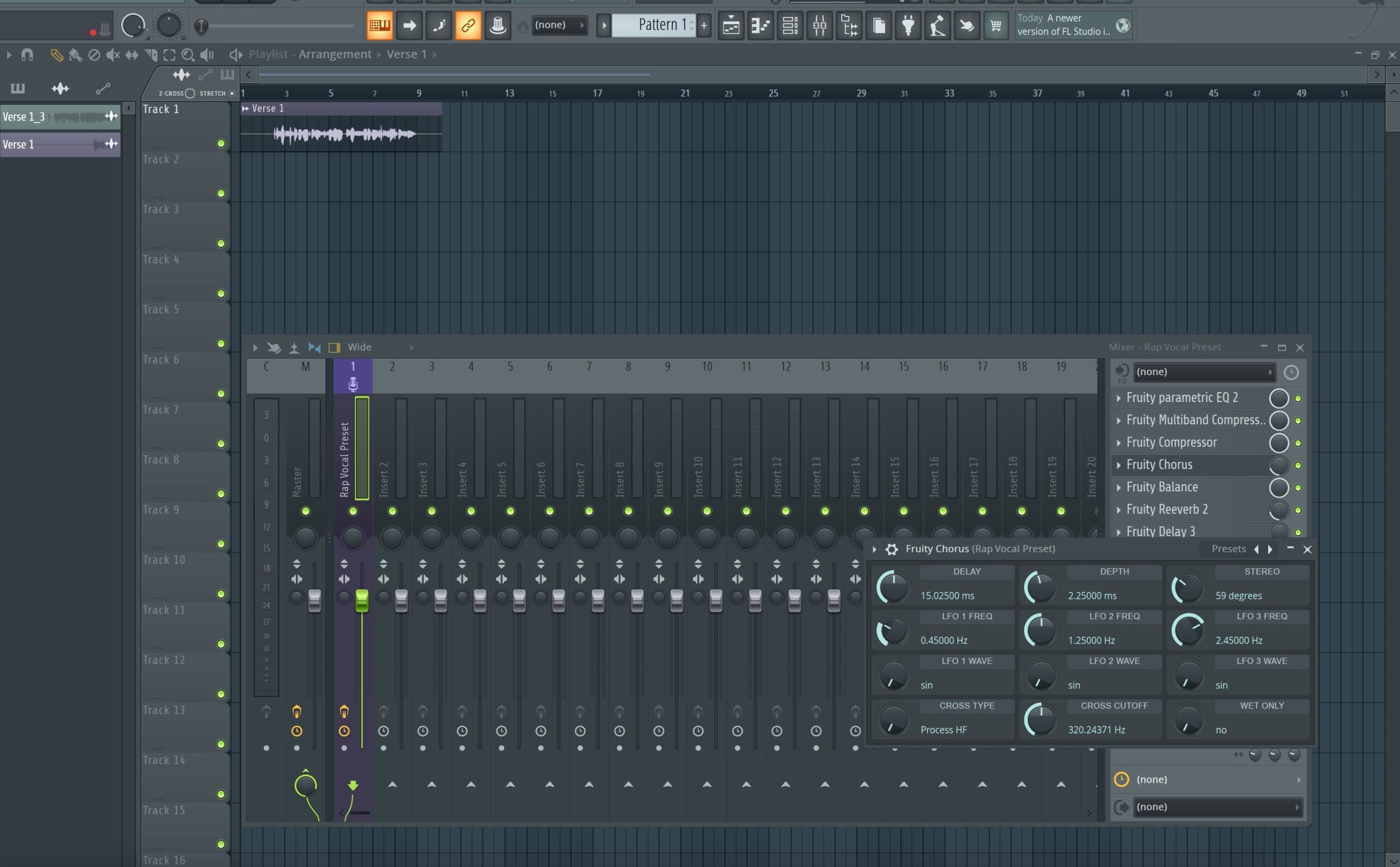
Type: Vocal Preset
Rap Vocal Preset for FL Studio (Stock Plugins)
Type: Vocal Preset
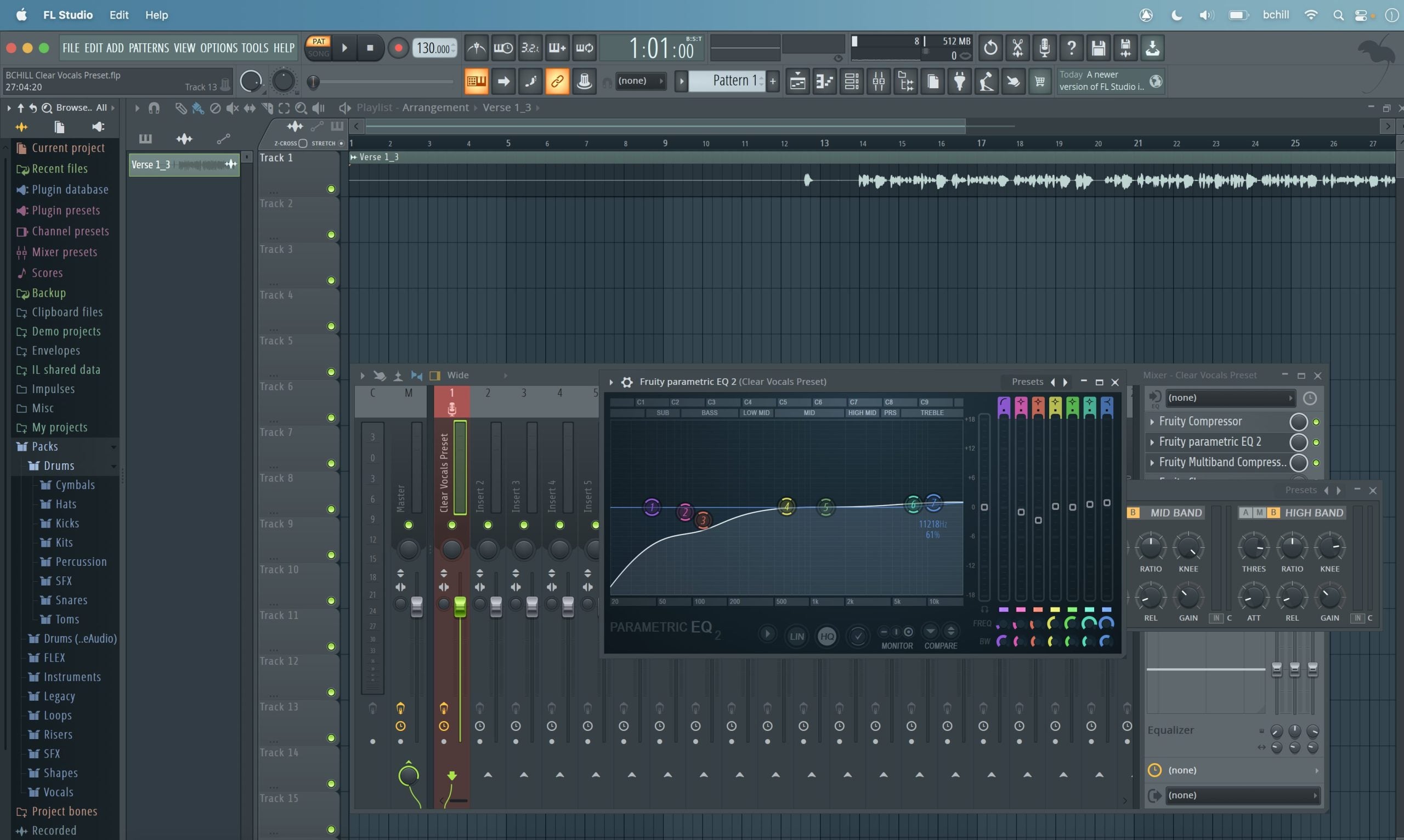
Clear Vocals Preset FL Studio (Stock Plugins)
Transform Your Session In Seconds
Instant Session Setup With Our Ready-to-Use Recording Templates & Vocal Presets.


Industry Credits

Westside Boogie

Shontelle

Jarren Benton

DJ Tunez

Vory

Caskey

Rittz

Nia Riley

Eugy

Q Parker
Listen to our Work
R&B
Before
After
Rap
Before
After
Pop
Before
After
Soul
Before
After
Rock
Before
After
Latin
Before
After
FAQ'S
What is the difference between a vocal preset and a recording template?
What is the difference between a vocal preset and a recording template?
A vocal preset is a ready-made effect chain for one vocal channel, while a recording template is a full DAW session with tracks, routing, buses, sends, and session organization already in place.
If you only need a faster vocal sound on one track, start with a preset. If you want the whole session built before the first take, a template is the better buy.
What do I get after I buy from this collection?
What do I get after I buy from this collection?
You receive digital preset or template files in the format listed on the product page, plus any included install notes or setup guidance for that DAW.
Each listing is meant to tell you whether you are buying a single vocal chain, a template, a stock-plugin version, or a premium version that needs outside plugins.
How fast do I receive the files after purchase?
How fast do I receive the files after purchase?
BCHILL MIX preset and template products are digital downloads, so the files are typically available immediately after checkout.
You should expect access from the checkout confirmation flow and the delivery email tied to the purchase.
How do I know which product matches my DAW?
How do I know which product matches my DAW?
Choose the collection that matches the exact software you record or mix in: FL Studio, Ableton, Logic Pro, Pro Tools, GarageBand, Cubase, Studio One, BandLab, Adobe Audition, or Ozone for mastering.
Preset formats are not universal, so buying the version built for your DAW is the key step that prevents compatibility issues.
Do I need third-party plugins for everything on this page?
Do I need third-party plugins for everything on this page?
No. Some products are stock-only and use the tools already included with the DAW, while premium options may require plugins such as Waves, FabFilter, Auto-Tune, or other third-party processors.
The product page should always be the final source for plugin requirements before purchase.
Are these products beginner-friendly?
Are these products beginner-friendly?
Yes. This page is especially useful for beginners because it cuts down the time spent guessing at plugin order, routing, and basic session setup.
More advanced users still benefit because the files are fully editable and can be reshaped into a personal workflow once loaded.
Can I customize the preset or template after I load it?
Can I customize the preset or template after I load it?
Yes. You can change EQ moves, compression strength, send levels, routing, buses, track names, colors, and any other part of the session once it is in your DAW.
The goal is to give you a proven starting point, not lock you into one sound forever.
Which DAWs are covered in this collection?
Which DAWs are covered in this collection?
This collection acts as the broad starting point for BCHILL MIX vocal presets, recording templates, stock templates, and Ozone mastering presets.
It is designed to help buyers quickly branch into the right DAW-specific page instead of guessing through the store product by product.
Should I start with a vocal preset or a template?
Should I start with a vocal preset or a template?
Start with a vocal preset if your main problem is getting one vocal channel to sound cleaner, tighter, and more finished.
Start with a template if you want the entire session structure ready before you record, especially if you regularly track leads, doubles, harmonies, ad-libs, and print stems.
What makes BCHILL MIX presets and templates better than starting from scratch?
What makes BCHILL MIX presets and templates better than starting from scratch?
They remove the slowest part of the process: rebuilding the same chain or routing every time you open a session.
Instead of starting from zero, you begin with a cleaner signal path, faster setup, more consistent results, and a clearer idea of how professional vocal sessions are organized.
Our Blogs

How to Mix Hip-Hop Beats and Vocals Together
A complete hip-hop mix workflow for making a vocal and beat feel like one record, including gain staging, pocket carving, compression, effects, and references.
Learn more
Mastering Limiter Settings: Loudness Without Distortion
A practical mastering limiter guide covering ceiling, true peak, gain reduction, oversampling, loudness judgment, low-end distortion, and export checks.
Learn more
Mono Compatibility Check: How to Test Your Mix
A step-by-step mono compatibility workflow for checking vocal clarity, low end, phase correlation, stereo wideners, effects, and mix translation.
Learn more